
Who your customers are, from your data provider
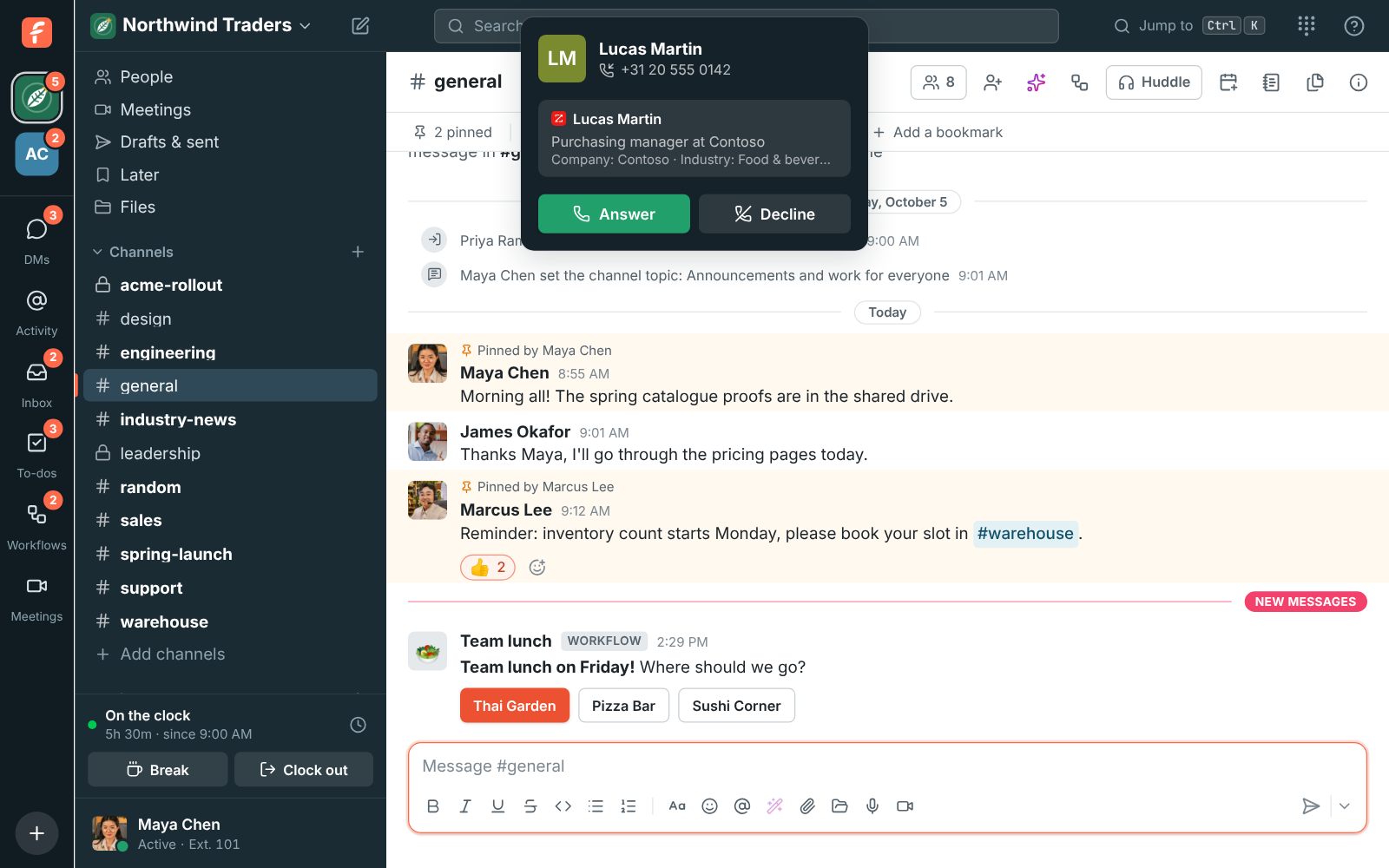
When someone you don’t know yet calls or writes in, Freesbe can ask the data provider your company already pays for who they are: their name, job title, company, industry, company size, location and LinkedIn profile. It shows what it finds on a card next to the conversation, and on the call while it rings.
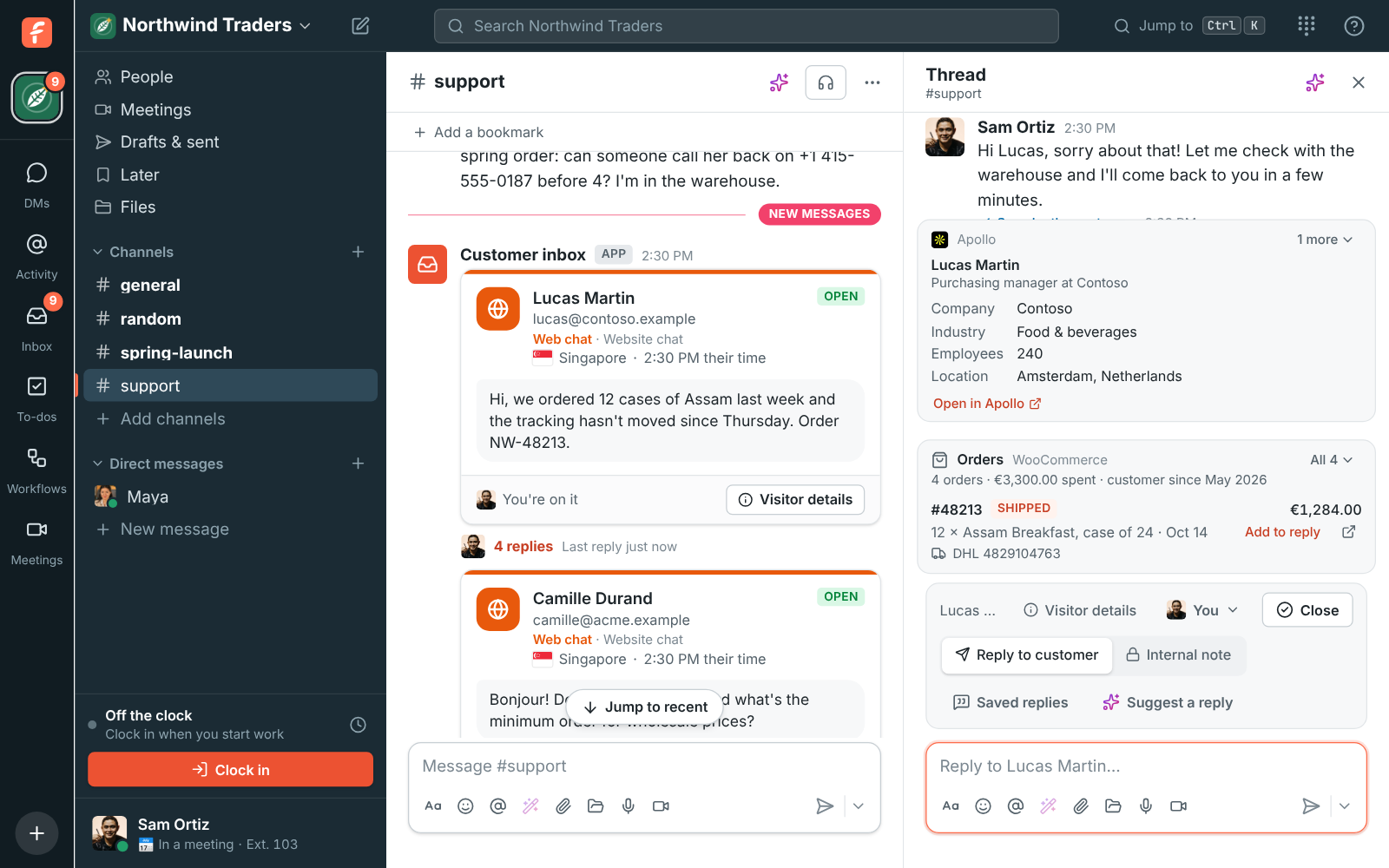
Freesbe works with Apollo, ZoomInfo, People Data Labs and Lusha. You connect your own account with its API key, and lookups use your account’s credits at your provider’s prices. Freesbe doesn’t charge for them.
Connect a provider
Section titled “Connect a provider”You need to be a Freesbe owner or admin.
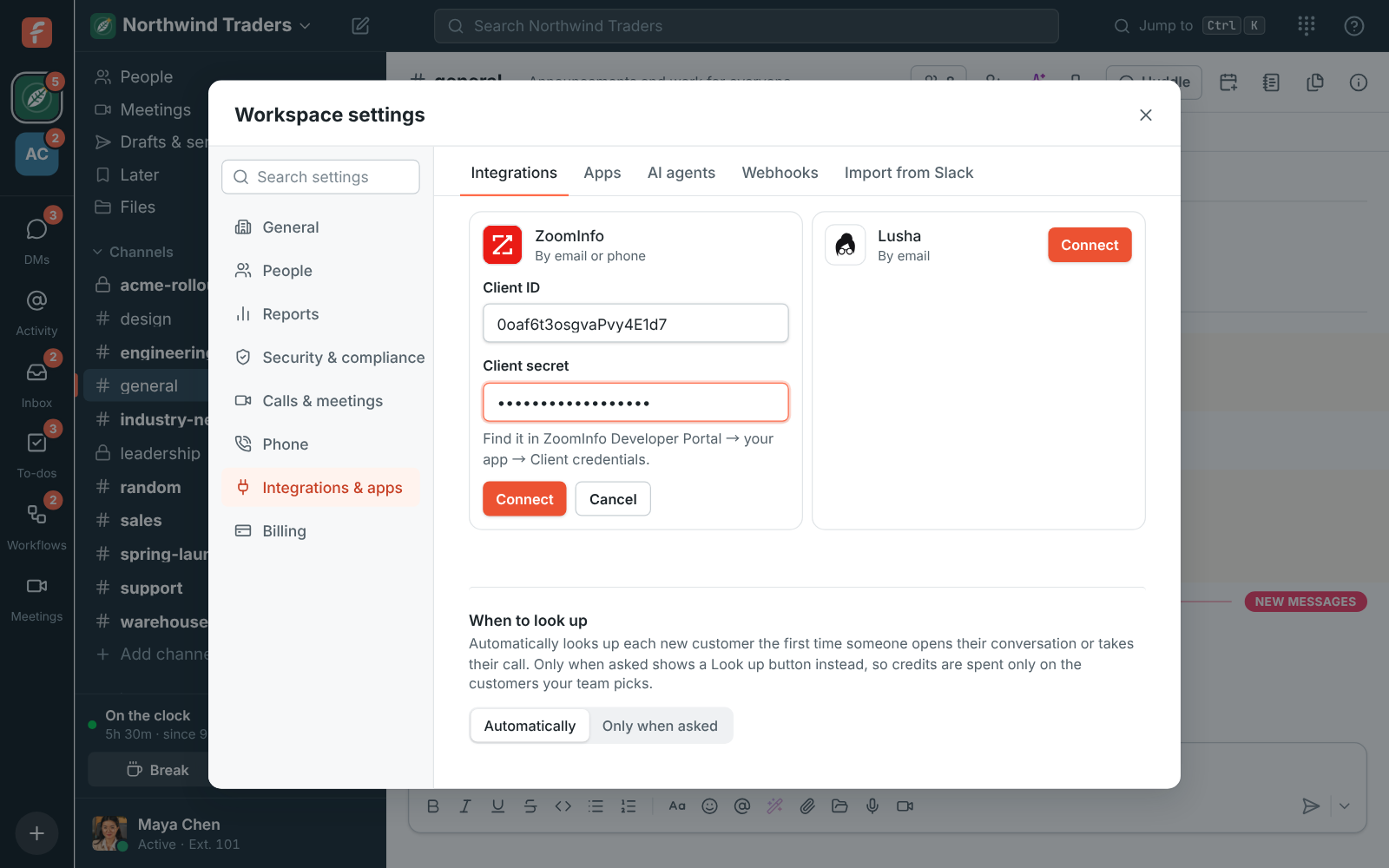
- Open Workspace settings → Integrations & apps → Integrations → Data enrichment.
- Click Connect next to your provider.
- Paste its key (for ZoomInfo, the Client ID and Client secret) and click Connect. Freesbe checks the key with the provider before saving it, and never shows it again.
Each provider’s how-to says where to find its key: Apollo, ZoomInfo, People Data Labs, Lusha.
How people are found
Section titled “How people are found”- Customer inbox conversations (email, web chat, text messages, WhatsApp and the rest): by the customer’s email address.
- Calls: by the caller’s number, with ZoomInfo and People Data Labs. Apollo and Lusha only look people up by email address.
- When the provider doesn’t know the person but they wrote from a company address, Freesbe asks about the company instead, and the card says Company. Addresses at webmail services such as gmail.com are never looked up as a company.
Freesbe only asks for work details. It never asks for personal email addresses or phone numbers, which most providers charge extra for.
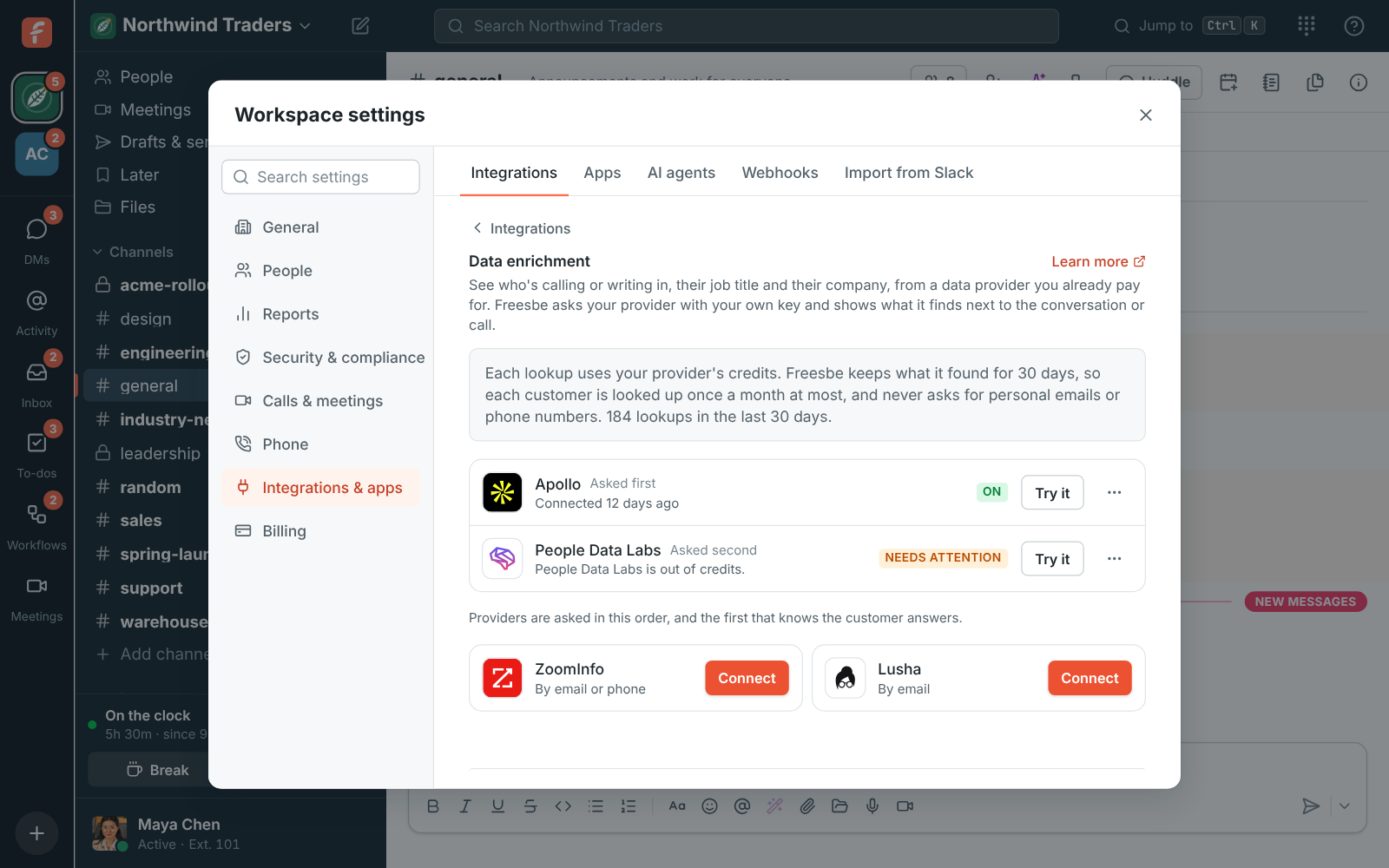
When you connect more than one provider, they’re asked in the order on the list, and the first that knows the customer answers. Choose ⋯ → Ask earlier or Ask later to change the order, for example to ask the cheaper provider first.
Credits
Section titled “Credits”Each lookup uses one of your provider’s credits. To keep that low:
- Freesbe keeps what it found for 30 days, and shares it with everyone in the workspace. A customer who calls ten times this month, or whose conversation five people open, is looked up once.
- When no provider knows someone, Freesbe waits 7 days before asking about them again.
- A workspace looks up at most 500 new customers a day.
Lookups in the last 30 days on the Data enrichment screen shows how many your workspace has used.
Look up only when asked
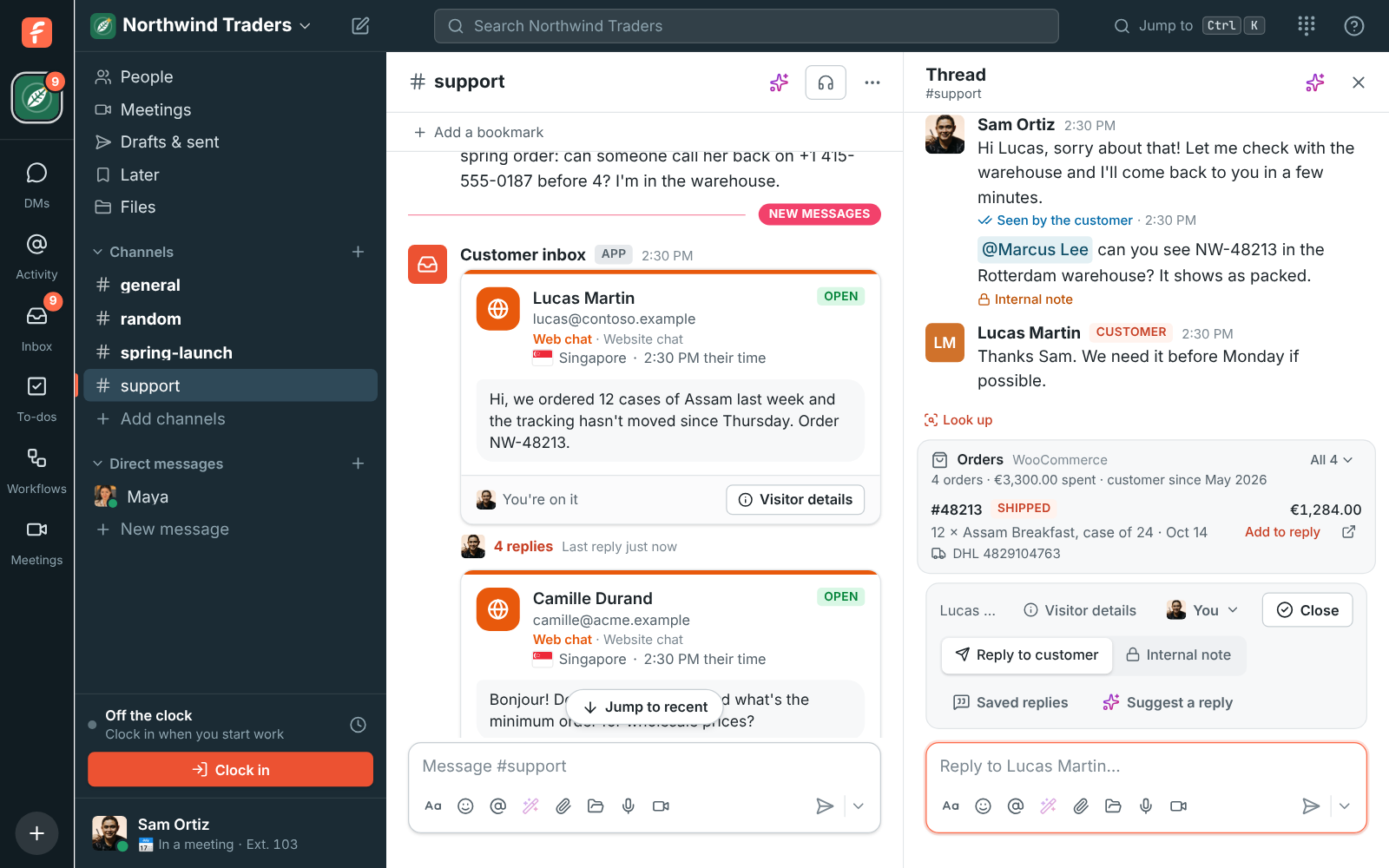
Section titled “Look up only when asked”Under When to look up, Automatically looks up each new customer the first time someone opens their conversation or takes their call. Pick Only when asked and the customer card shows a Look up button instead, so credits are spent only on the customers your team picks. Customers already looked up still show their card without a click.
Try it
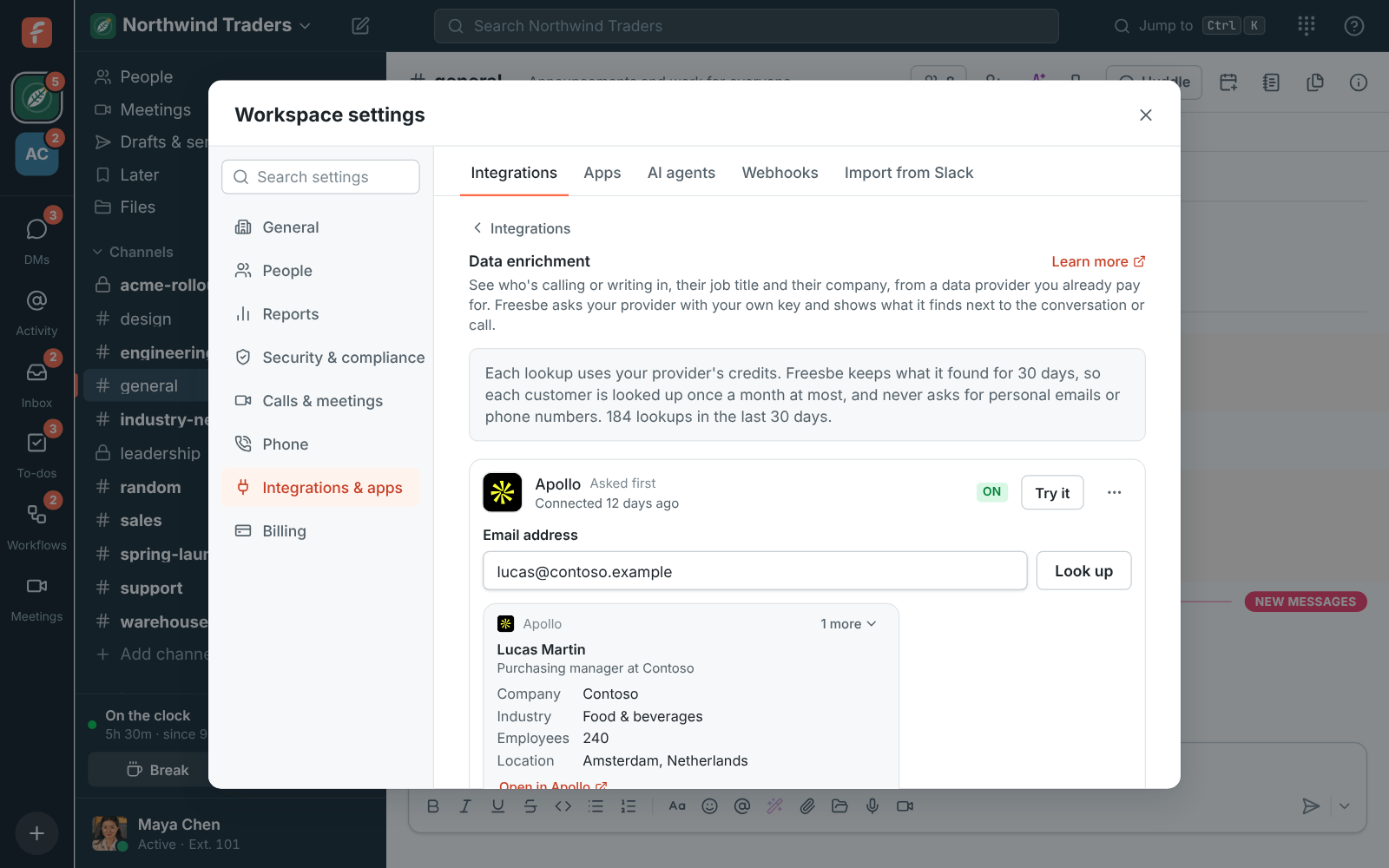
Section titled “Try it”Choose Try it next to a provider, type an email address or a phone number and click Look up to see the card your team would see, or what went wrong. A try uses a credit too.
If something’s wrong
Section titled “If something’s wrong”- A provider says Needs attention. It couldn’t answer last time, and the screen says why: it’s out of credits, it asked Freesbe to slow down, or it didn’t answer in time. Freesbe keeps asking it, and asks the next provider meanwhile. Add credits at the provider and it picks up again.
- A provider says Not working. The provider turned the key down, often because it was regenerated or the account was closed. Freesbe stops asking it until you choose ⋯ → Change key and paste a new one.
- No card for a customer. Your providers may not know them, or they wrote from a webmail address the provider doesn’t know. On calls, only ZoomInfo and People Data Labs can look up a number. Use Try it to check.
Disconnect
Section titled “Disconnect”Choose ⋯ → Disconnect. Freesbe stops asking that provider, and what it found about your customers is deleted. To be sure the key can’t be used again, delete it at the provider too.
Related
Section titled “Related”- Who’s calling, from your CRM: cards from the CRMs you’ve connected show above the data provider’s card.
- Customer inbox
Answers come from the Freesbe guides and are written by AI, so check the linked guide before relying on one. Please don't include personal details such as emails or passwords.