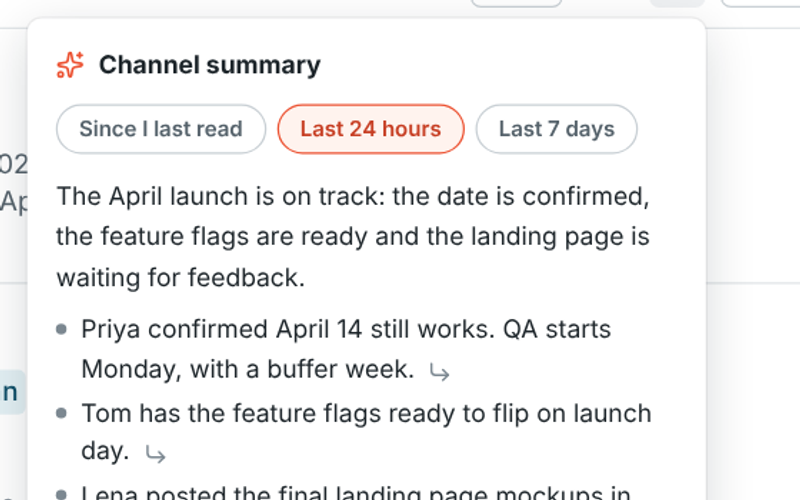
Channel summaries
Back from a day off? Get the last day, the last week or everything since you last read a channel in a few lines, with links to the messages behind each point.
All features
Freesbe is team chat, voice and video calls, meetings and a business phone line in one app, with AI that summarizes, translates, polishes your writing and takes meeting notes. Built for support and sales teams, it runs in the browser, on your computer and on your phone. Here is every feature, with the guide that shows how it works.
AI is built into chat, calls and meetings, so nobody has to scroll back, translate by hand or take notes.
Back from a day off? Get the last day, the last week or everything since you last read a channel in a few lines, with links to the messages behind each point.
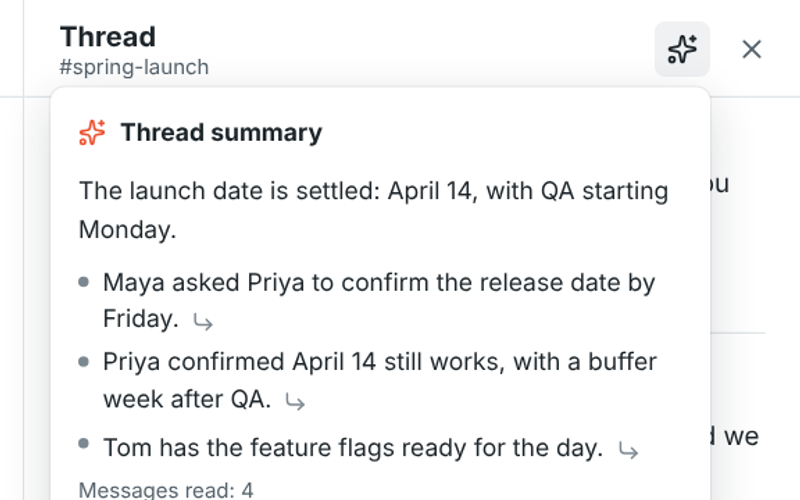
Join a long thread late and read what was decided in a few lines before you reply.
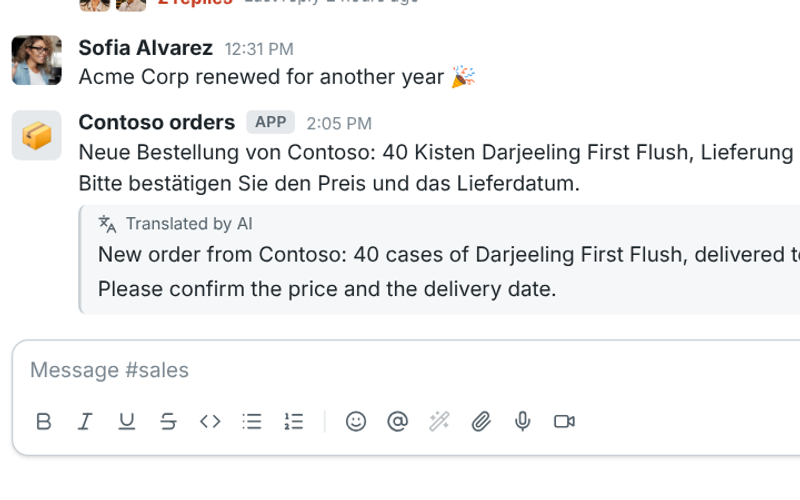
A customer wrote in German? Read it in your own language, right under the original.
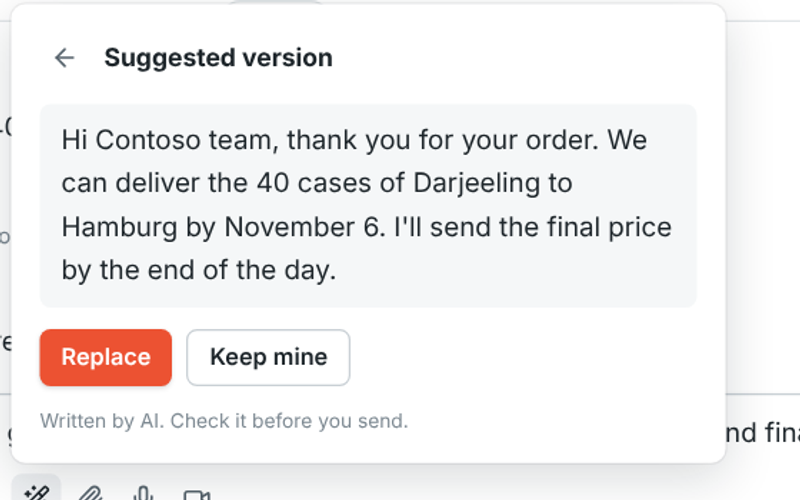
Turn a rushed reply into a clear, friendly one before you send it. Keep the suggestion or keep yours.
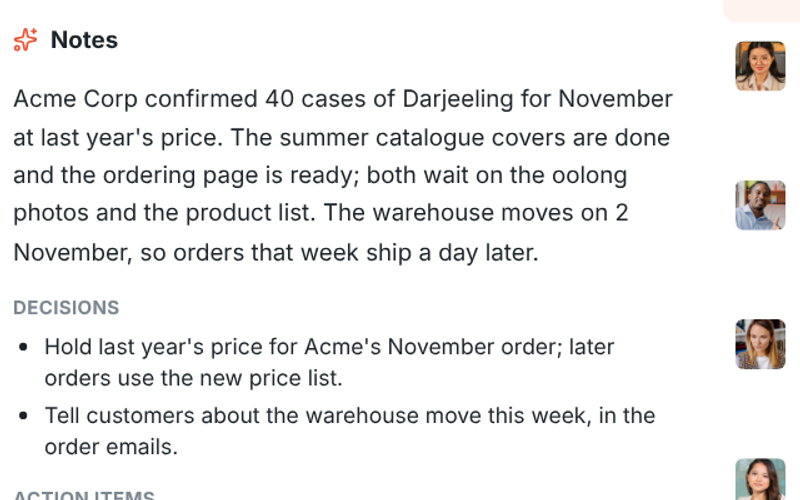
Record or transcribe a huddle or meeting and get who said what, a summary, decisions and action items with owners.
Channels, DMs and threads for your team, and a safe place to talk with customers.
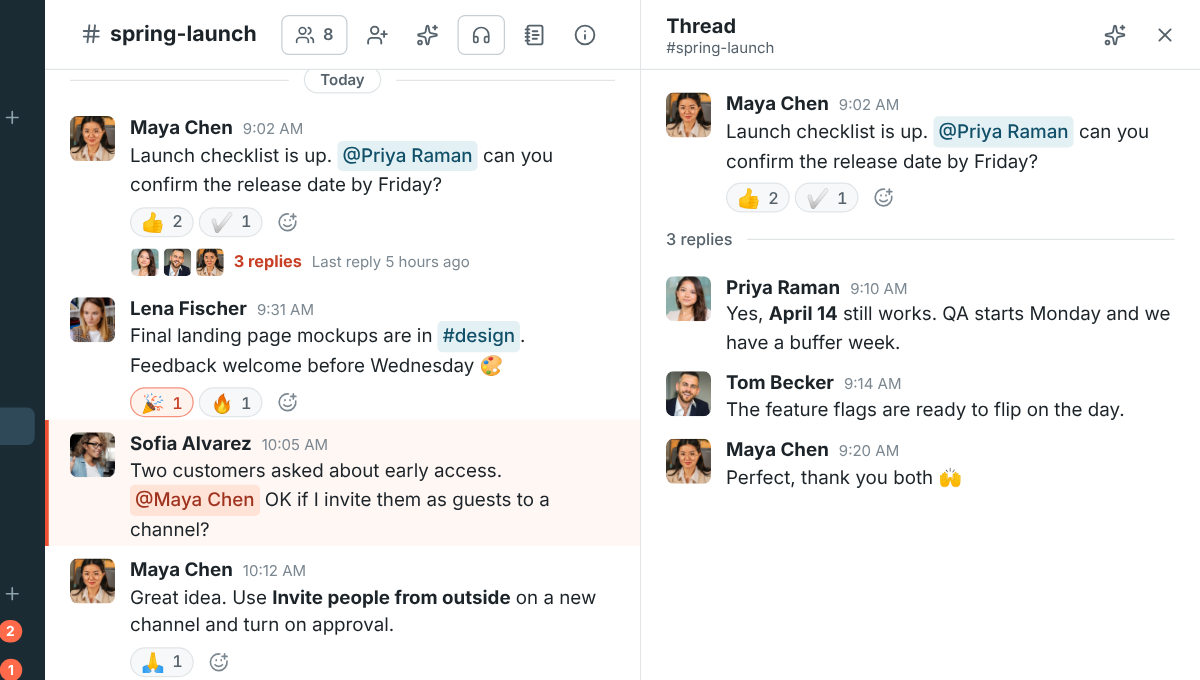
A channel for every team, topic and customer. Reply in a thread to keep the channel readable.
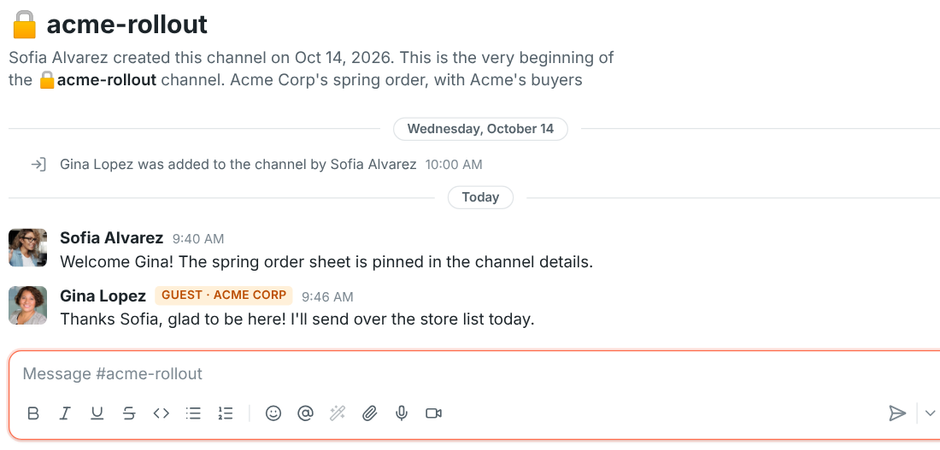
Invite clients and partners into one channel. They see that channel and its people, nothing else.
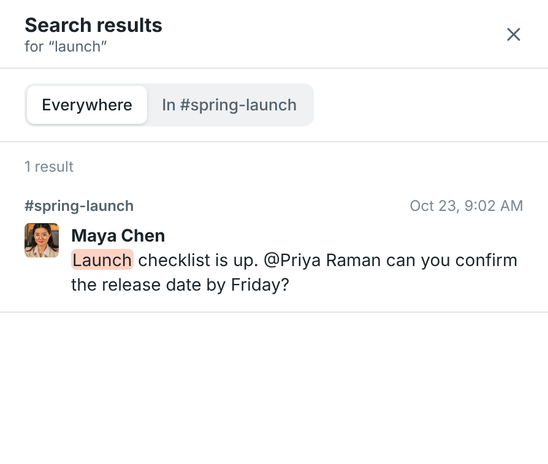
Find any message you can see, by any part of a word, across the workspace or in one channel.
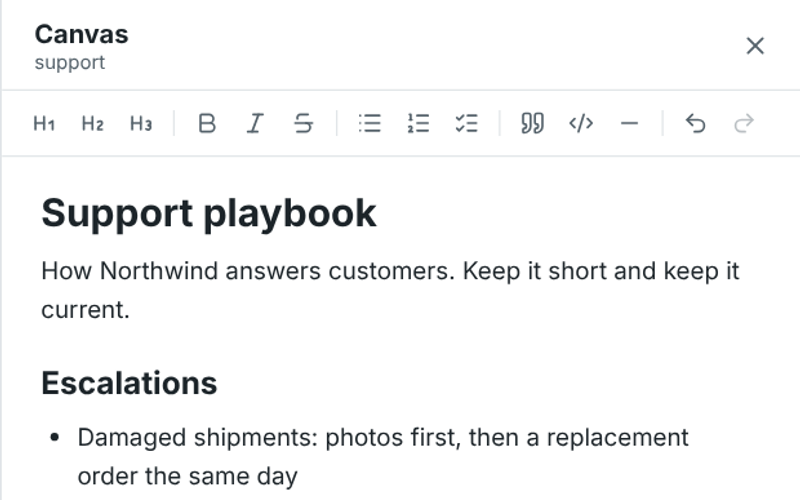
A shared document in every channel and DM for playbooks, FAQs and notes, edited together as you chat.
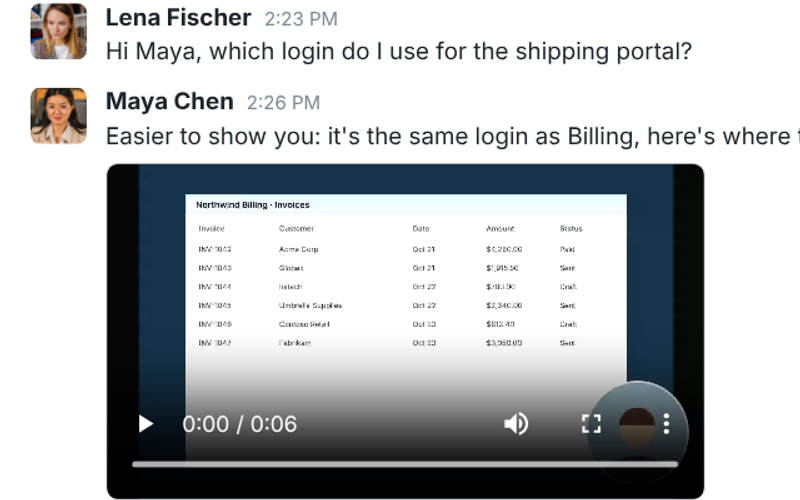
Show instead of type: record your voice, your camera or your screen and send it as a message.
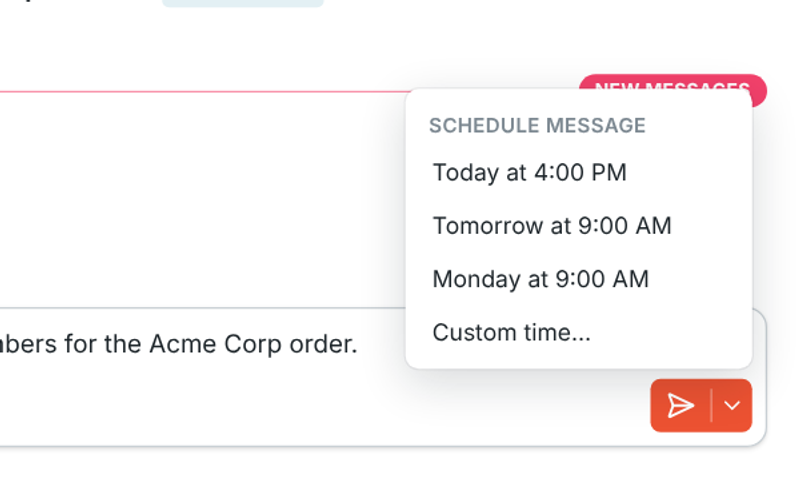
Write it now and send it later: tomorrow morning, Monday, or any date and time you pick.
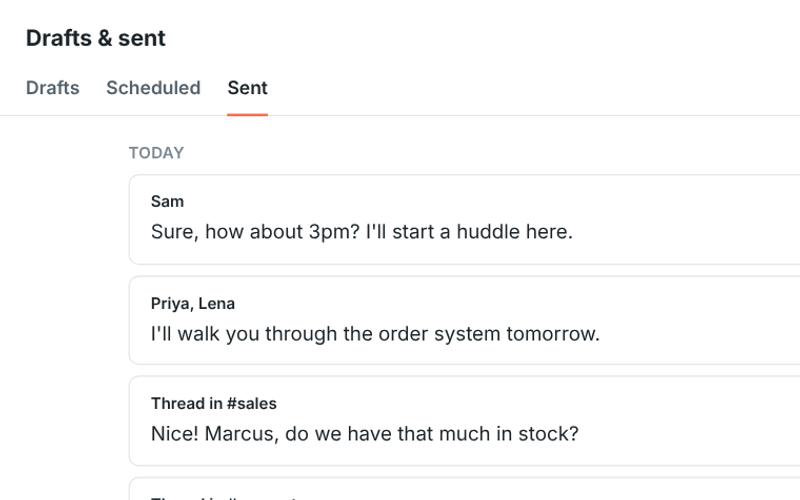
Every unsent message is saved as a draft, and one page shows your drafts, scheduled and sent messages.
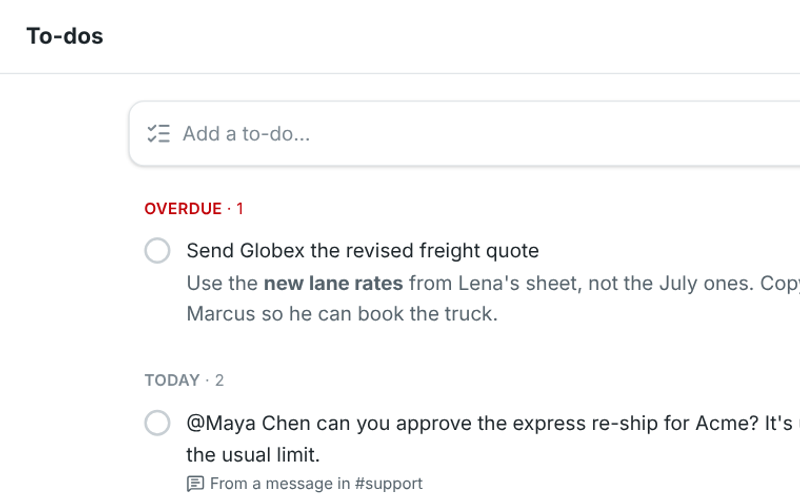
Mentions and replies in one list, and a to-do list you can fill straight from messages.
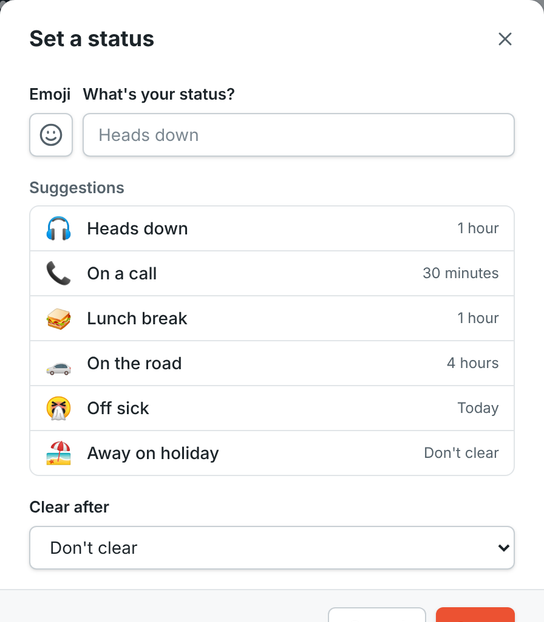
On a call for an hour, off sick until tomorrow. Freesbe puts your status back when the time is up.
Talk the moment chat isn't enough, with your team or with customers in their browser.
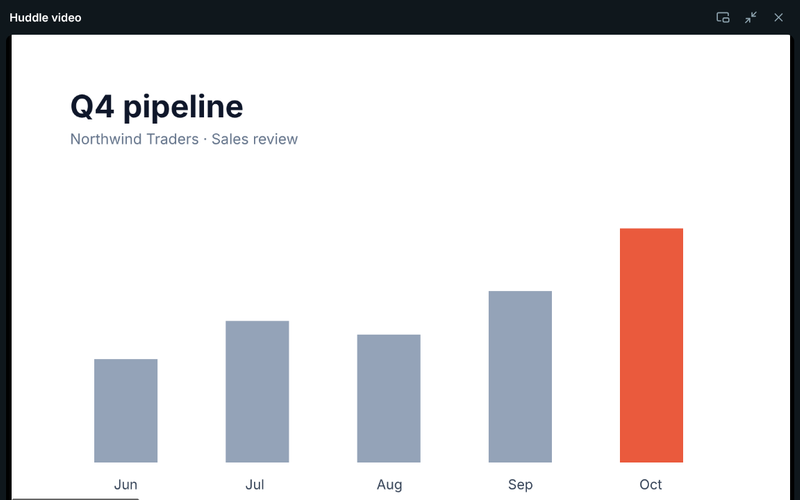
Start a voice or video call in any channel or DM, share your screen and keep chatting while you talk.

Start a huddle in a DM and it rings the other person on their laptop, browser and phone at once.
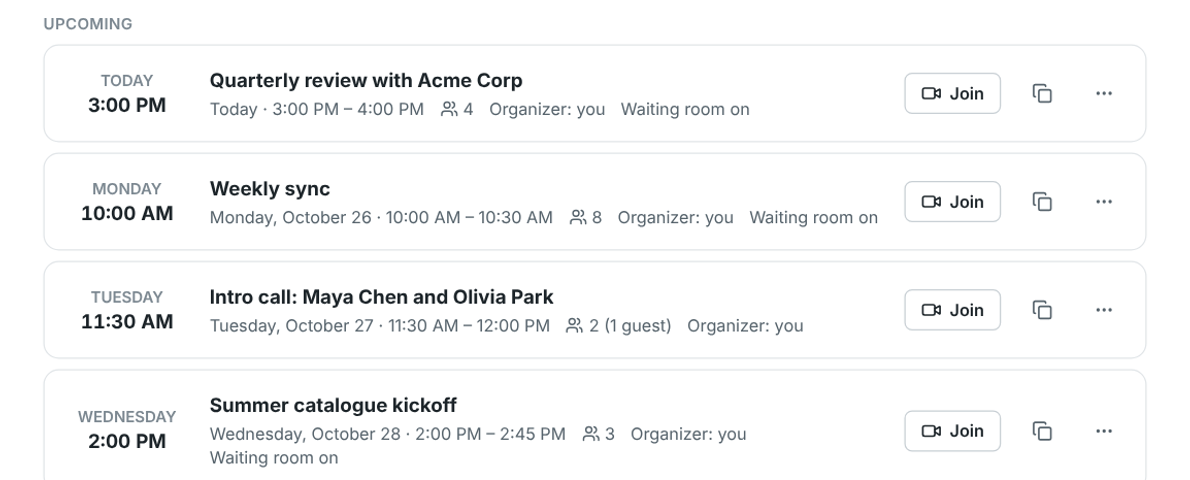
Schedule a call, email invites with a calendar file, and let guests in from the browser, no download needed.
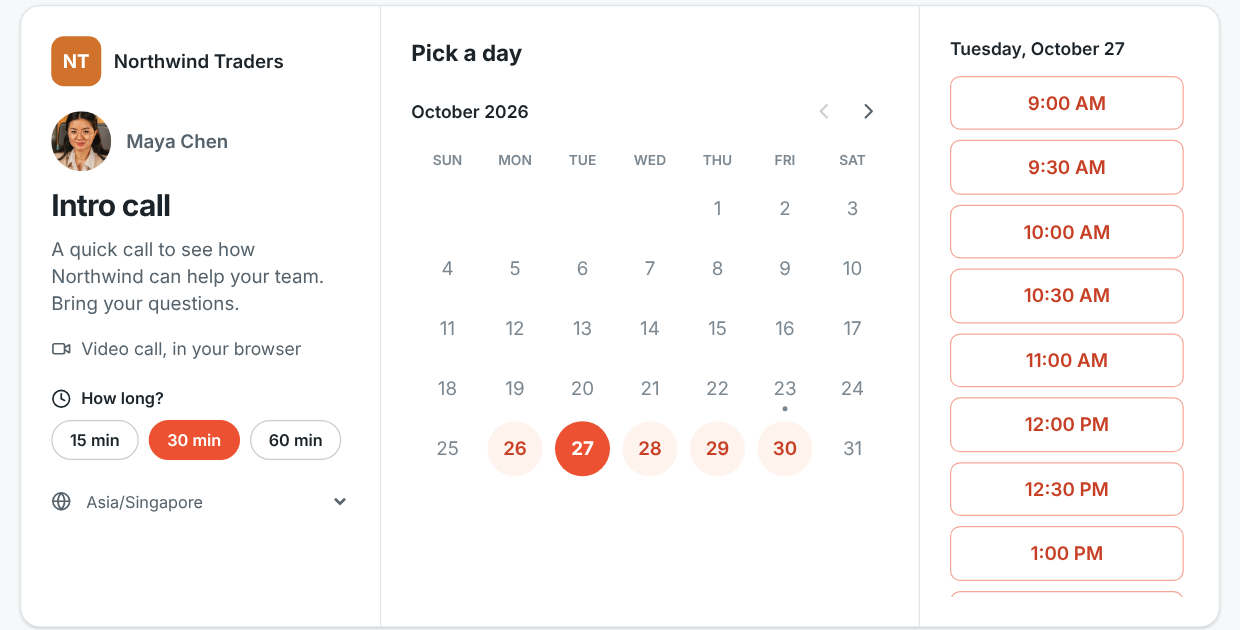
Put your link in your email signature. People pick a free 15, 30 or 60 minute slot, get an invite, and can reschedule or cancel on their own.
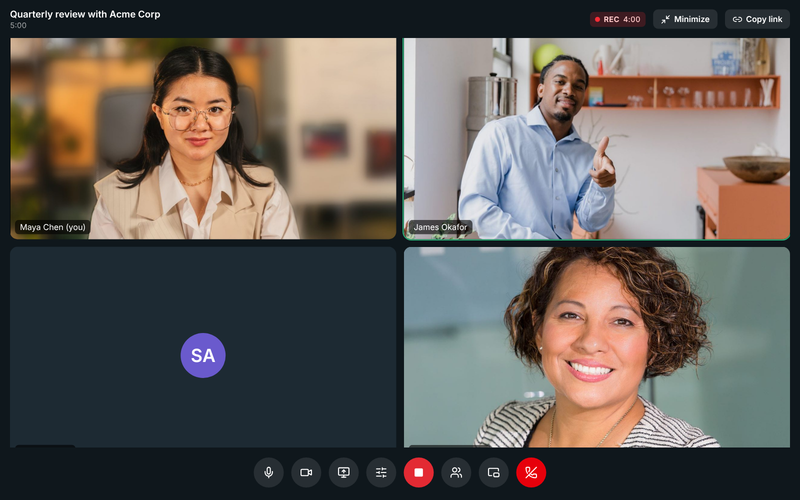
Record huddles and meetings and find them in the conversation and on the Meetings page.
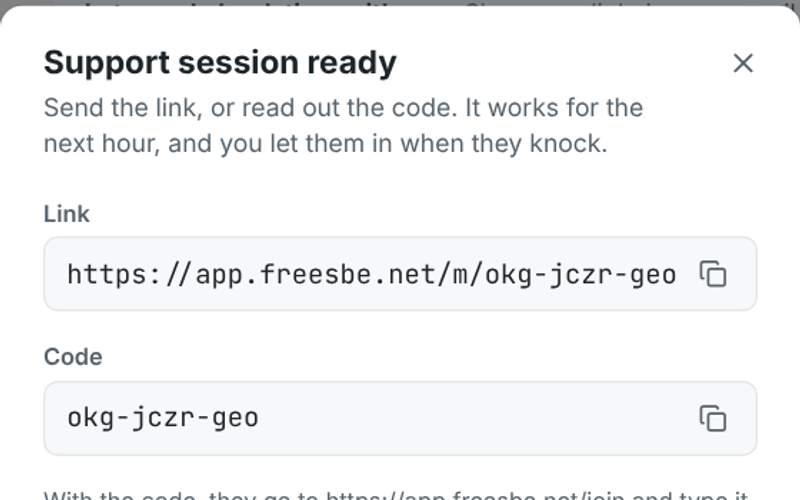
Send a customer a one-hour link or read out a code. They share their screen, you help, with no account needed.
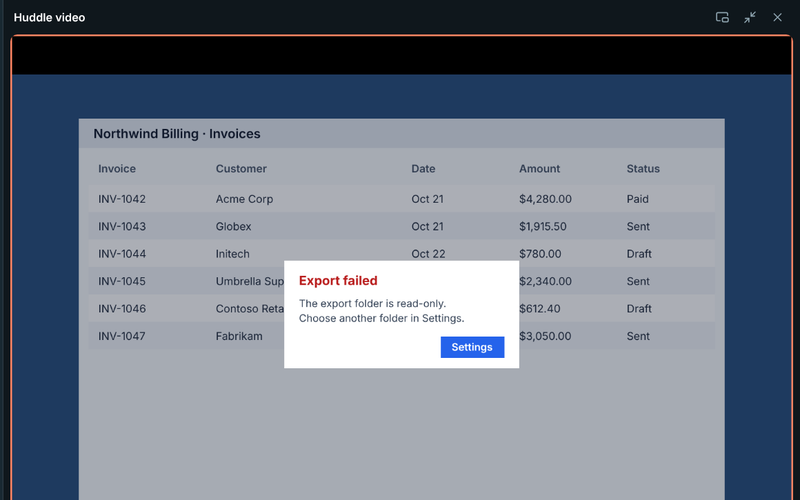
Take over a shared screen to fix things yourself, with the other person's permission every time.
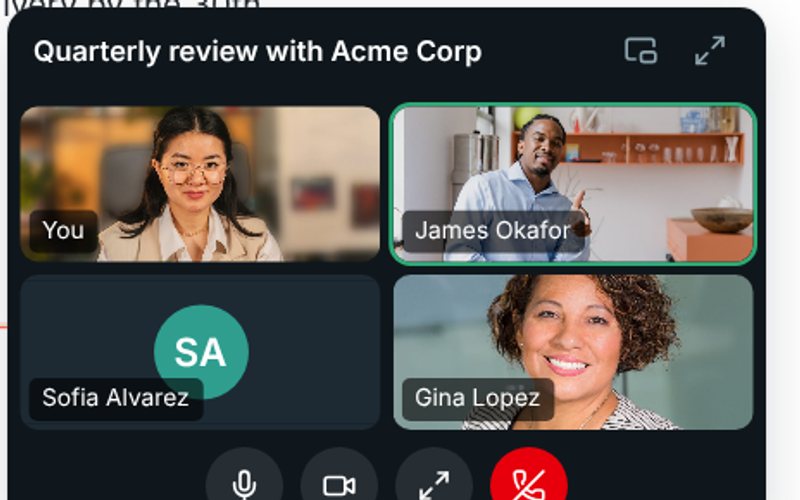
A meeting shrinks to a corner while you keep reading and replying in any channel.
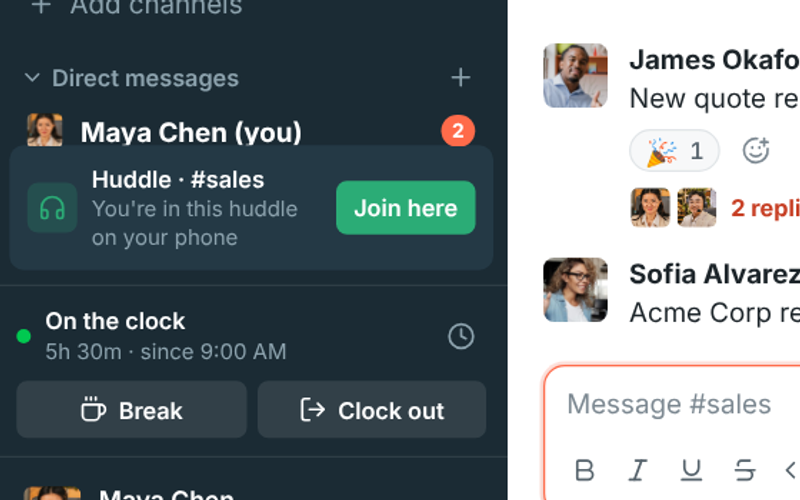
Started on your laptop and need to walk? Join the same call from your phone and carry on.
Your company phone line, next to your team chat.
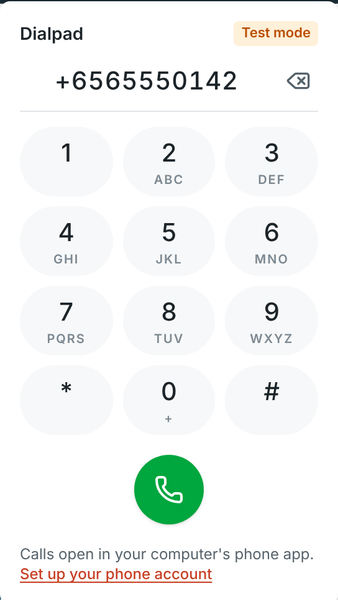
Dial from the top bar, pin the phone beside your chats, or pop it out over your other apps. Recent calls are one click away.
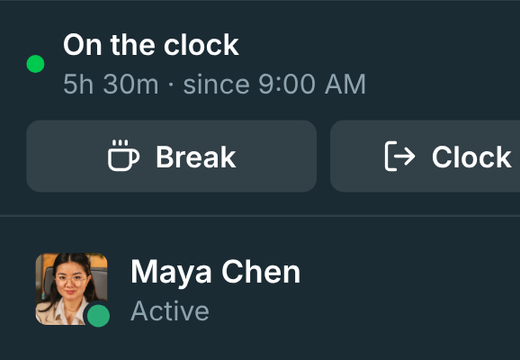
Clock in, take breaks and clock out from the sidebar, with weekly timesheets and overtime for payroll.
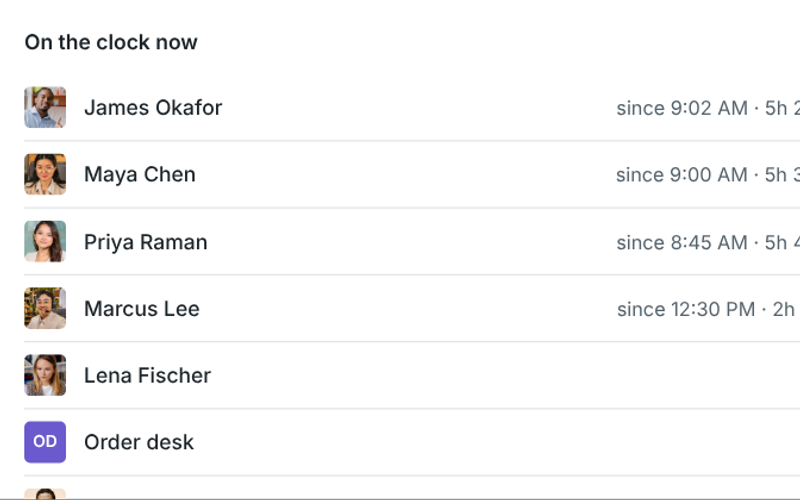
See who's on the clock now, set overtime rules, fix missed clock-outs and export CSV.
Automate the routine and connect the tools your team already uses.
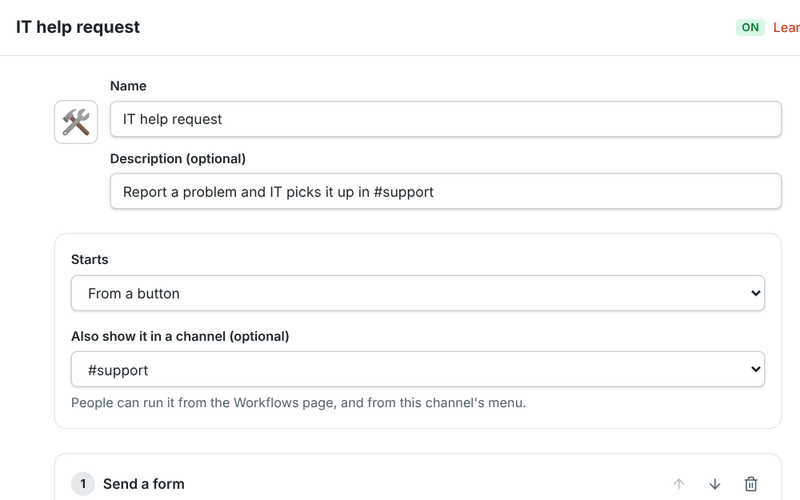
Build forms, approvals, reminders and welcome messages without code, and start them from a button, a schedule or a webhook.
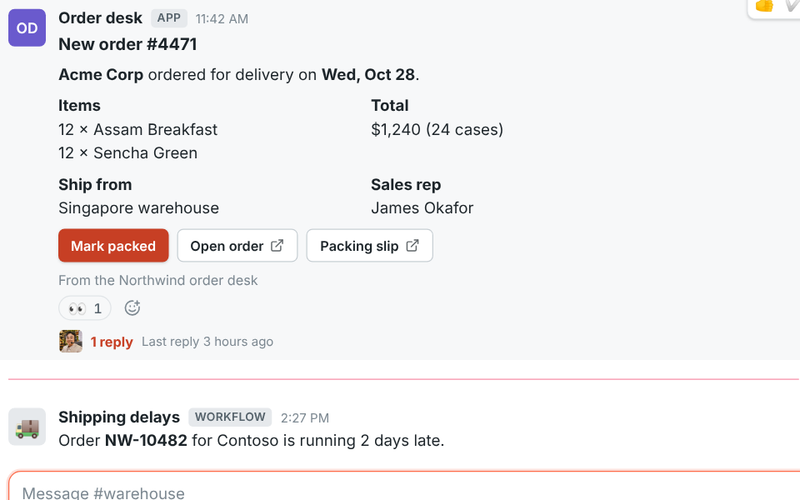
Give your own tools a bot with buttons, slash commands and dialogs. Bring Slack app manifests as they are.
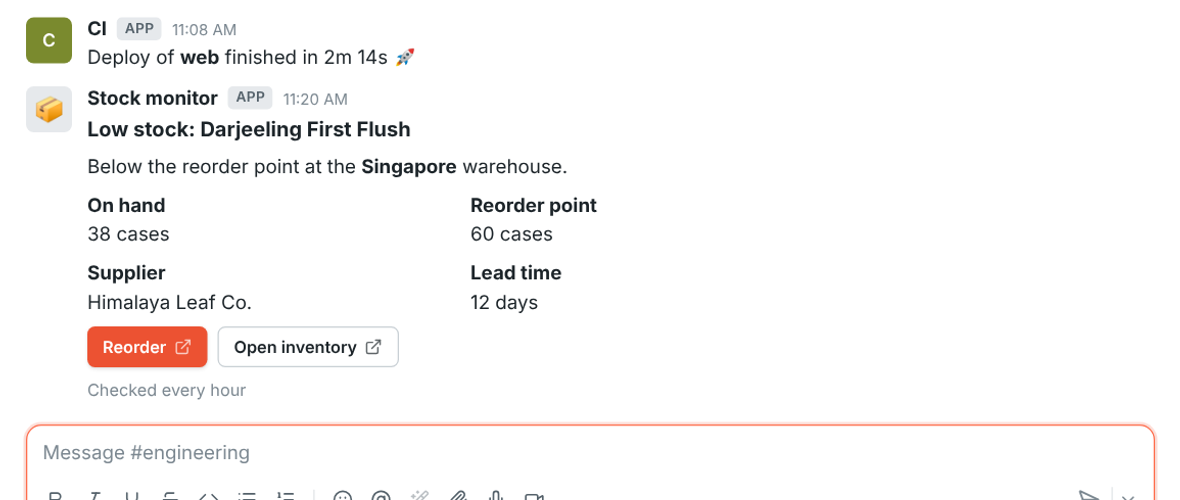
Post alerts from any tool with Slack-compatible incoming webhooks, and get signed events with outgoing ones.
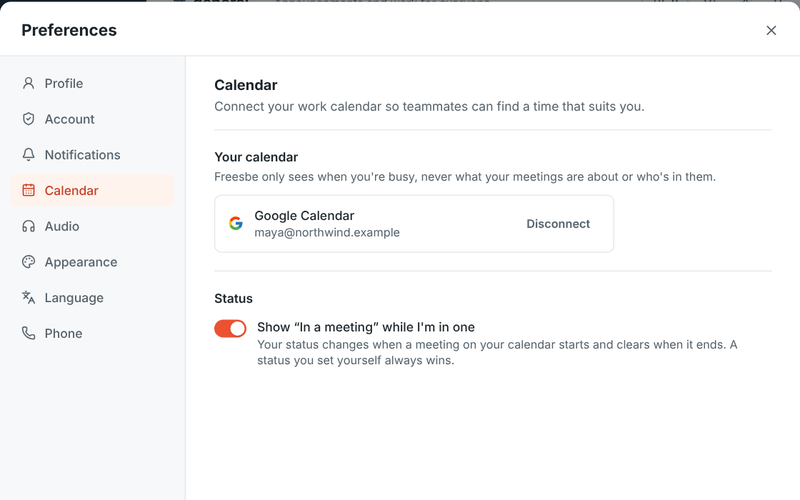
Sign in with Google or Microsoft, and show busy times from your calendar so people book around them.
Your day's agenda each morning, a reminder with the join link before each meeting, and invitations you answer Yes, Maybe or No without leaving Freesbe.
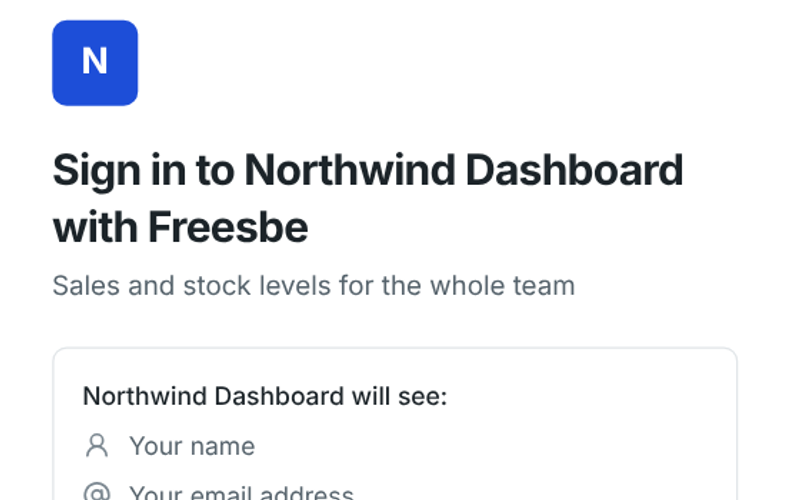
Let your team sign in to your own dashboards and tools with their Freesbe account, over standard OpenID Connect.
Control who gets in, what they can share and what it costs.
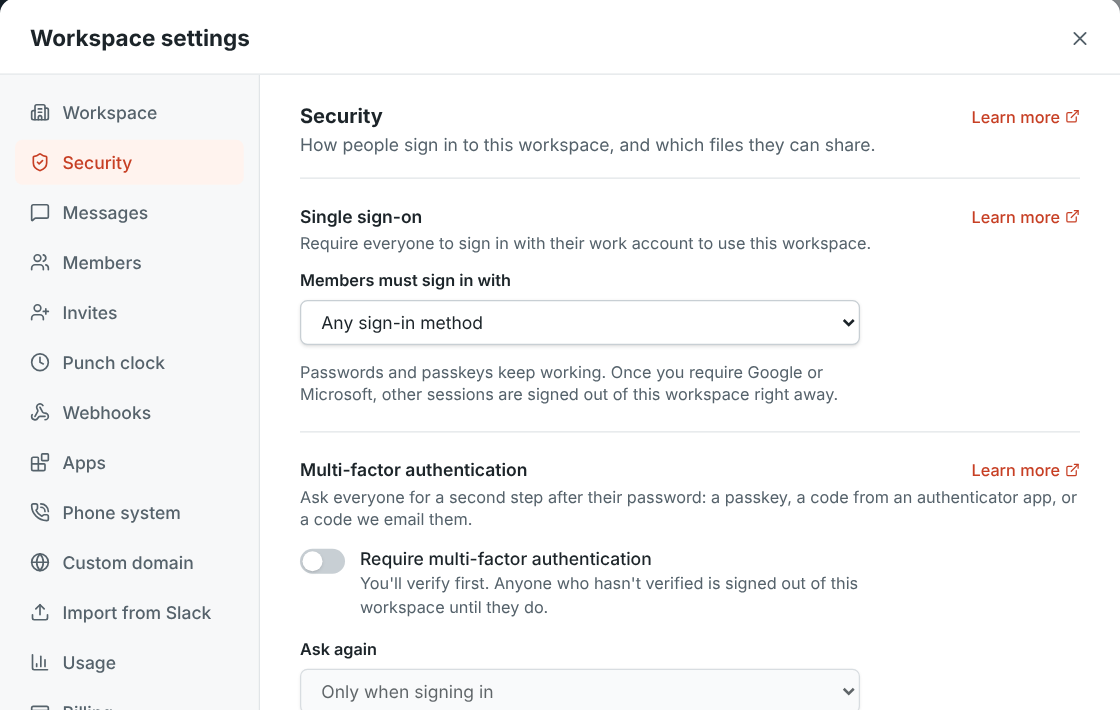
Require everyone to sign in with their Google or Microsoft work account.
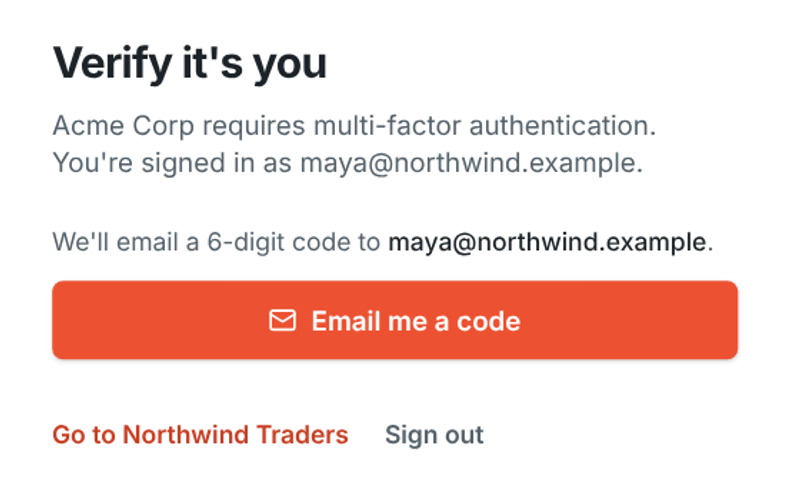
Ask for a passkey, an authenticator code or an emailed code, and approve sign-ins from your phone.
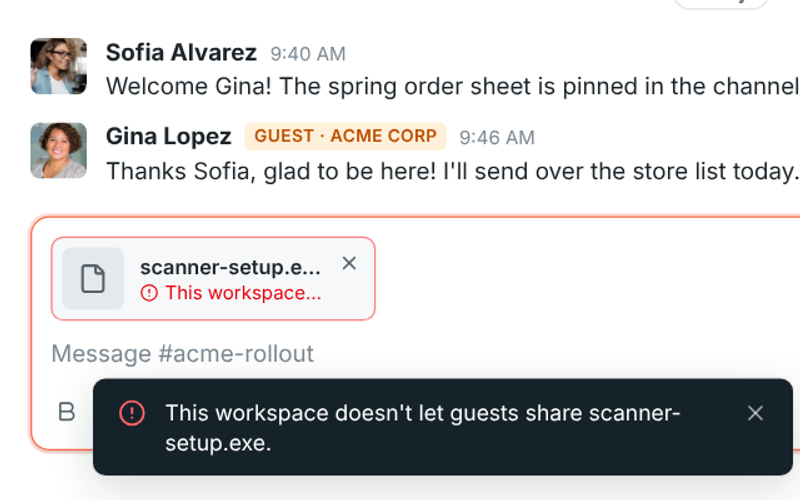
Choose what members and guests can upload. Files are checked by what's inside, so a renamed program is caught.
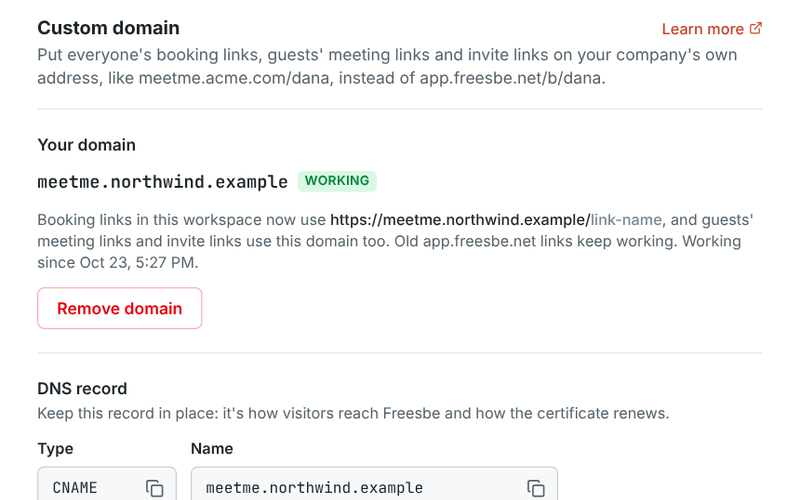
Put booking, meeting and invite links on your own address, like meetme.acme.example/dana.
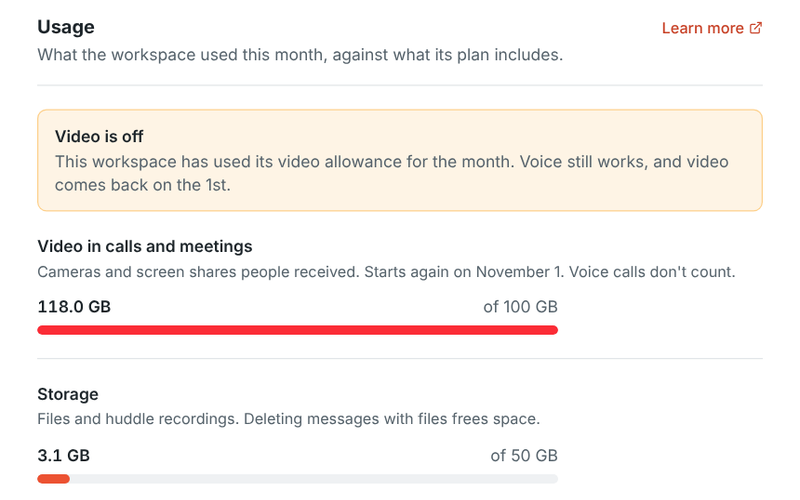
See how much video and storage the workspace used this month against what its plan includes.
The same workspace in the browser, on your computer and on your phone.
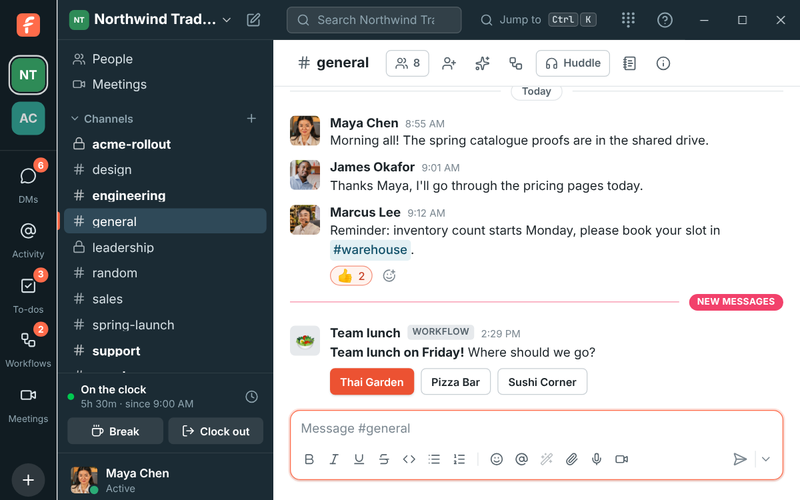
Freesbe for Windows, macOS and Linux, with a tray icon, notifications, zoom and freesbe:// links.
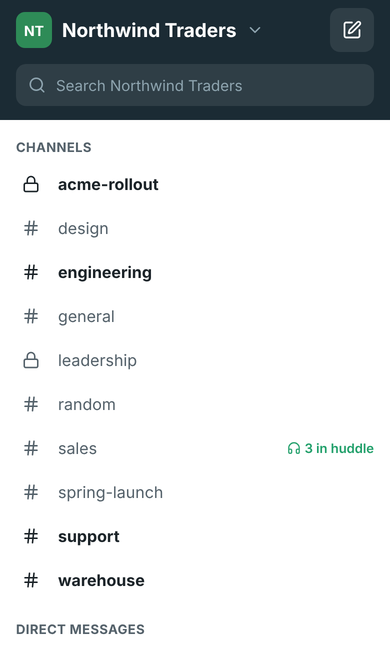
Channels, DMs, huddles, meetings, search and push notifications on iPhone and Android, coming soon to the app stores.
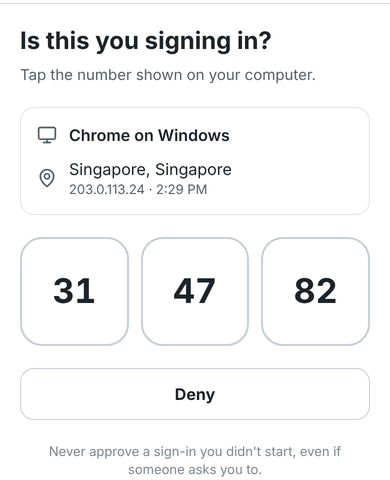
Signing in on a new computer? Tap the matching number on your phone instead of typing a code.
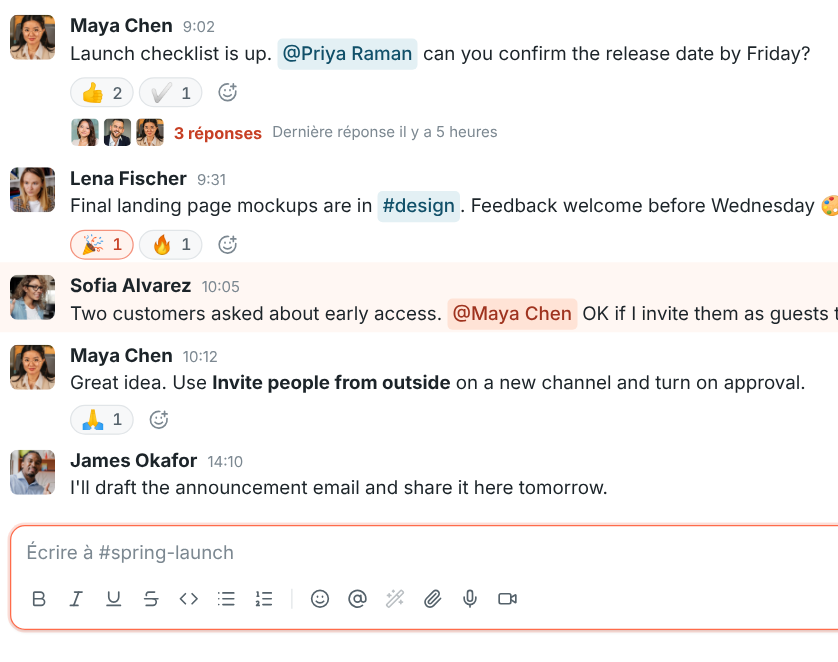
Freesbe follows your computer's language, from French and Spanish to Japanese, Hindi and Arabic.
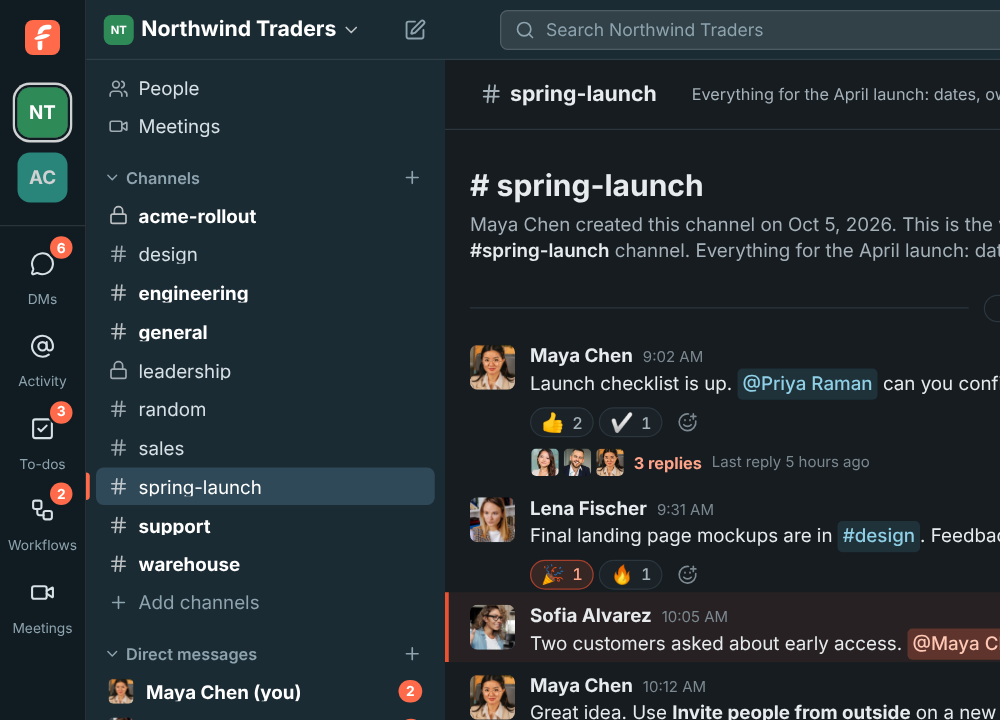
Free for teams of up to 10 people. Set up a workspace in a minute and invite your team.