Calls and meetings
Meet without a meeting link, or with one.
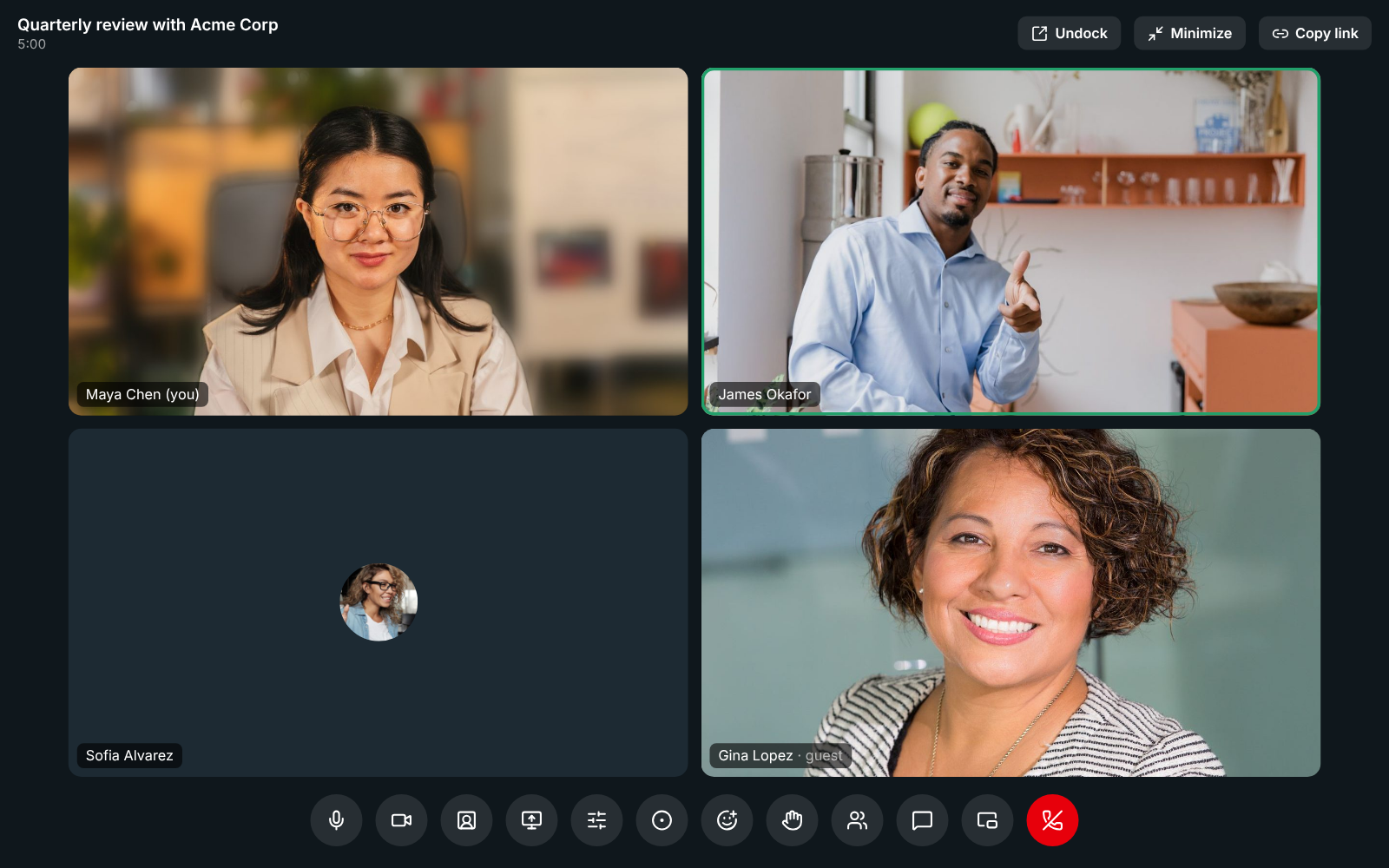
A huddle starts in the channel where the conversation is. A scheduled meeting gets a guest link, a lobby and your logo. Share a screen and draw on it, record or just transcribe, and get notes your guests receive too. The call follows you to your phone when you leave your desk.
Call and meet
10 features about calls and meetings
- HuddlesCalls that start where the conversation is.All plans
- Meetings with guest links and a lobbyMeeting links anyone can open in a browser.Business and up
- Screen sharing and drawingShow it, circle it, and move on.Business and up
- Recordings, transcripts and AI notesEvery call, written up before you sit down.Business and up
- Backgrounds, noise cancellation and audioLook and sound right on every call.All plans
- Reactions, raised hands and chat in callsSay it without unmuting.All plans
- Find a time, with everyone's calendarA time that works, without the back and forth.Business and up
- Support sessionsFix it on their screen, with their say-so.Corporate and up
- Remote controlTake the mouse when pointing isn't enough.Corporate and up
- Move a call to your phone or another deviceWalk out the door and keep talking.All plans
Run the team
One feature about calls and meetings
AI
One feature about calls and meetings
How to set it up
The guides
For your team
Other topics
Try all of it free with up to 10 people.
No card, no time limit. Invite your team and see what sticks.