Freesbe

Booking links

One link in your signature. They pick the time.

A Freesbe booking link is your own scheduling page, like app.freesbe.net/b/dana or meetme.acme.example/dana on your own domain. Anyone picks a 15, 30 or 60 minute slot inside your hours, free in your Freesbe meetings and your connected calendar, and gets a calendar invite and a meeting link. They can reschedule or cancel themselves.

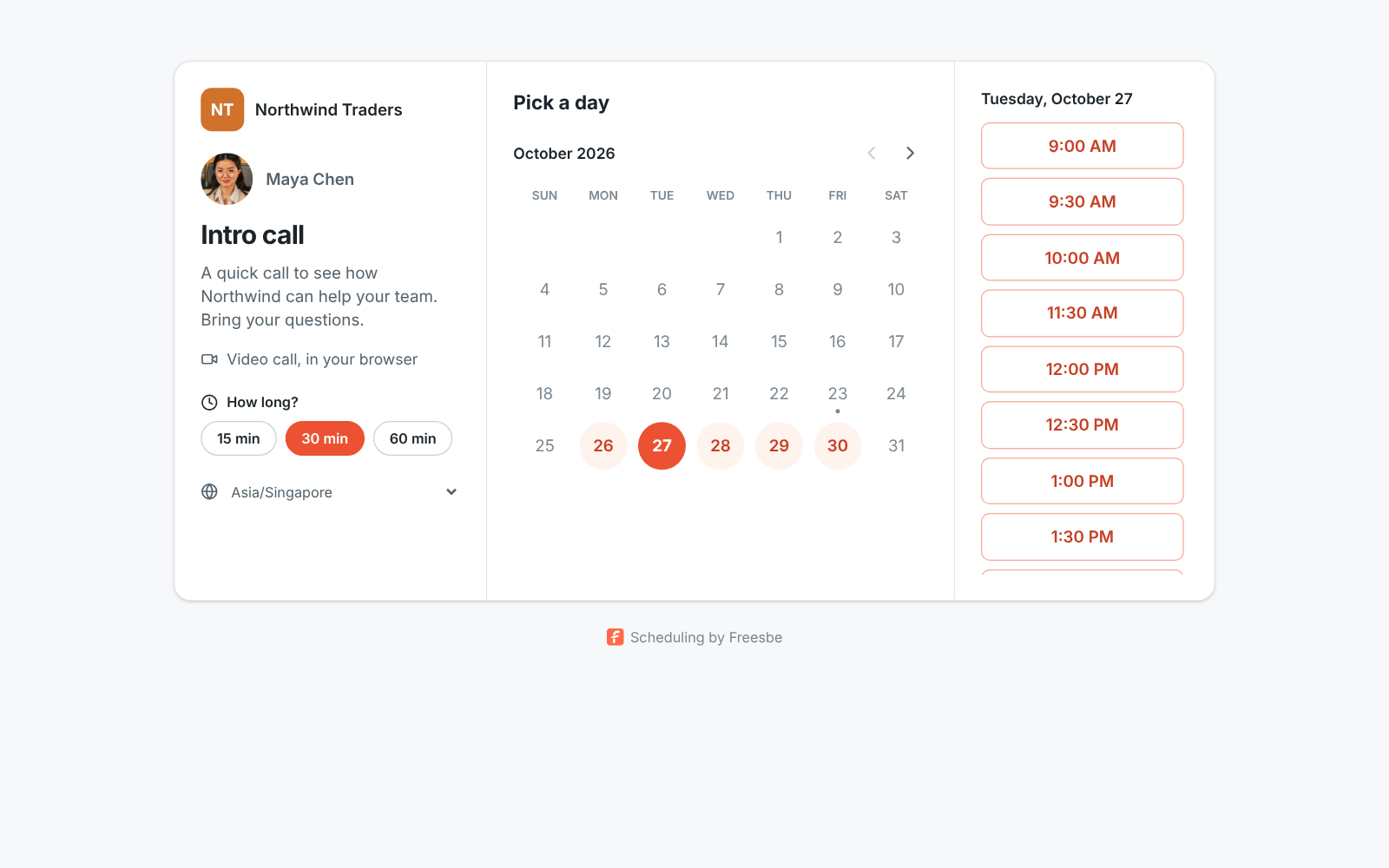
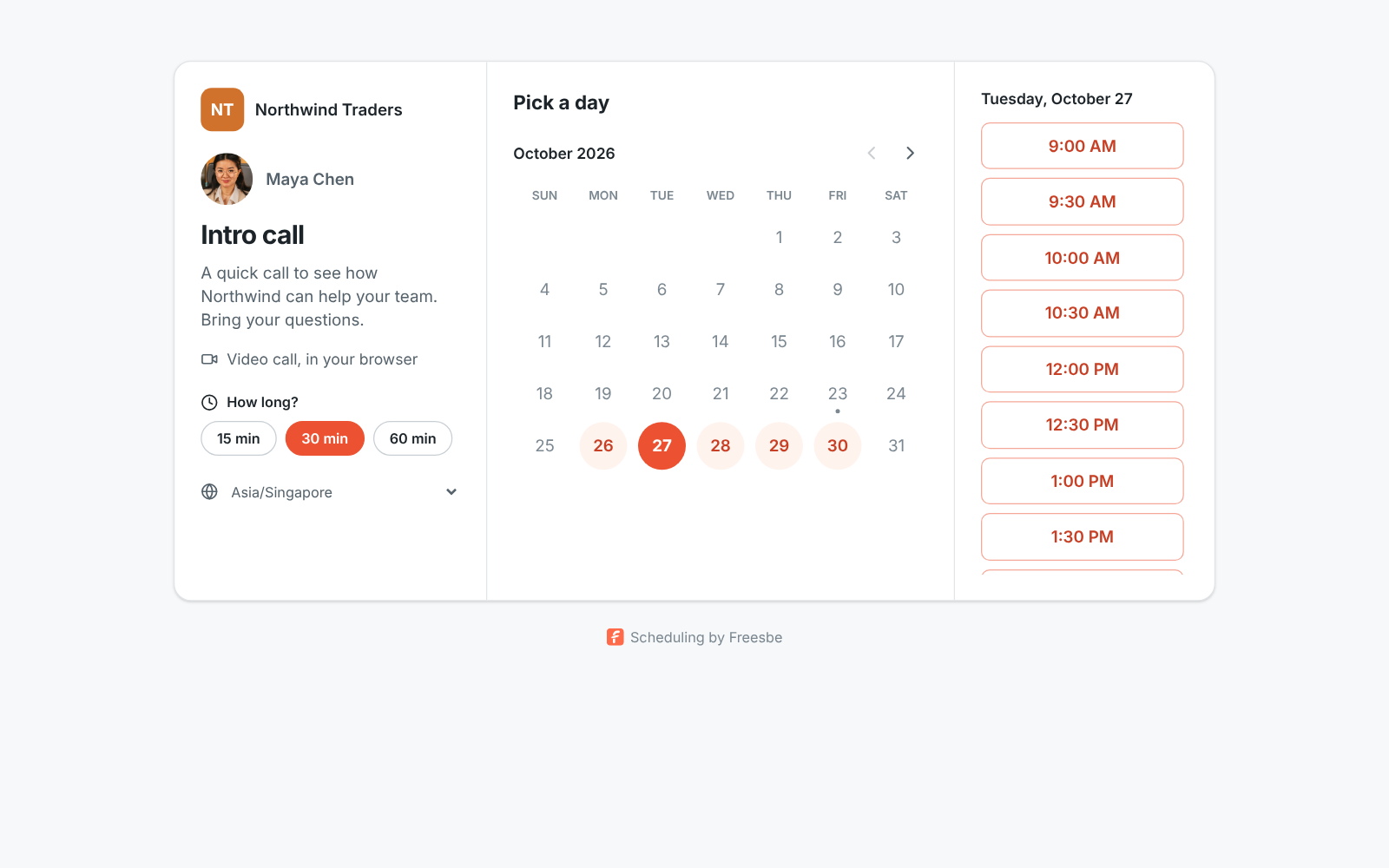
A booking page: the Northwind Traders name, the call's title, 15, 30 or 60 minute choices and the free times for Tuesday

Set it up once

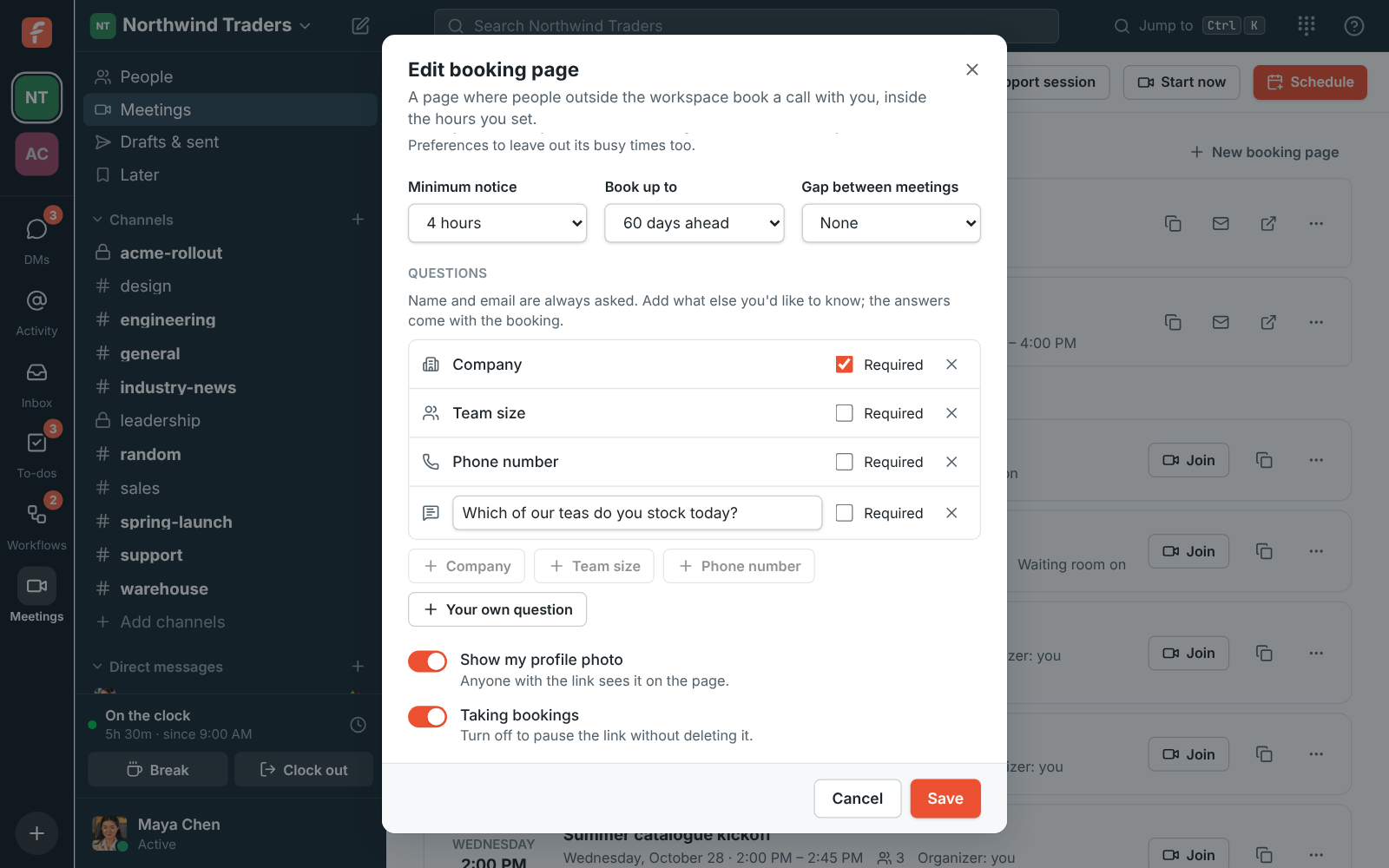
Give the link a title, pick the lengths you offer, tick the days you take calls and set the hours for each. Set the minimum notice, how far ahead people can book and the gap you keep between meetings. Up to 10 links per workspace, so a Quick question link and a Product demo link can have different hours.
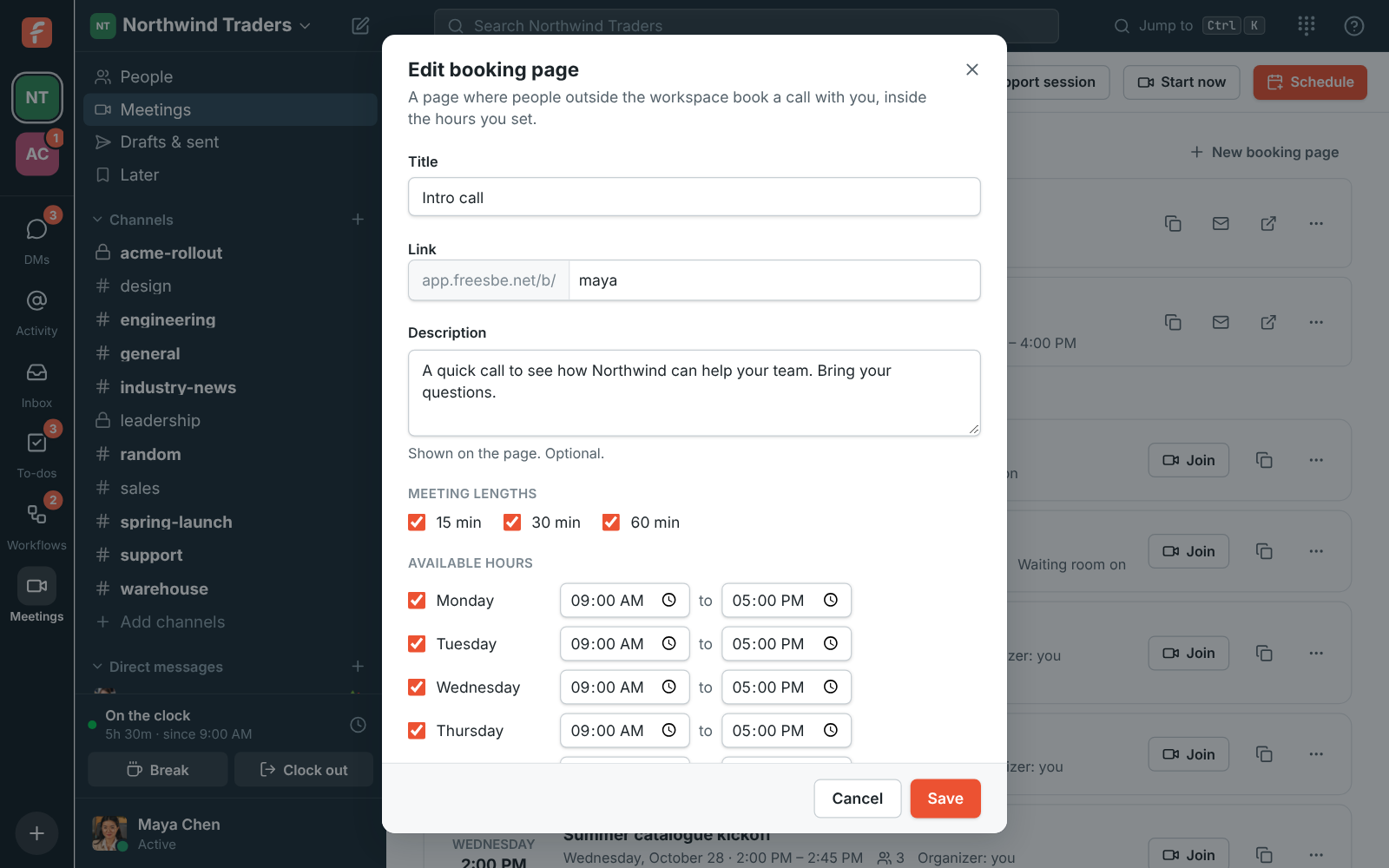
The New booking link dialog: title, link name, description, meeting lengths and available hours
A new booking link
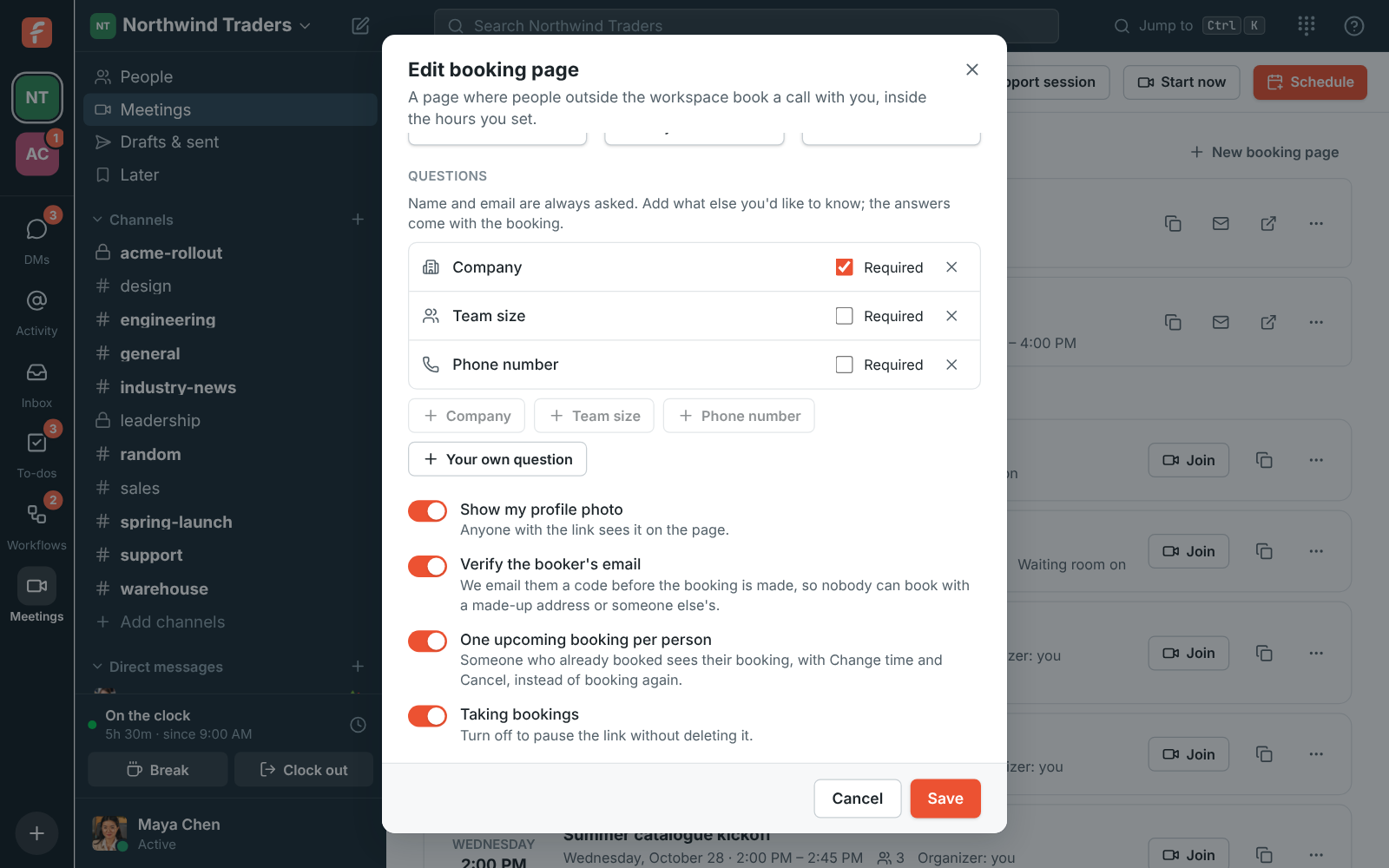
The Questions part of the booking page editor: Company (required), Team size, Phone number and a written question being typed
Questions to ask
The booking page options: Show my profile photo, Verify the booker's email and One upcoming booking per person
Options
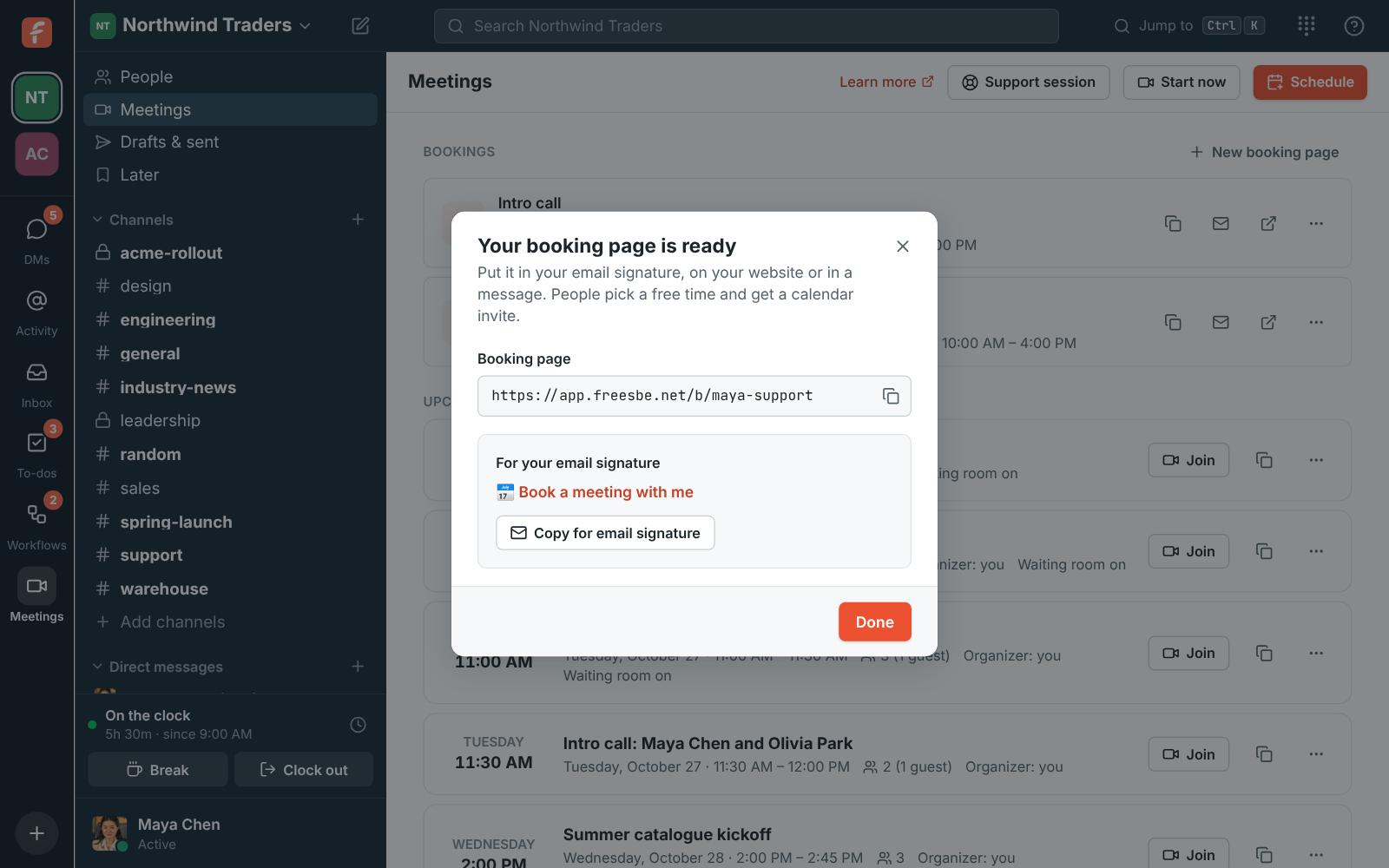
Your booking link is ready, with a line to copy for your email signature
Ready to share

Only times you're really free

The page offers times inside your hours that are free in every workspace's Freesbe meetings and in the Google, Microsoft or Zoho calendar you connected. Times show in the visitor's own time zone. If someone else took a slot a moment earlier, they're asked to pick another.

Your booking link is ready, with a line to copy for your email signature
Ready to share
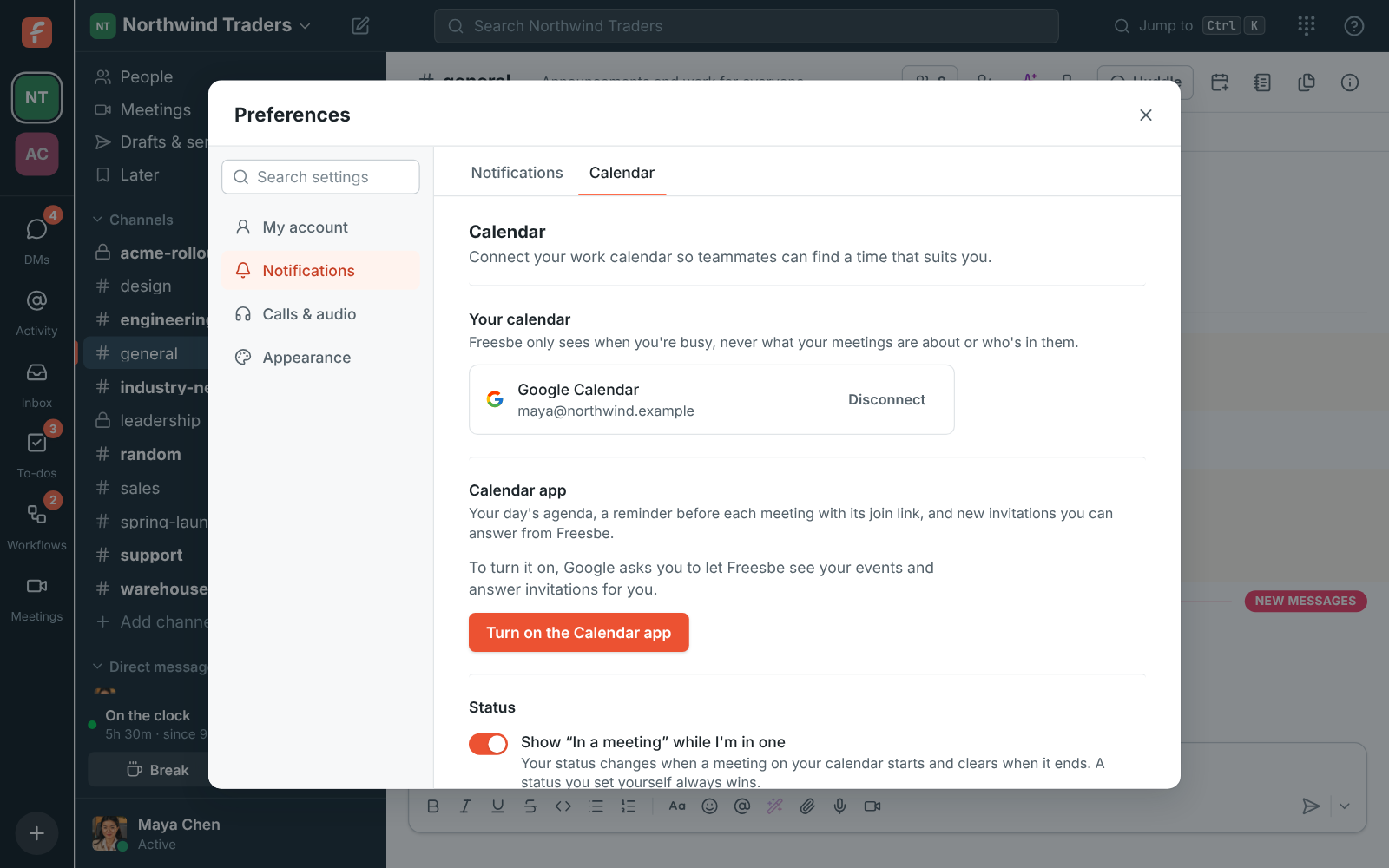
Preferences, Calendar: a connected Google calendar and the In a meeting setting
A connected calendar
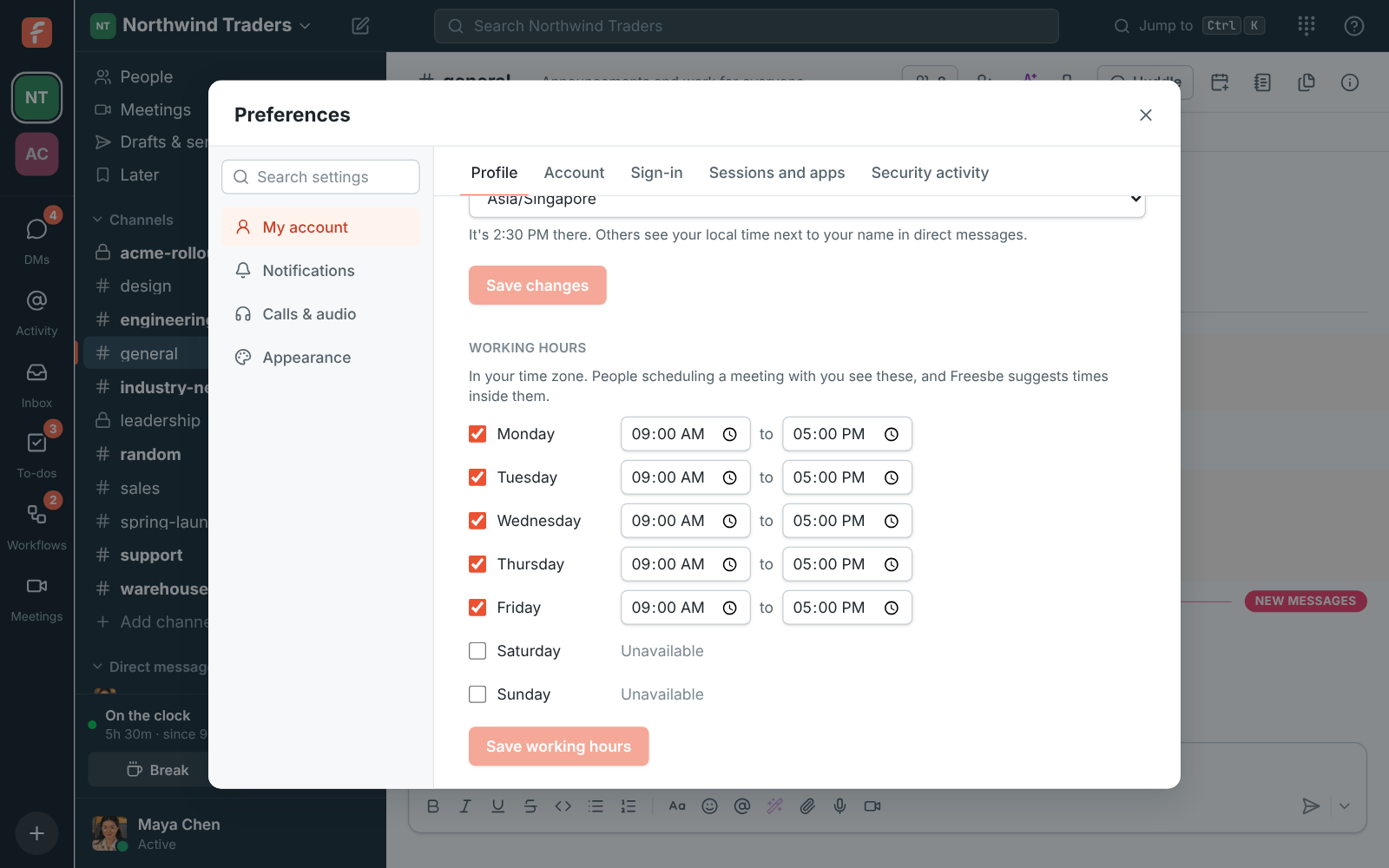
Preferences, Profile: working hours for each day of the week
Working hours
A booking page with open time slots for an intro call
What they see

See it on your own team's data.

Start free with up to 10 people and try it today, or book a 20-minute demo with the people who make Freesbe.

A meeting for both of you

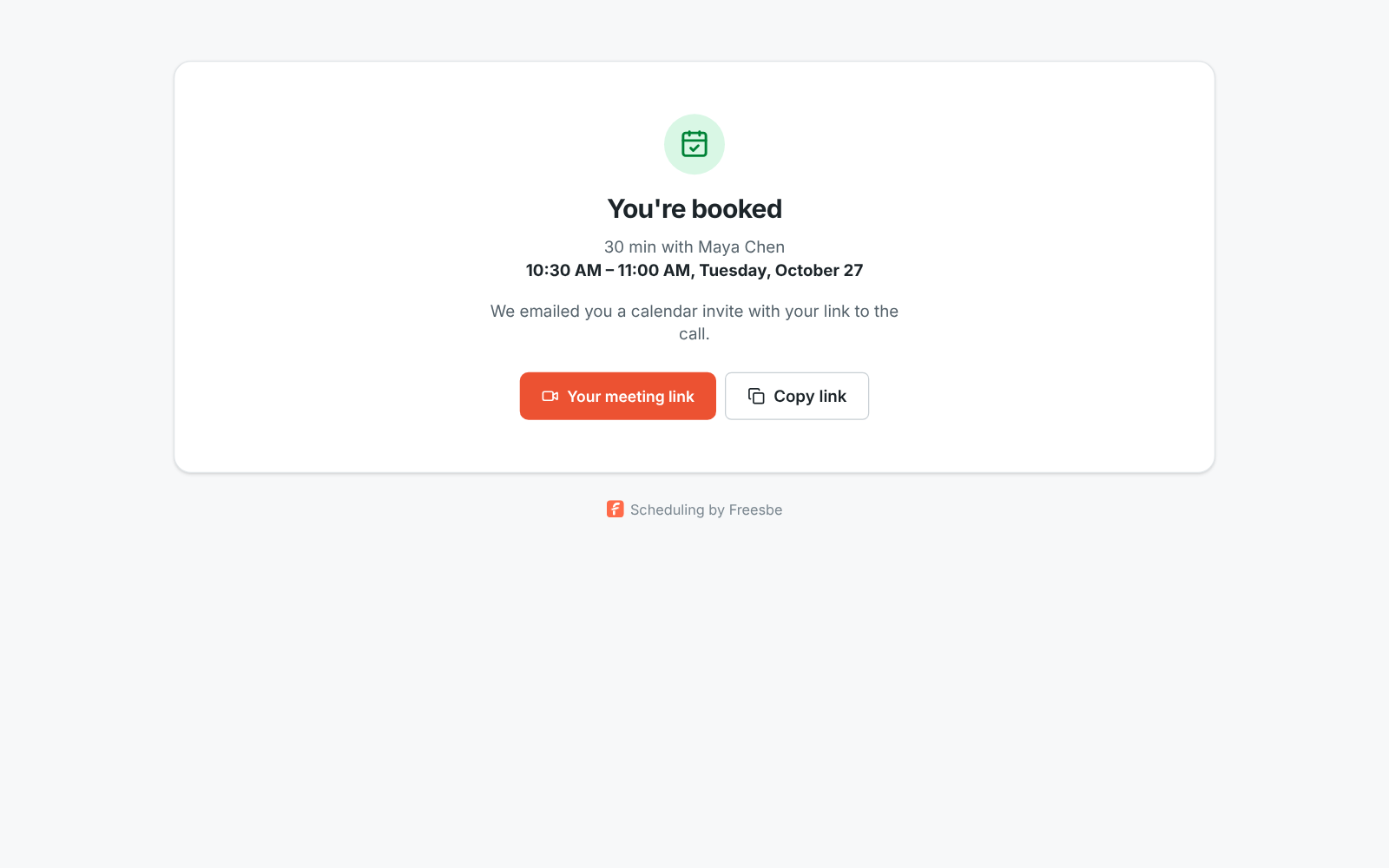
The booking becomes a normal Freesbe meeting. You get an email with a calendar invite and their note; they get an invite in their time zone, a personal link that goes straight into the call, and a Reschedule or cancel link. Both of you get a reminder about 10 minutes before the start.

You're booked: the length, who it's with, the time in the visitor's time zone and their meeting link
Booked
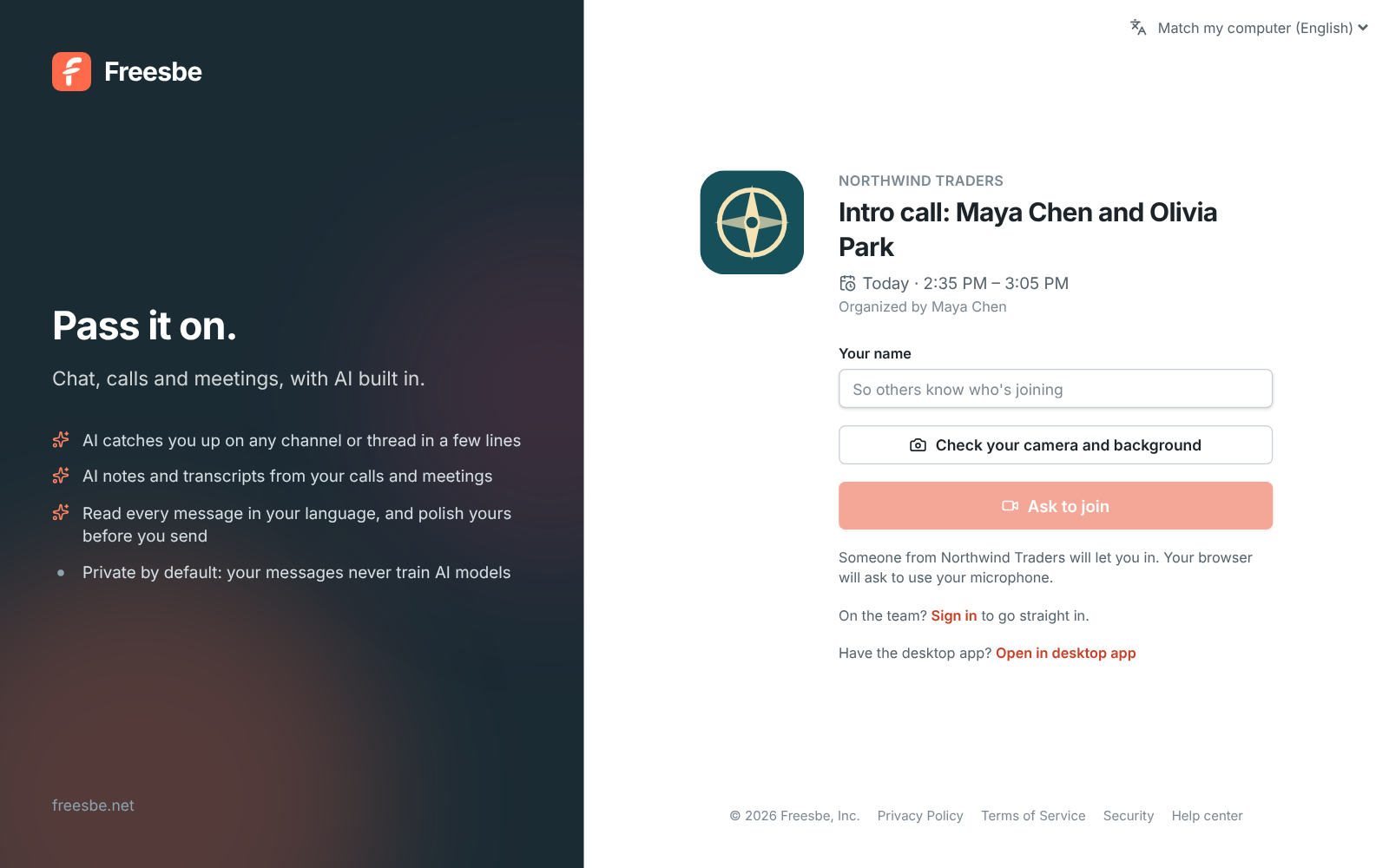
A Northwind Traders meeting link with the logo, title, time and an Ask to join button
Their meeting link
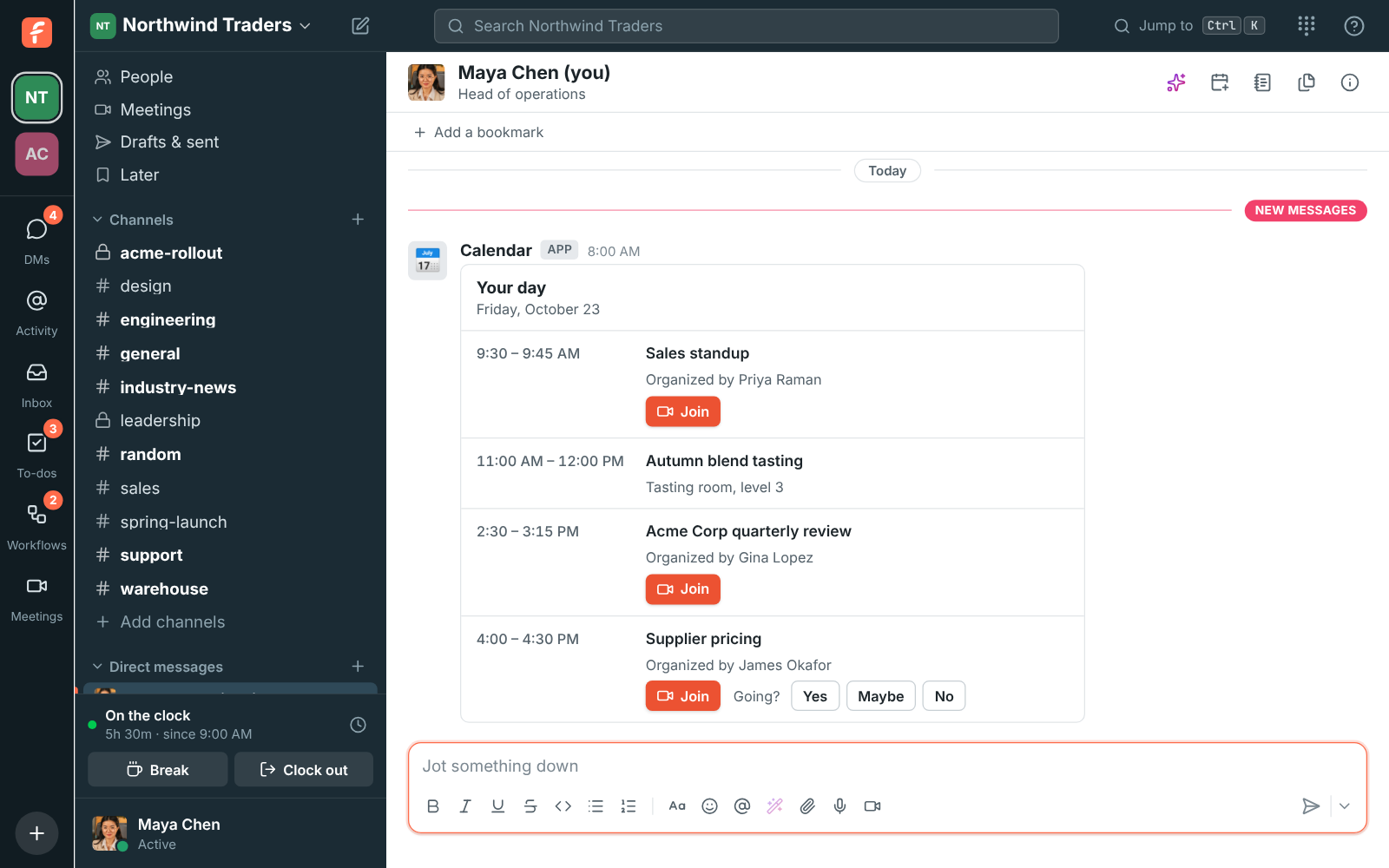
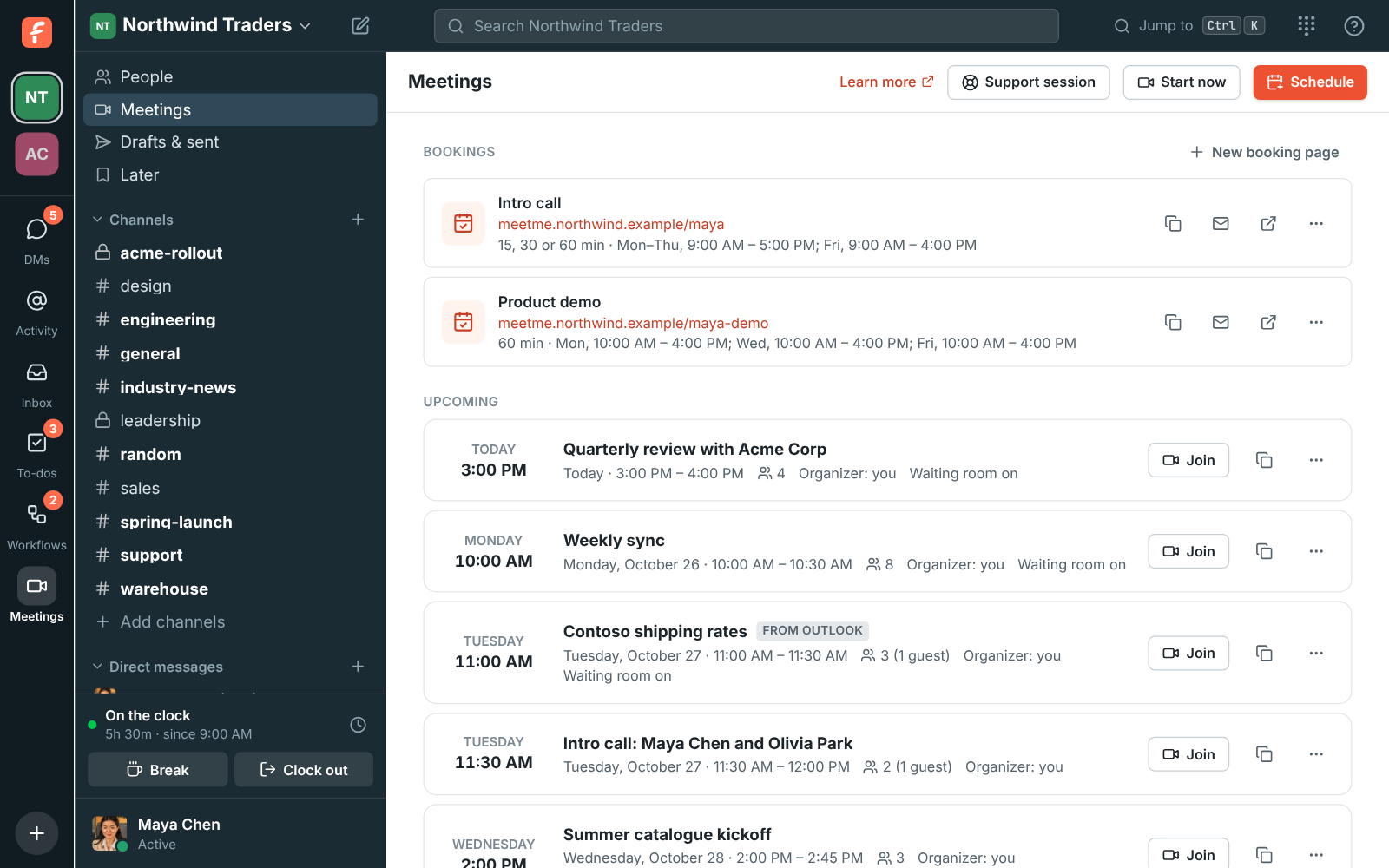
The morning agenda with the day's meetings and Join buttons
On your agenda

They move it, you hear about it

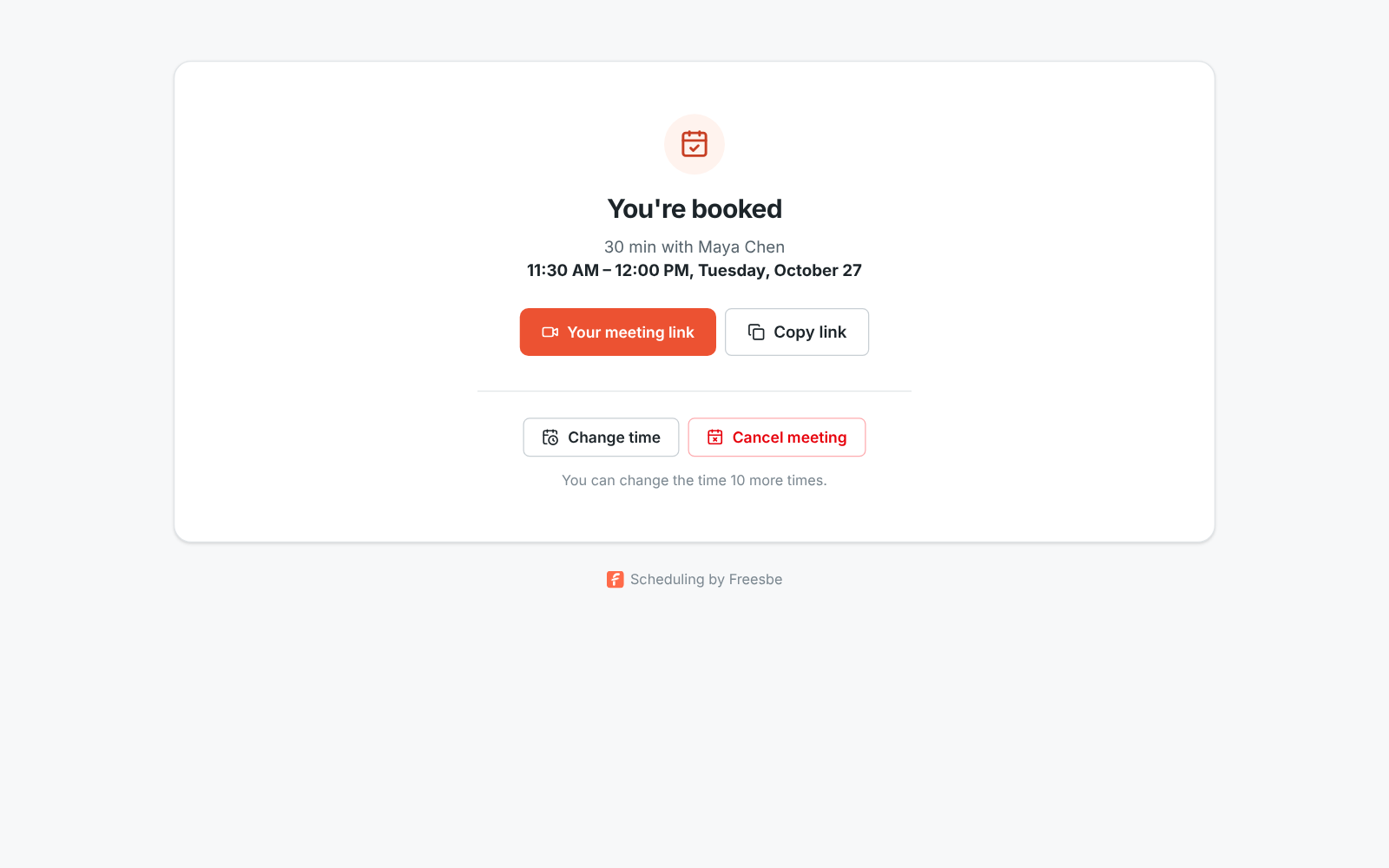
People who booked can reschedule or cancel without an account, from the link in their invite. Your hours, notice and busy times still apply. Either way you get an email right away, both calendars update, and the time becomes free on your page again. A workflow can start when someone books, to post an alert or give you a to-do.

Their booking: the time, who it's with, their meeting link, and Reschedule and Cancel meeting buttons
Reschedule or cancel
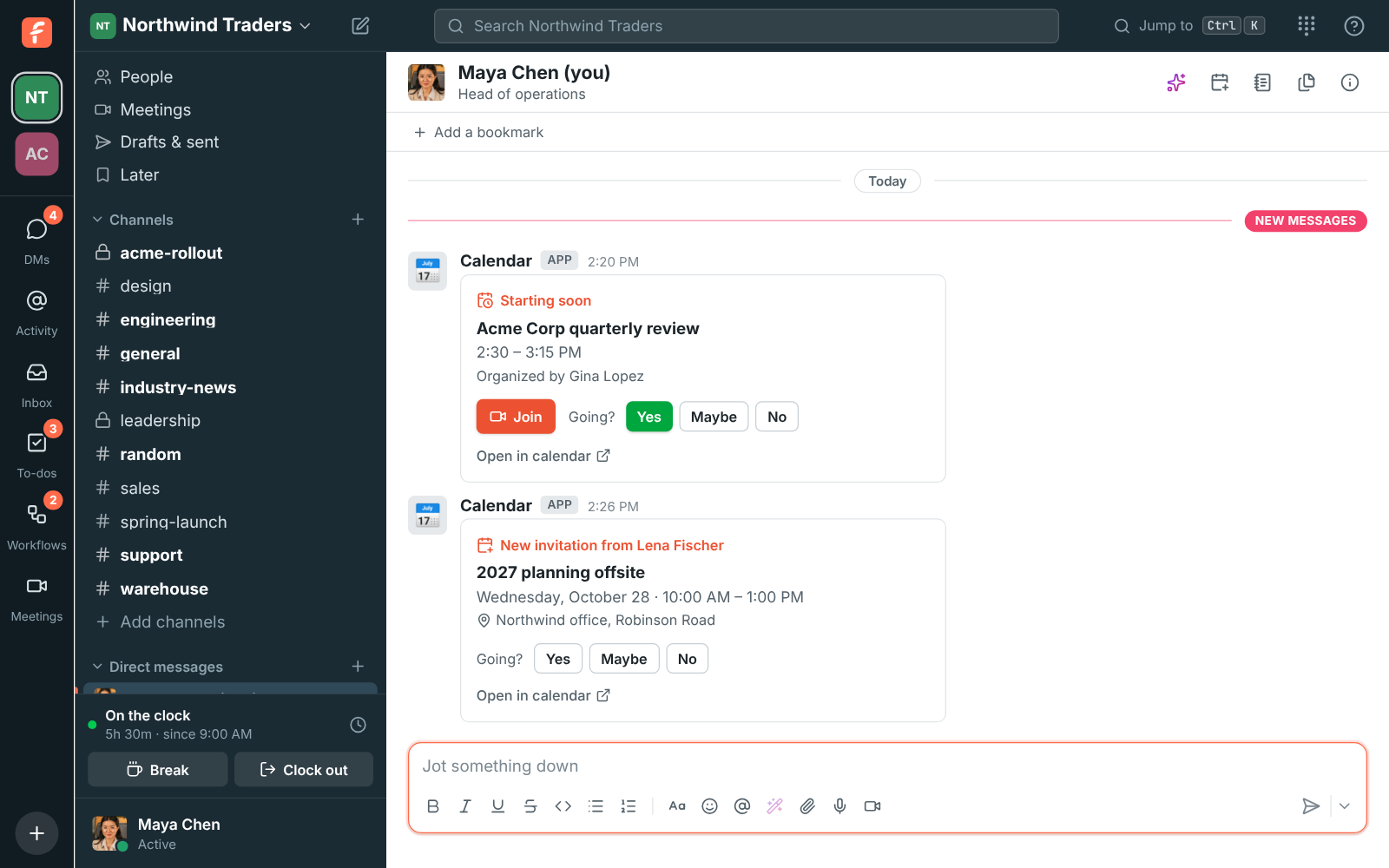
A Starting soon reminder for the Acme Corp quarterly review with a Join button, and a new invitation with Yes, Maybe and No
You hear about it

On your own domain

On Corporate and Enterprise, an admin adds one DNS record and everyone's links move to an address like meetme.acme.example/dana. Pasted into Slack, Teams, iMessage or Freesbe, a booking link unfurls into a card with your name and your workspace's logo.

Maya's booking page served from the workspace's own domain: Northwind Traders, Intro call, 15, 30 or 60 minutes, and free times for Monday
Served from your domain
Booking links on the workspace's own domain: meetme.northwind.example/dana and /dana-demo
Links on your domain
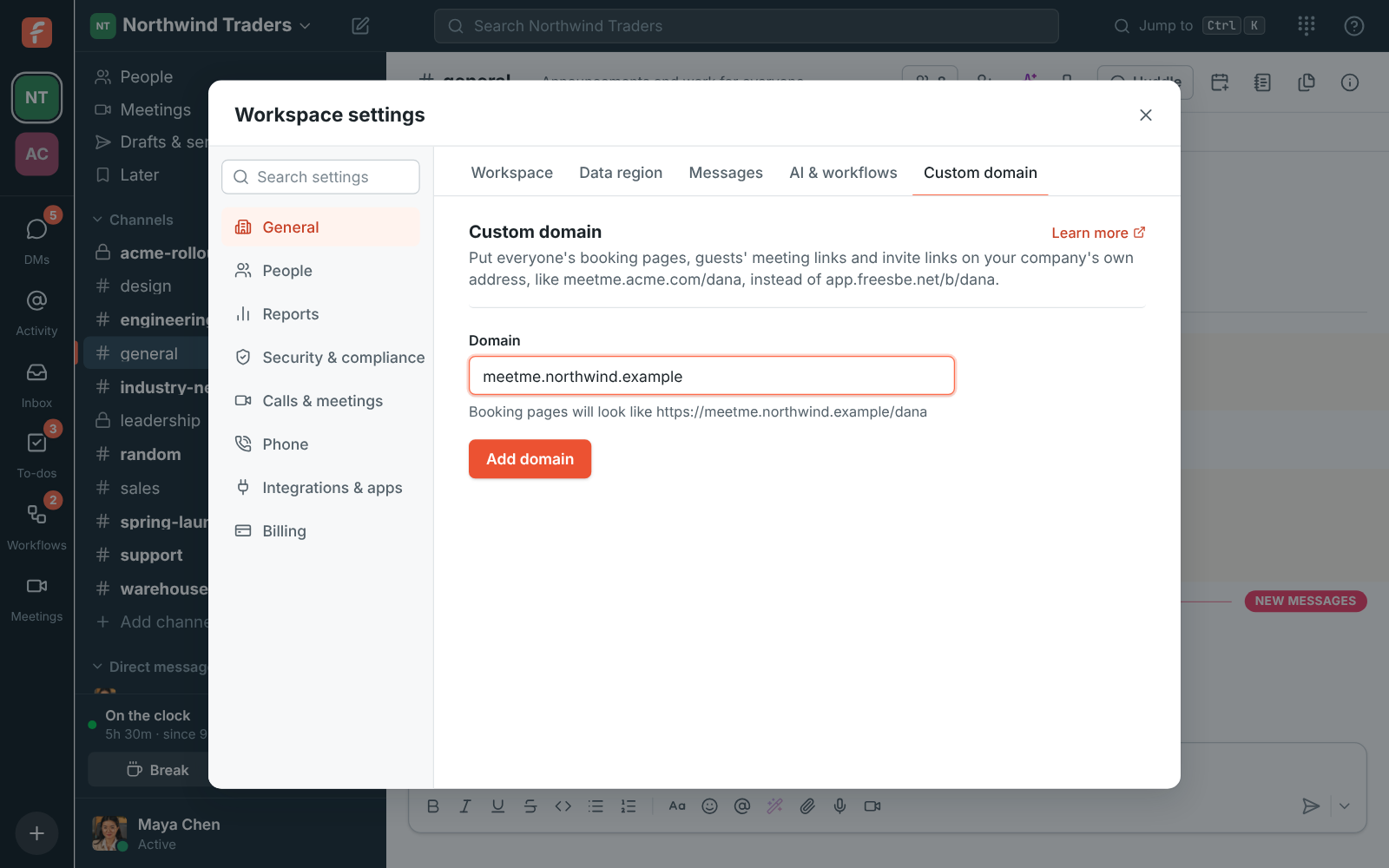
Adding a domain: meetme.northwind.example typed in, with Booking pages will look like https://meetme.northwind.example/dana underneath
Add the domain

Questions

Does the person booking need an account?
No. They pick a time, enter their name and email and click Book meeting. The link in their invite lets them reschedule or cancel later, also without an account.
Which calendars does it check?
Your Freesbe meetings in every workspace you're in, plus the Google, Microsoft or Zoho calendar you connected in Preferences. Freesbe only sees when you're busy, never what the meetings are about.
Can everyone on the team have one?
Yes. Everyone in a workspace can make their own booking links, up to 10 per workspace. Guests can't. Booking links come with every paid plan.
Is there a limit on bookings?
Each link takes up to 30 bookings a day, and a booking can be changed up to 10 times. After that the person who booked contacts you to move it.

Try all of it free with up to 10 people.

No card, no time limit. Invite your team and see what sticks.