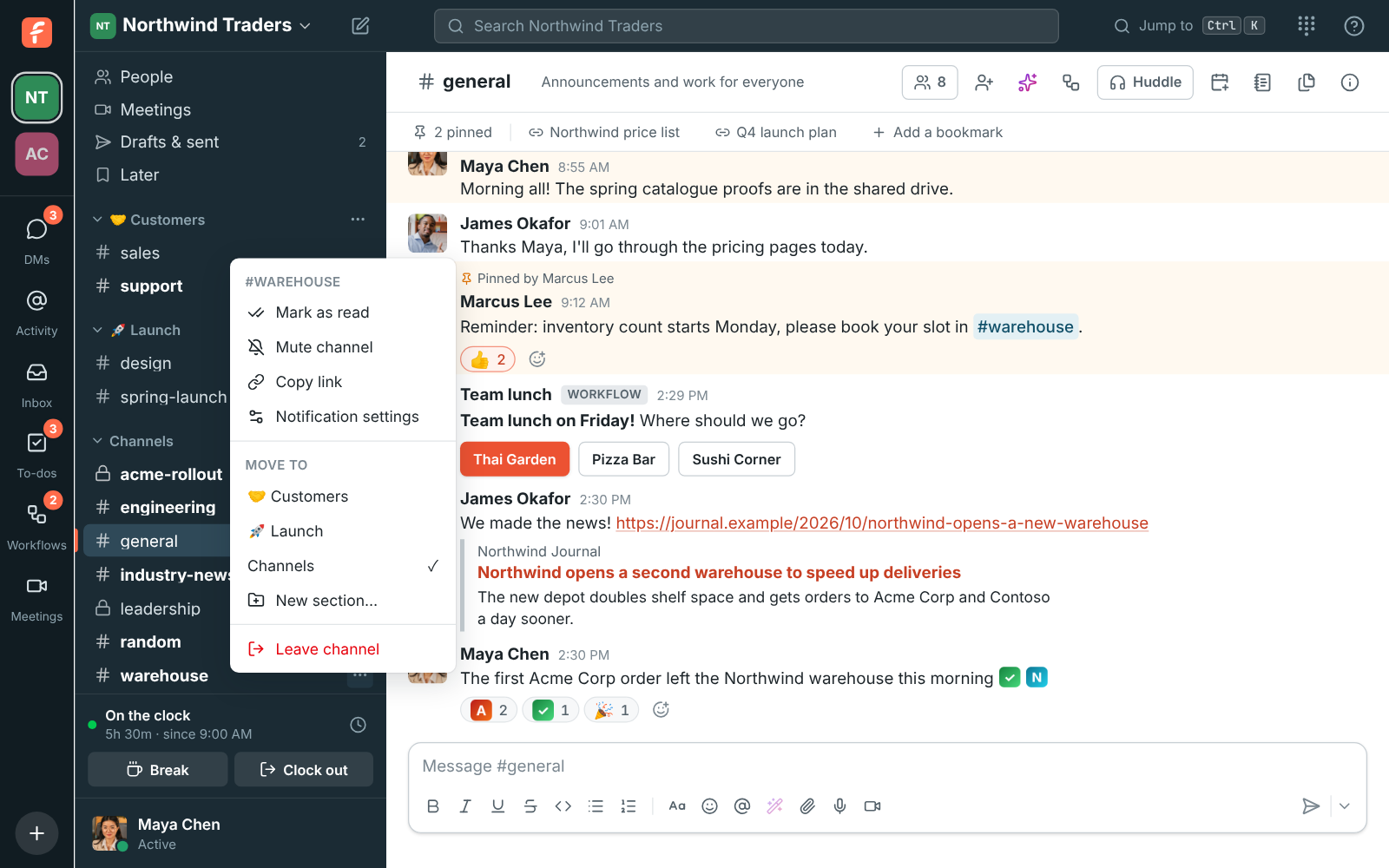
Sections only you see
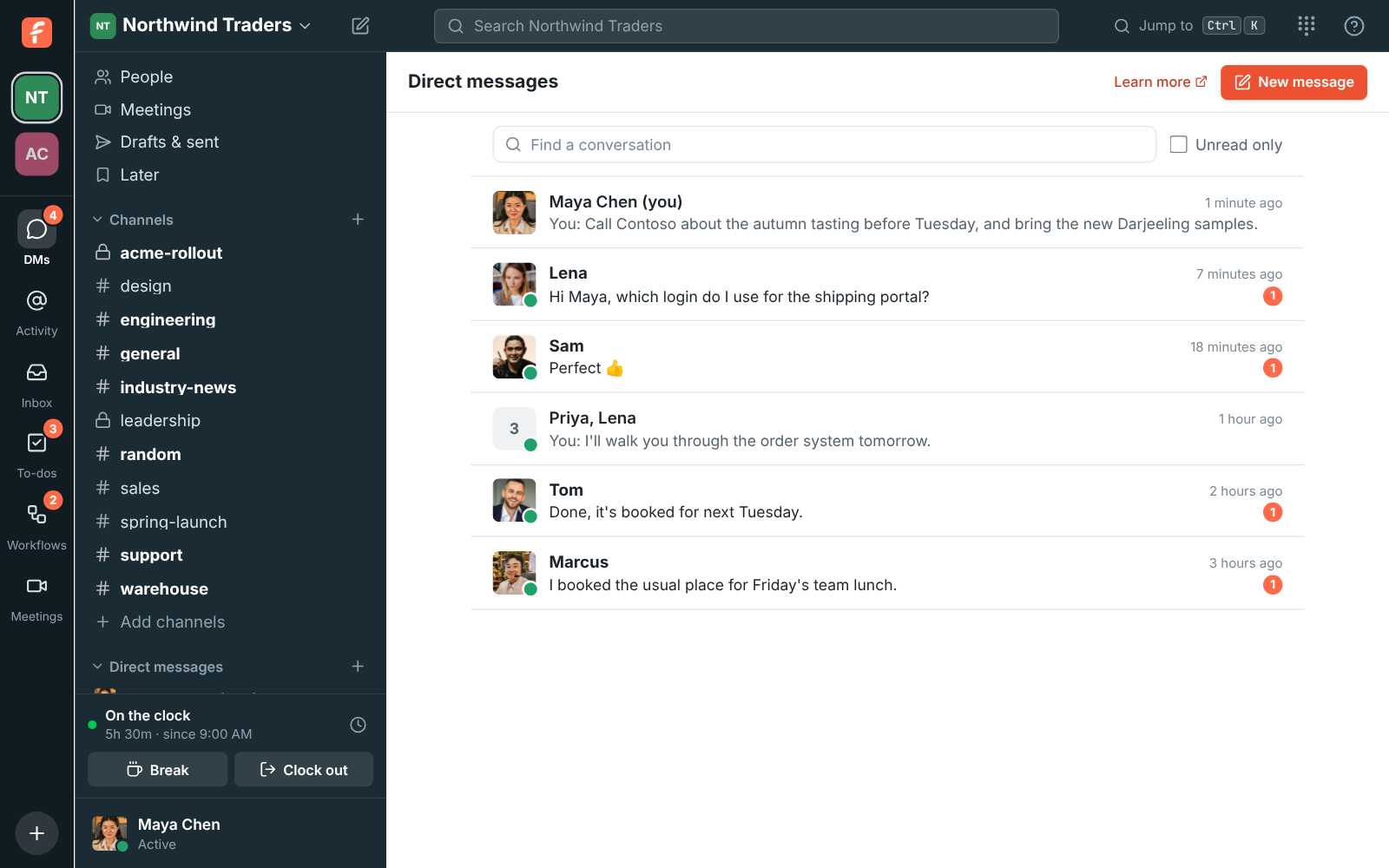
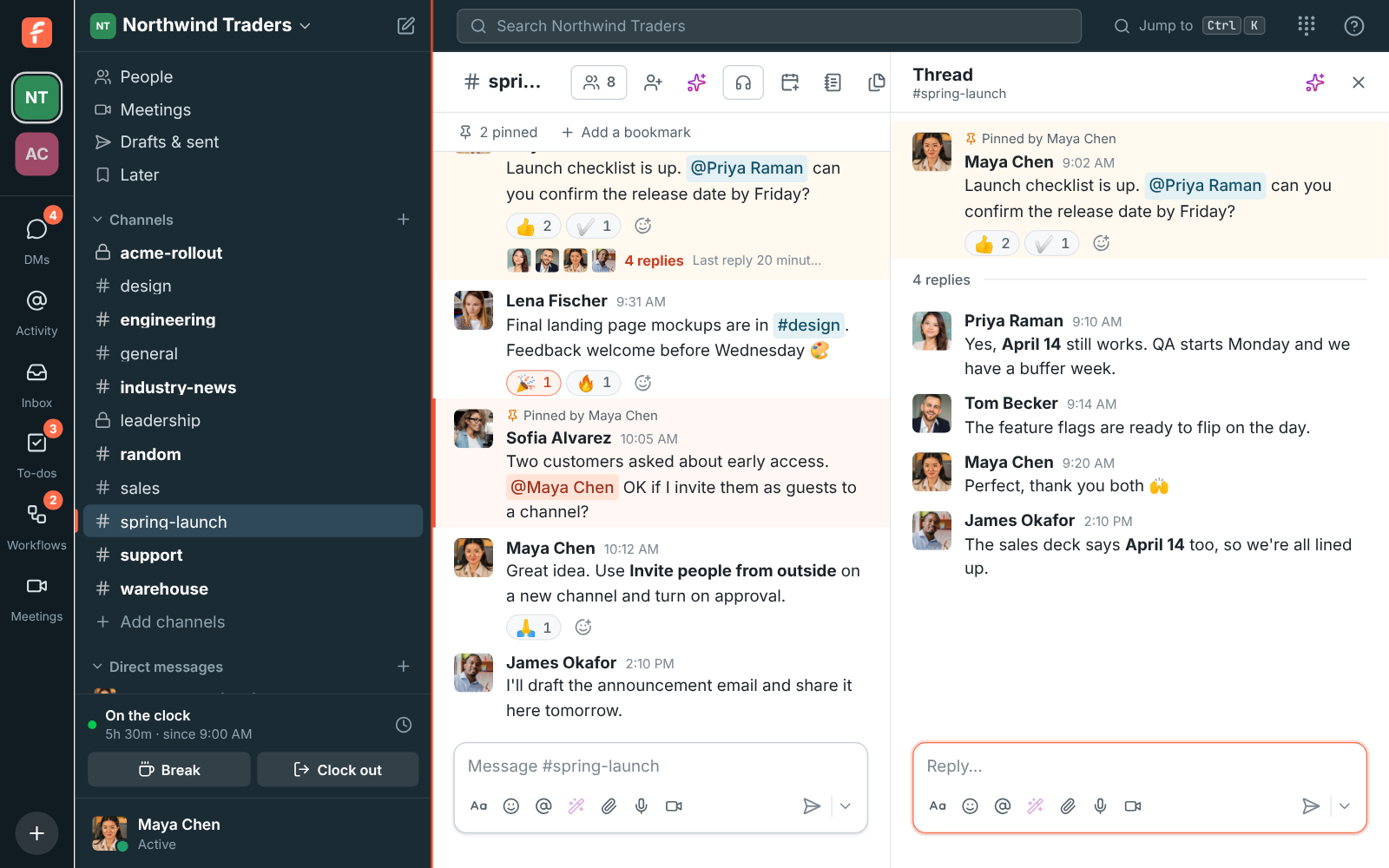
Click the plus next to Channels and choose Create a section. Give it a name and, if you like, an emoji. Right-click a conversation, or use its menu, and pick a section under Move to; New section makes one and moves it there in one go. Click a section's name to fold it, and folded sections still show conversations with something new. Your sections are the same on all your devices, and nobody else sees them.