Freesbe

Finance

All plans

Your Kraken account, in the channel, within a minute.

Connect your company's Kraken account with a read-only API key and its activity posts into a channel: a customer's USDC landing, bitcoin sold for dollars, a withdrawal to your bank. Each card shows the amount and its value in US dollars, with the network, price, fee or new balance. Add balance alerts and a daily summary of every holding.

  • Deposits, withdrawals and trades post within a minute, without logging in to Kraken.
  • Every card shows the dollar value, from Kraken's own price.
  • Up to ten balance alerts, like BTC drops below 0.5, each posting once when the line is crossed.
  • A daily balance summary of every holding, at the hour you pick, in your time zone.
  • A key that only reads: Query Funds and Query Ledger Entries, nothing that trades or withdraws.

For Finance teams at companies that hold or take payment in crypto on Kraken.

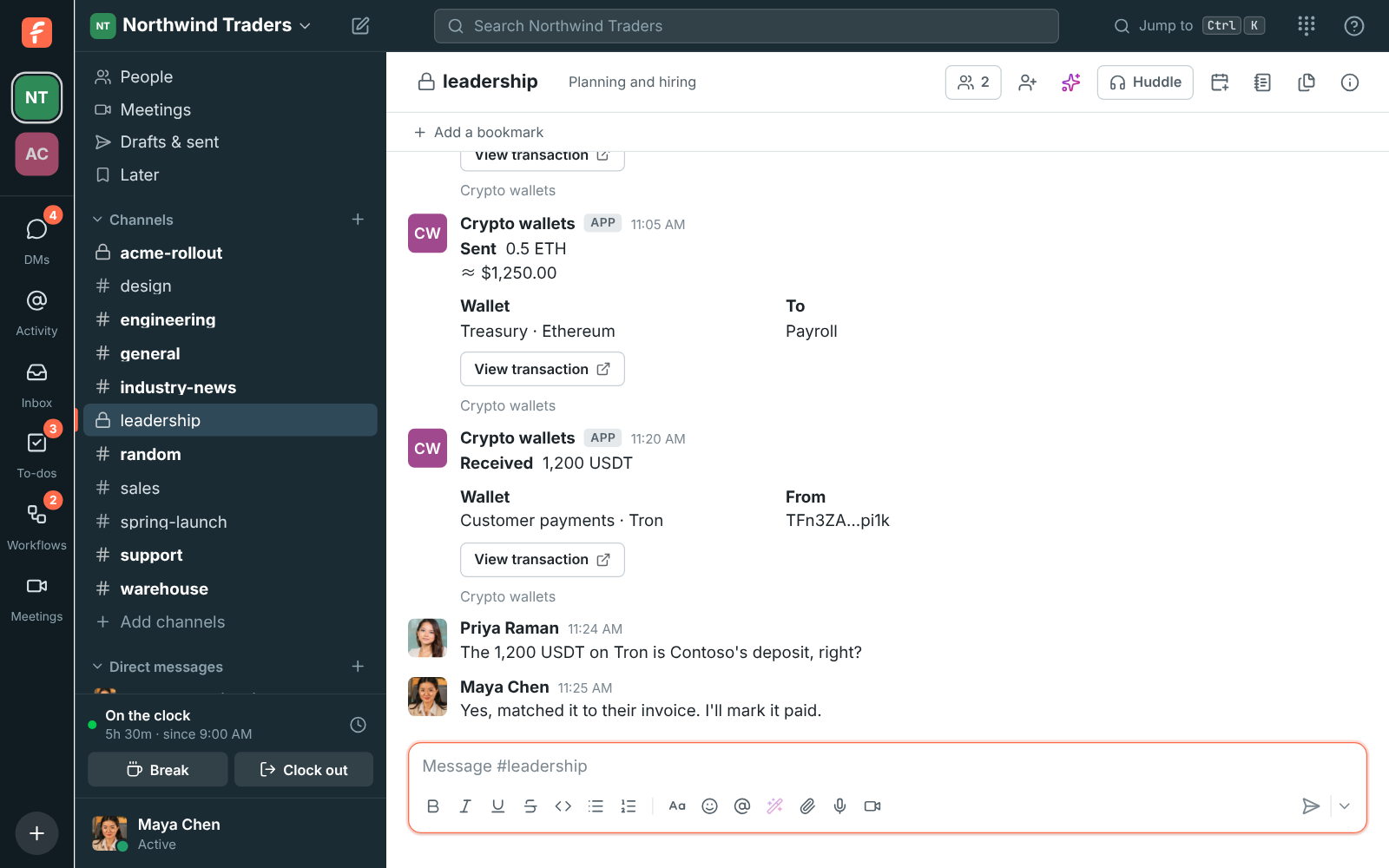
Kraken cards in #leadership: 12,500 USDC on the way and then received, 0.25 BTC sold for $17,062.50 in three fills, and a $25,000 withdrawal

Make a read-only key

In Kraken, under Settings, API, create a key named Freesbe and tick only Query Funds and Query Ledger Entries, leaving everything that trades, deposits, withdraws or transfers unticked. Paste the API key and private key into Freesbe, pick the channel and what to post, and connect. Freesbe checks the key can read your balances and ledger before saving it, keeps the private key encrypted, and shows only its last four characters.
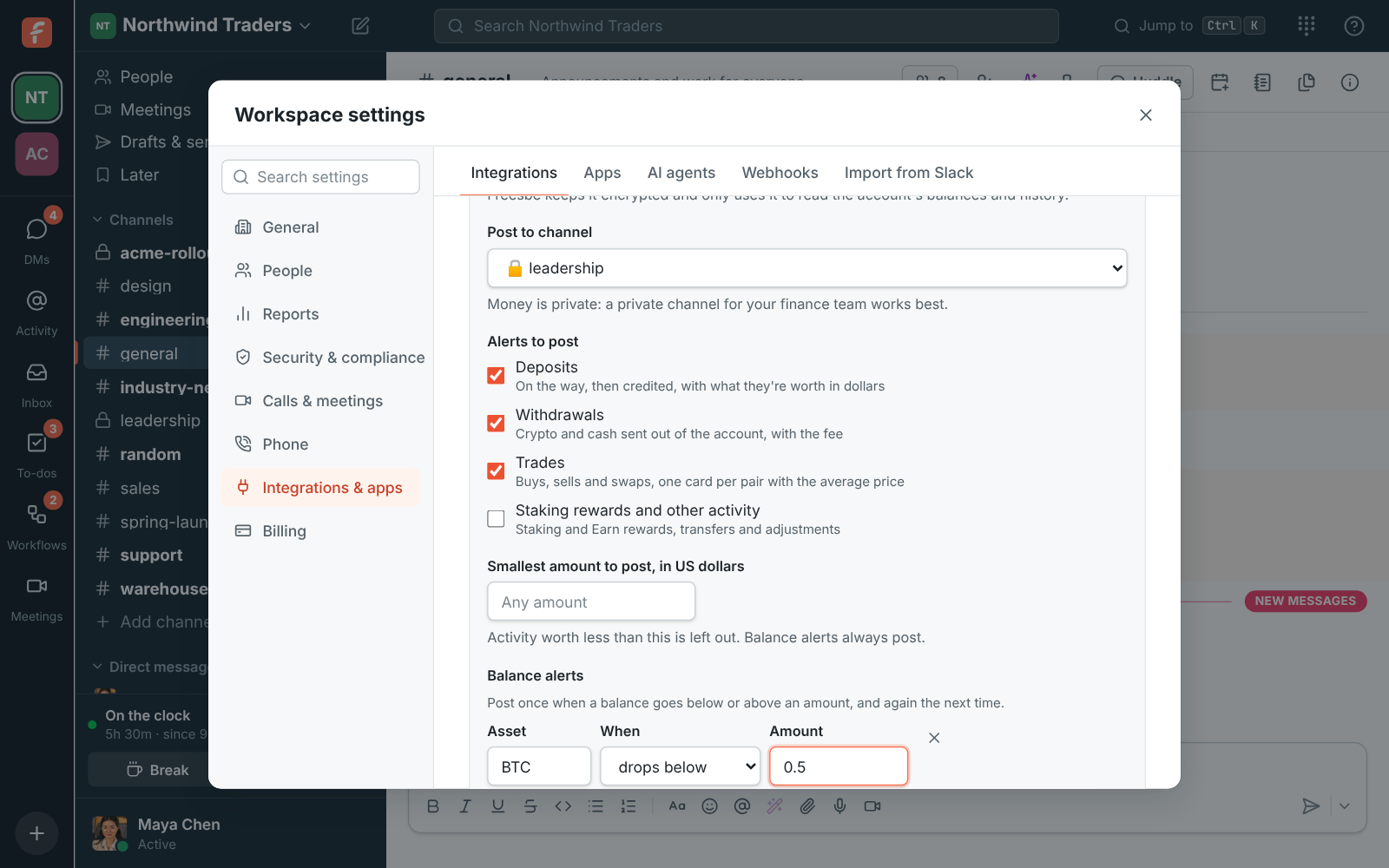
Connect Kraken: the API key and private key, #leadership, deposits, withdrawals and trades, a BTC balance alert and a 9:00 AM summary

Choose what to post

Deposits post as on the way as soon as Kraken sees them, then as received with the new balance. Withdrawals post with the fee and the new balance. Trades post as bought, sold or swapped with the average price and the fee, with fills of the same order in the same minute added up into one card. Staking rewards and transfers between your Kraken wallets are off at first, since they arrive often.

  • A smallest amount in US dollars, valued with Kraken's own price
  • Up to ten balance alerts, like USD goes above 100,000
  • A daily balance summary of every holding and the total
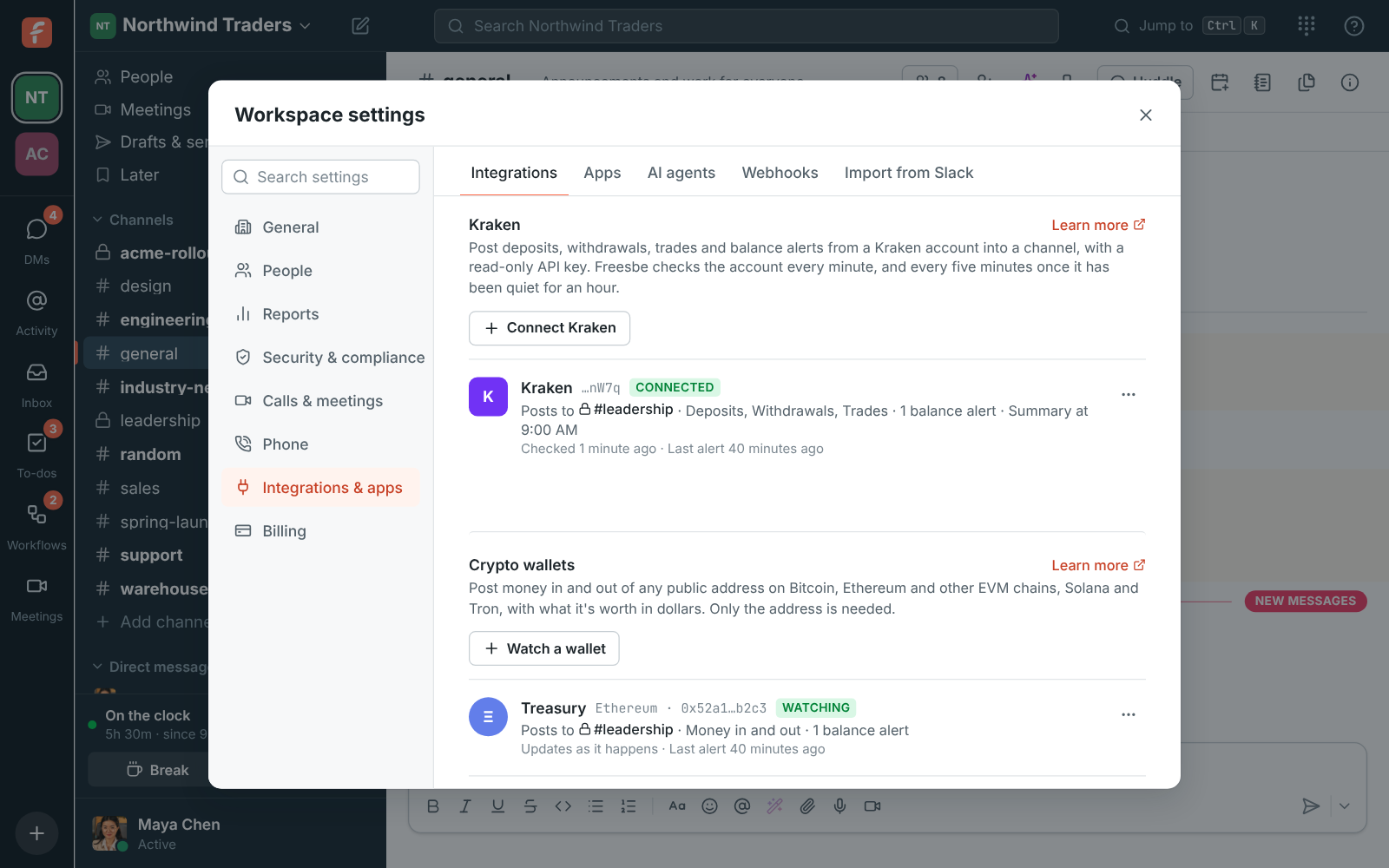
Workspace settings, Integrations, Finance: Kraken posting to #leadership, checked a minute ago, with a USDC balance alert and a 9:00 AM summary

See it on your own team's data.

Start free with up to 10 people and try it today, or book a 20-minute demo with the people who make Freesbe.

How it keeps up

Kraken doesn't send webhooks, so Freesbe asks it: every minute it reads the account's ledger and posts what's new, dropping to every five minutes after an hour of quiet and back to every minute as soon as anything happens. Nothing from before you connected posts, and each thing posts once. If Kraken refuses the key, the account says Can't read the account and why, and Replace the key takes a new one.

Plans and pricing

Kraken is included in every plan, including Free.

  • FreeUp to 10 people
  • BusinessUp to 500 people
  • CorporateUp to 2,500 people
  • EnterpriseOver 2,500 people

Questions

Can Freesbe trade or withdraw?
No. The key you make only reads balances and ledger entries, and Freesbe never asks for more. Kraken can't tell Freesbe what a key may do, which is why you tick the boxes yourself.
Which plans include Kraken alerts?
Every plan, including Free. An owner or admin connects it in Workspace settings, Integrations, Finance.
Can we post to more than one channel?
Yes. Use a separate key for each channel you connect.
What happens when the key stops working?
The account shows Can't read the account with the reason, and Freesbe tries again every 15 minutes. Make a new key in Kraken and click Replace the key.

Bring your tools, and your team.

Free for up to 10 people, no card and no time limit. Connect what you already use in an afternoon.