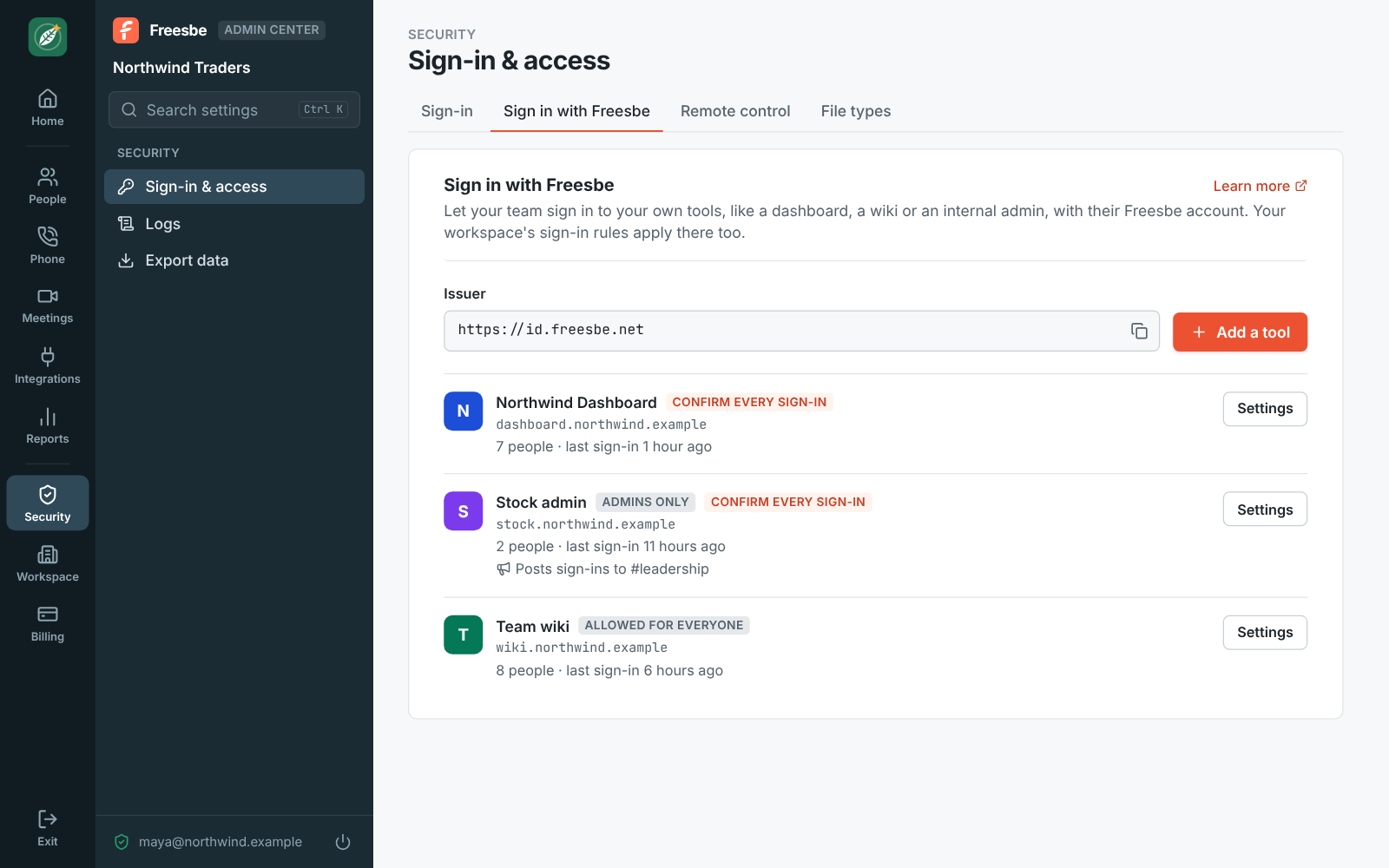
Set up a tool in a few minutes
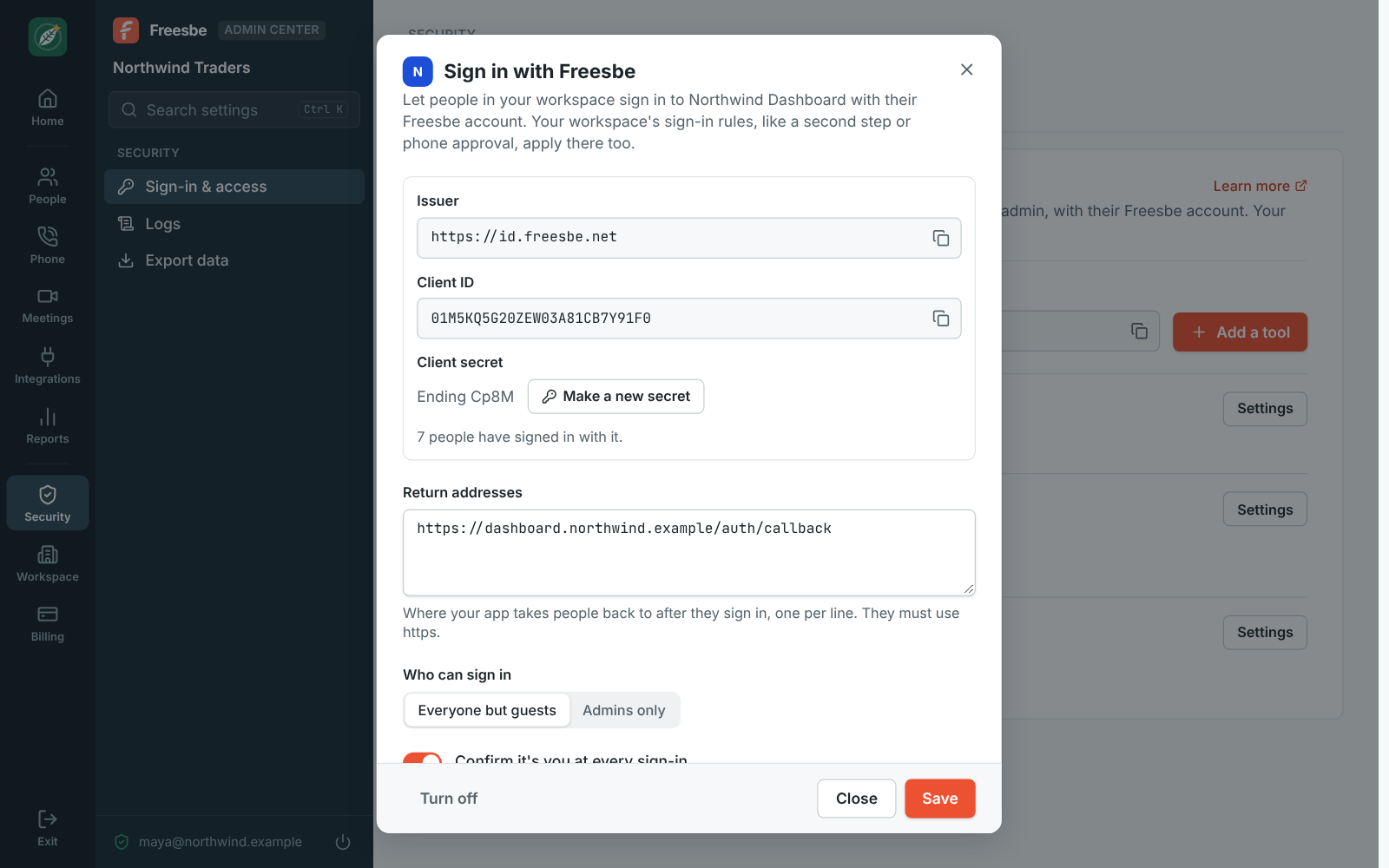
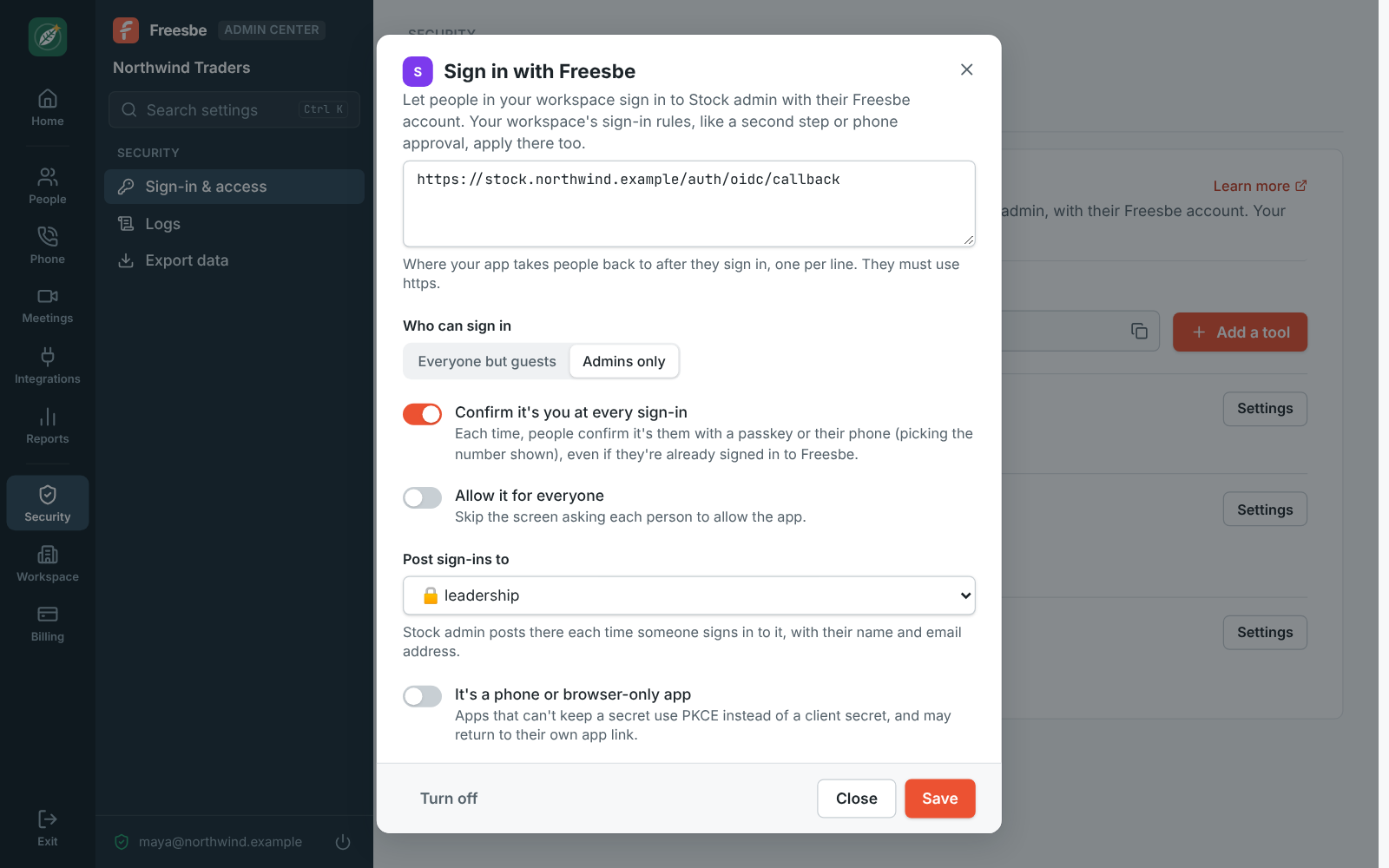
In the Admin Center, under Security, Sign in with Freesbe, click Add a tool and give it a name; each tool is one of your workspace's apps, and its name and colour are what people see. Paste the return address your tool asks for, the redirect URI, and turn it on. Freesbe shows the issuer, the client ID and a client secret shown once. Most tools only need the issuer and find the rest at the discovery address.