Freesbe

Call and meet

Phone system add-on

Every call accounted for.

The call log lists every call on your phone system: in, out and between colleagues, with who called, who answered and how long they talked. Search a number, filter by dates, direction, result or people, play a recorded call under it and download a CSV. Call center reports add up calls, service level, waits and breaks over any dates.

  • Answer 'did anyone call them back?' in one search.
  • Hear the call, not the summary of the call, from the same row.
  • Know your service level, your average wait and your longest wait for any week.
  • See how each person's day went: calls, talk time, breaks and time signed in.
  • Take it to a spreadsheet: CSV of the log and of every report.

For Managers of sales and support lines, and admins who get asked about a call.

The Admin Center on Phone, Call log: calls in, out and between colleagues, with who answered, talk time and missed calls in red

The log

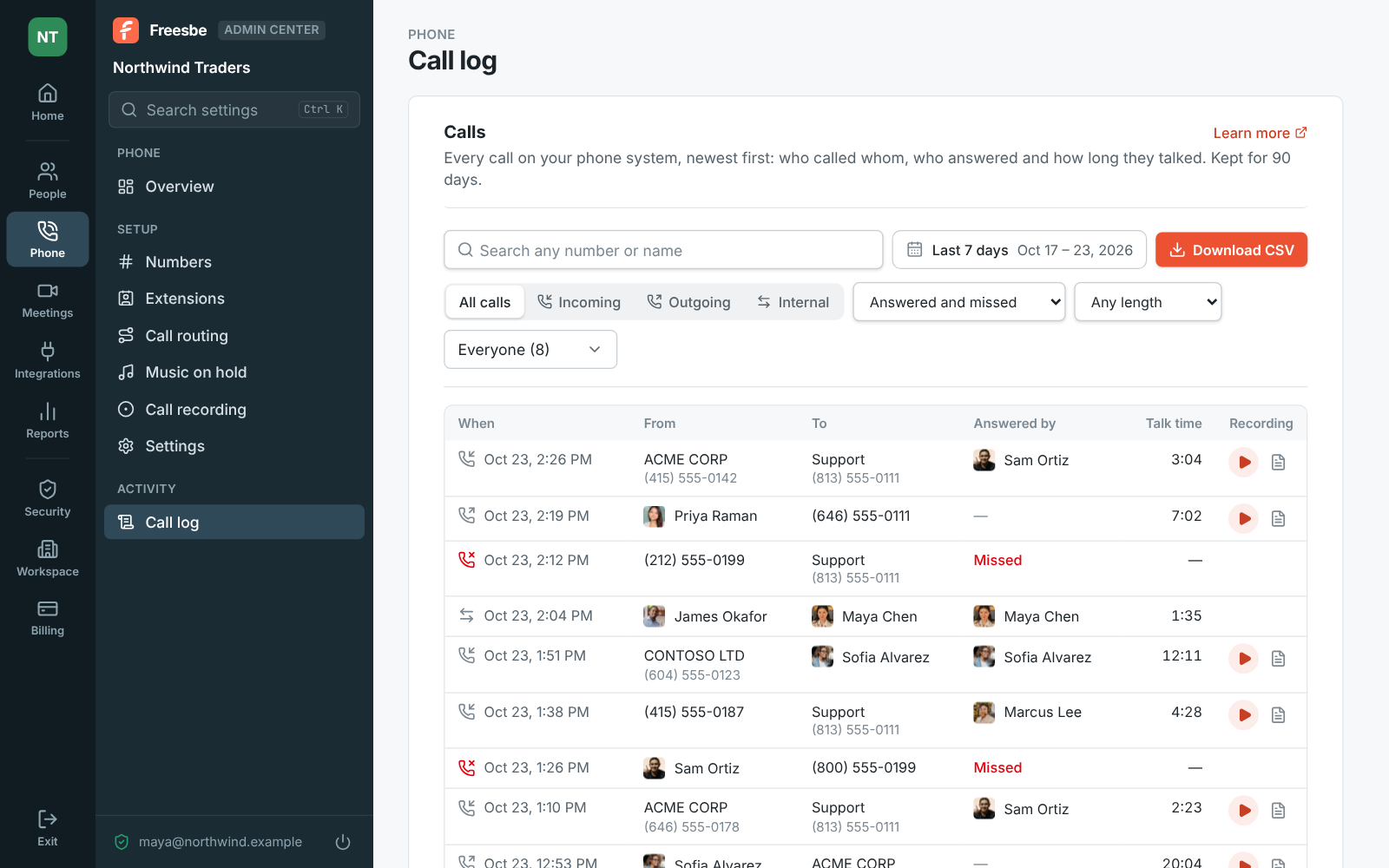
Each line says when the call started, who called, the number or person it rang, who answered, and how long they talked, with missed calls in red. Search any number or part of one, three digits or more, or a colleague's or caller's name. Filter by direction, by result, by length over 1, 5 or 10 minutes, and by people. Calls show up a few minutes after they end and are kept for 90 days. Download CSV saves every call the filters show, up to the newest 5,000.
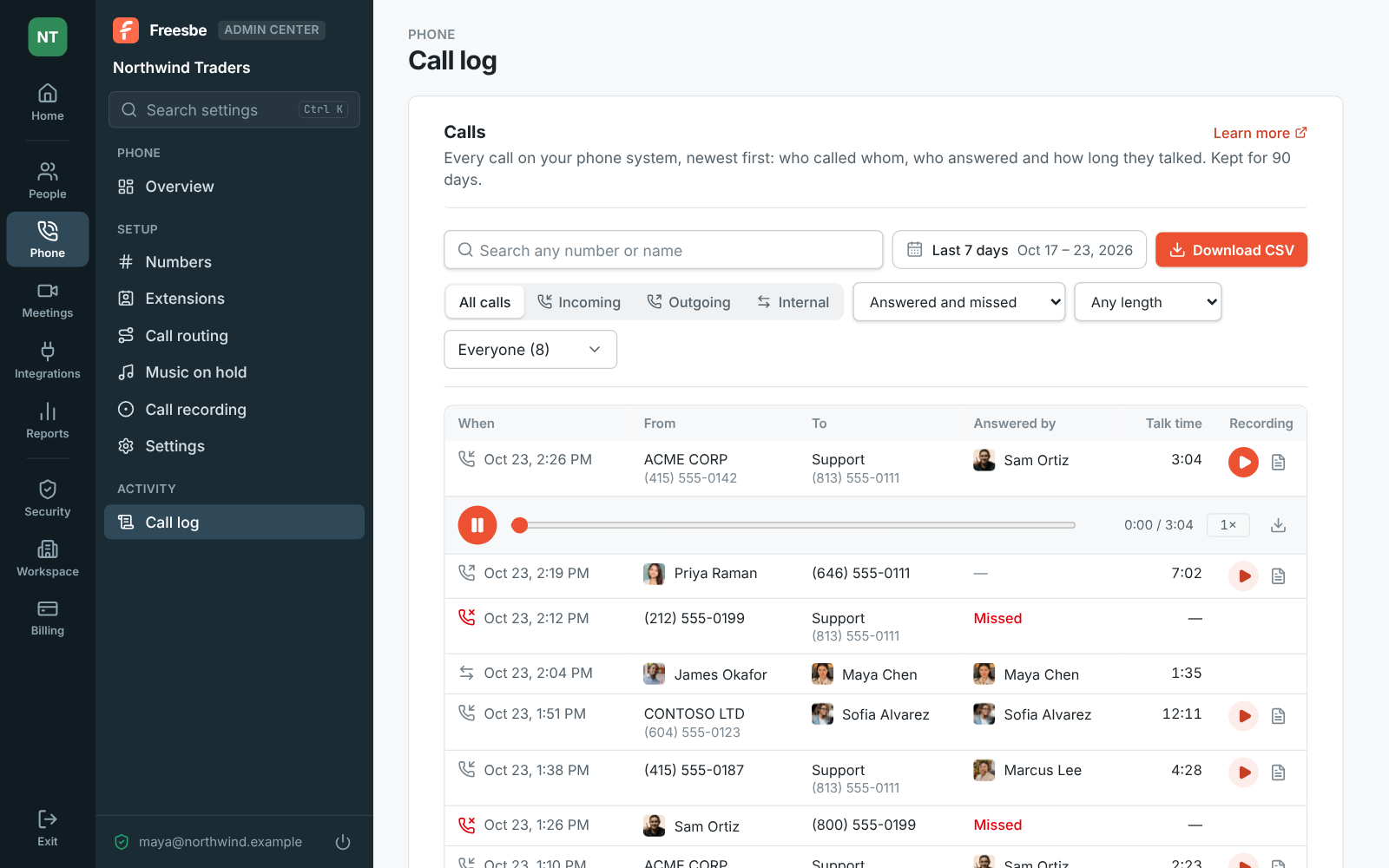
The call log with calls in, out and between colleagues

Any dates

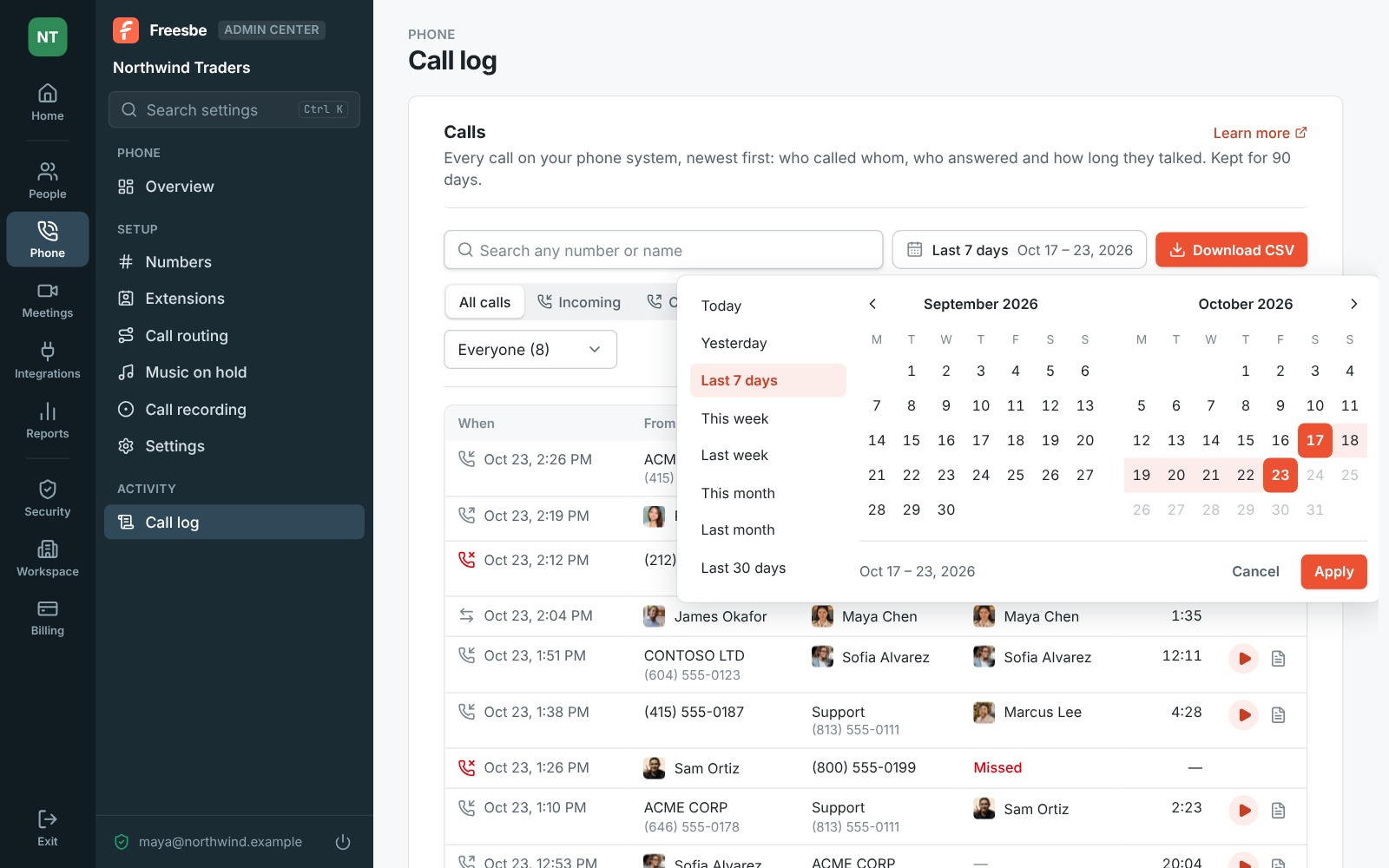
Pick a range on the calendar, or this week, last week, this month or last month, up to 90 days at a time. Show older loads more, and Clear filters starts over. Each person still sees their own calls in the phone's Recent tab, from every device, so the log is for the questions that cross people: who took the call, and whether anyone called back.

The call log's calendar: pick the first and last day, or a range like this week or last month

See it on your own team's data.

Start free with up to 10 people and try it today, or book a 20-minute demo with the people who make Freesbe.

Play the recording under the call

A recorded call has a play button that opens a player under it: play, pause, jump anywhere, play at 1.5× or 2×, or download. Transcript opens what was said line by line, with a summary, the caller's mood, the key points and what to do next; click a line to hear it, or search for a word. A recording without a transcript has Make a transcript, which writes one in a minute or so when transcripts are on.

A recorded call playing in the call log, right under the call

Call center reports, by queue

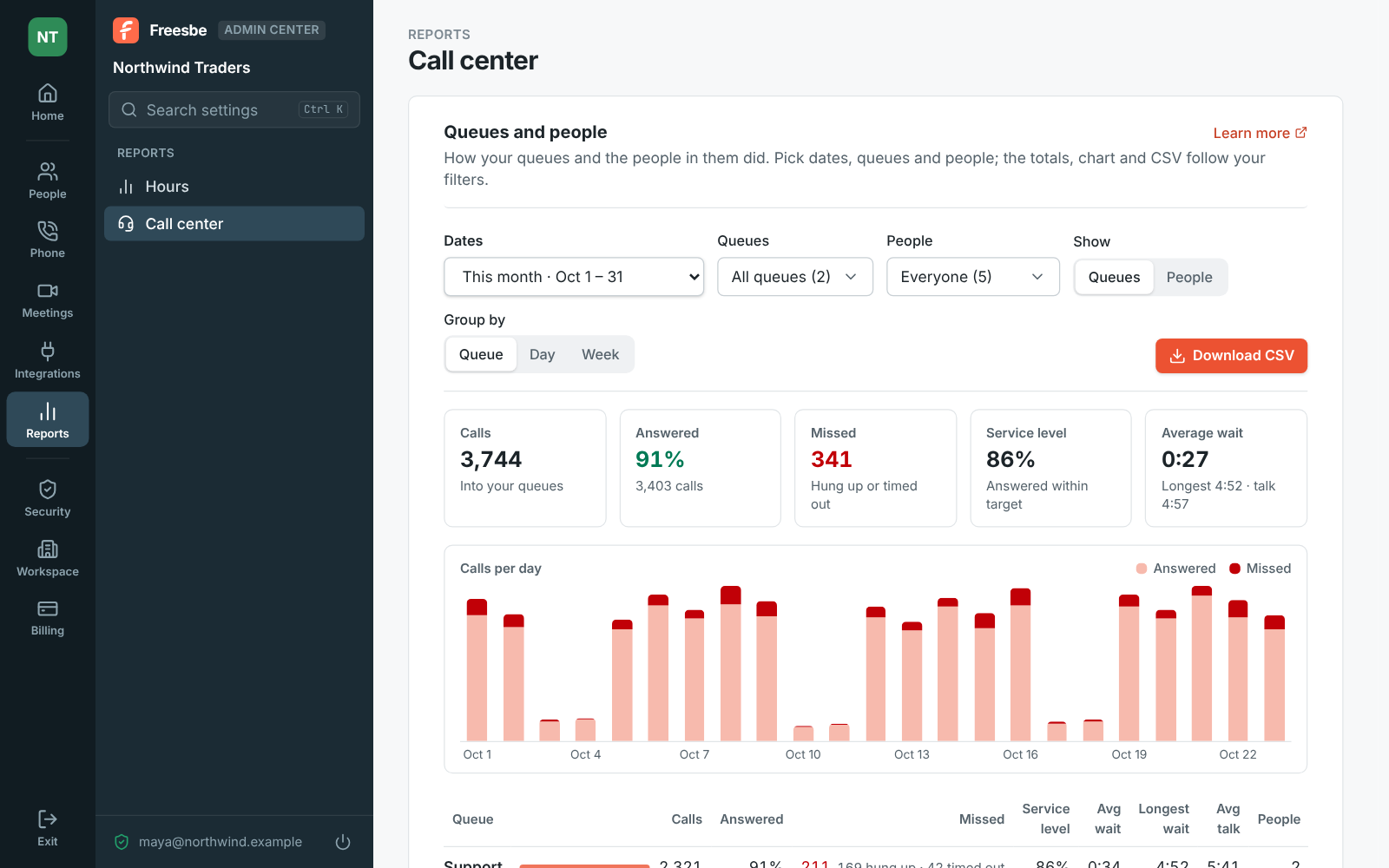
Reports, Call center shows how your queues did over any dates: calls in, how many were answered, missed calls split into callers who hung up and ones the queue gave up on, service level, the average and longest wait, and the average talk time, with calls per day under the totals. One row per queue, per day or per week, with All queues added up at the bottom, and a CSV of what the table shows.

Reports, Call center: filters, totals for the month and calls per day

And by person

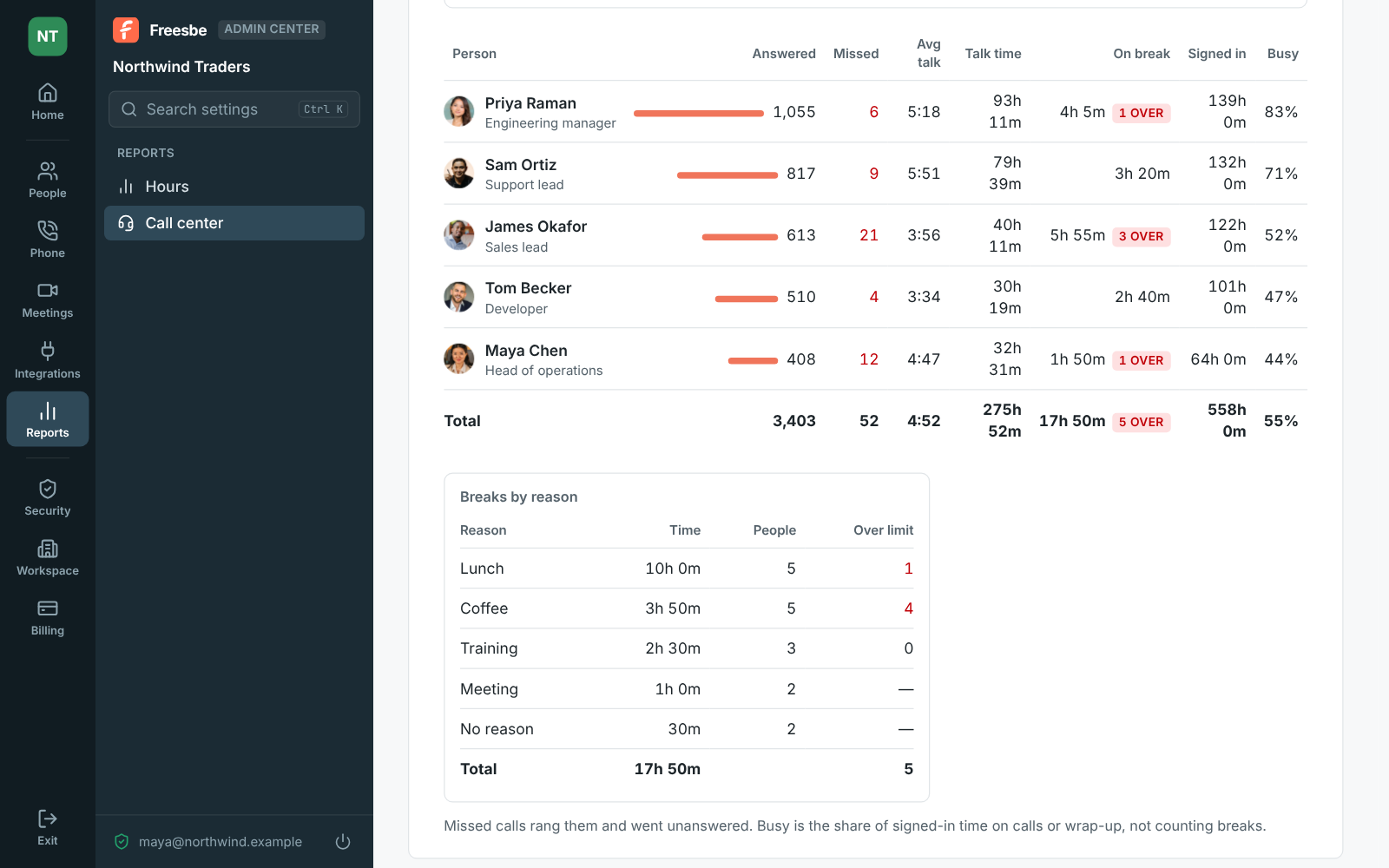
Switch to People for one row per person: calls answered, calls that rang them and went unanswered, average and total talk time, time on break, time signed in to their queues, and how busy they were, the share of signed-in time spent on calls or wrapping up. Breaks past their reason's time limit are marked, and Breaks by reason adds up break time for each reason, how many people took one and how many went over.

Reports, Call center by person: answered calls, talk time, breaks and time signed in, and breaks by reason

Plans and pricing

Call log and call center reports comes with the Phone system add-on, on any paid plan. It costs $8 per person a month, billed yearly ($10 month to month). The add-on isn't on sale yet; talk to us to be first. Call center reports come with the Call center add-on.

  • BusinessUp to 500 people
  • CorporateUp to 2,500 people
  • EnterpriseOver 2,500 people
  • Phone system add-on$8 per person a month, billed yearly ($10 month to month)

Questions

Which plan includes this?
The call log is part of the Phone system add-on, on top of any paid plan. Reports, Call center comes with the Call center add-on.
How long are calls kept in the log?
90 days, with up to 90 days shown at a time. Recordings are kept for as long as the admin set under Call recording, from 30 days to until someone deletes them.
Who can open the log and the reports?
Workspace owners and admins open the Admin Center. Each person sees their own calls in the phone's Recent tab.
What's in the CSV?
The call log's CSV has every call the filters show, up to the newest 5,000, with times in UTC and talk time in seconds. A report's CSV saves what the table shows, with times in seconds and service level as a fraction.

Try all of it free with up to 10 people.

No card, no time limit. Invite your team and see what sticks.