Connect in Preferences, with one permission
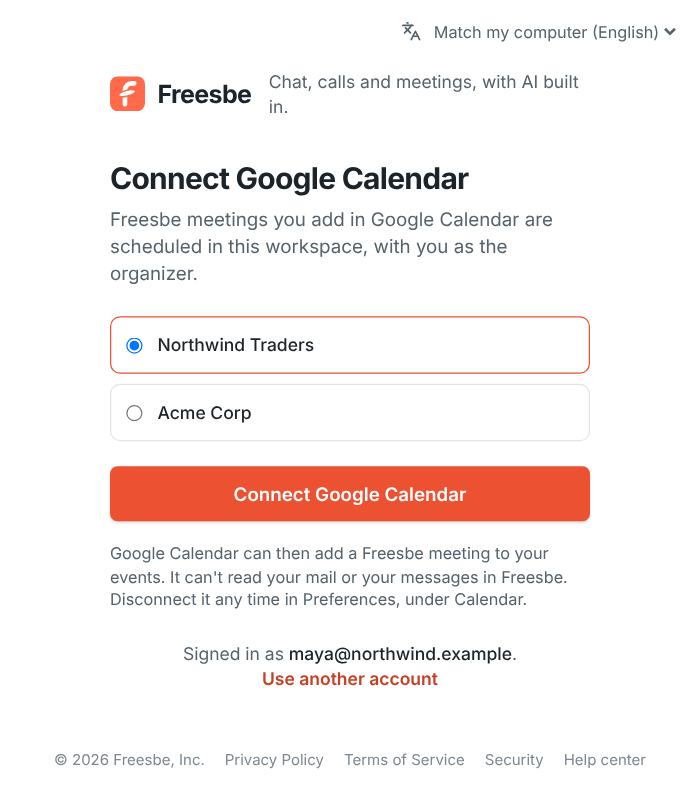
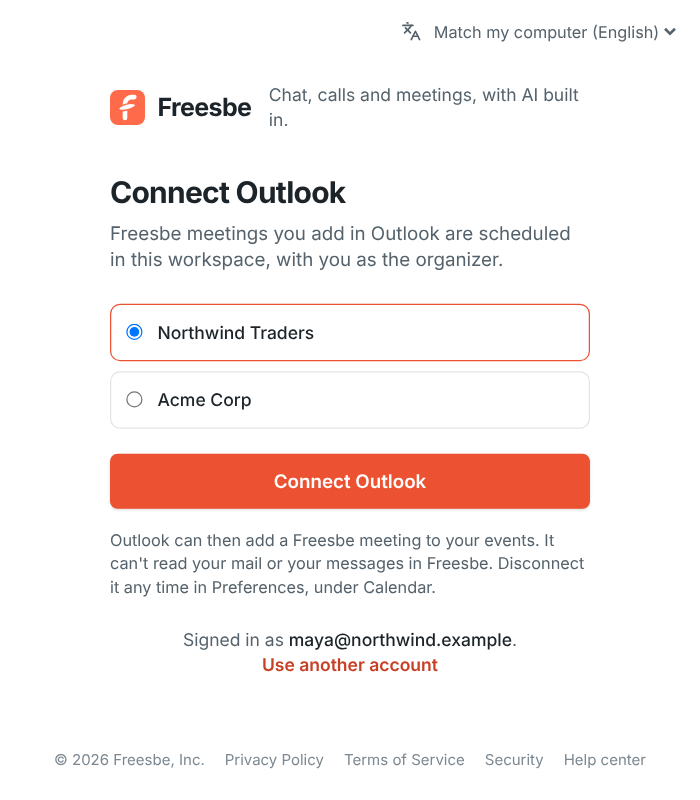
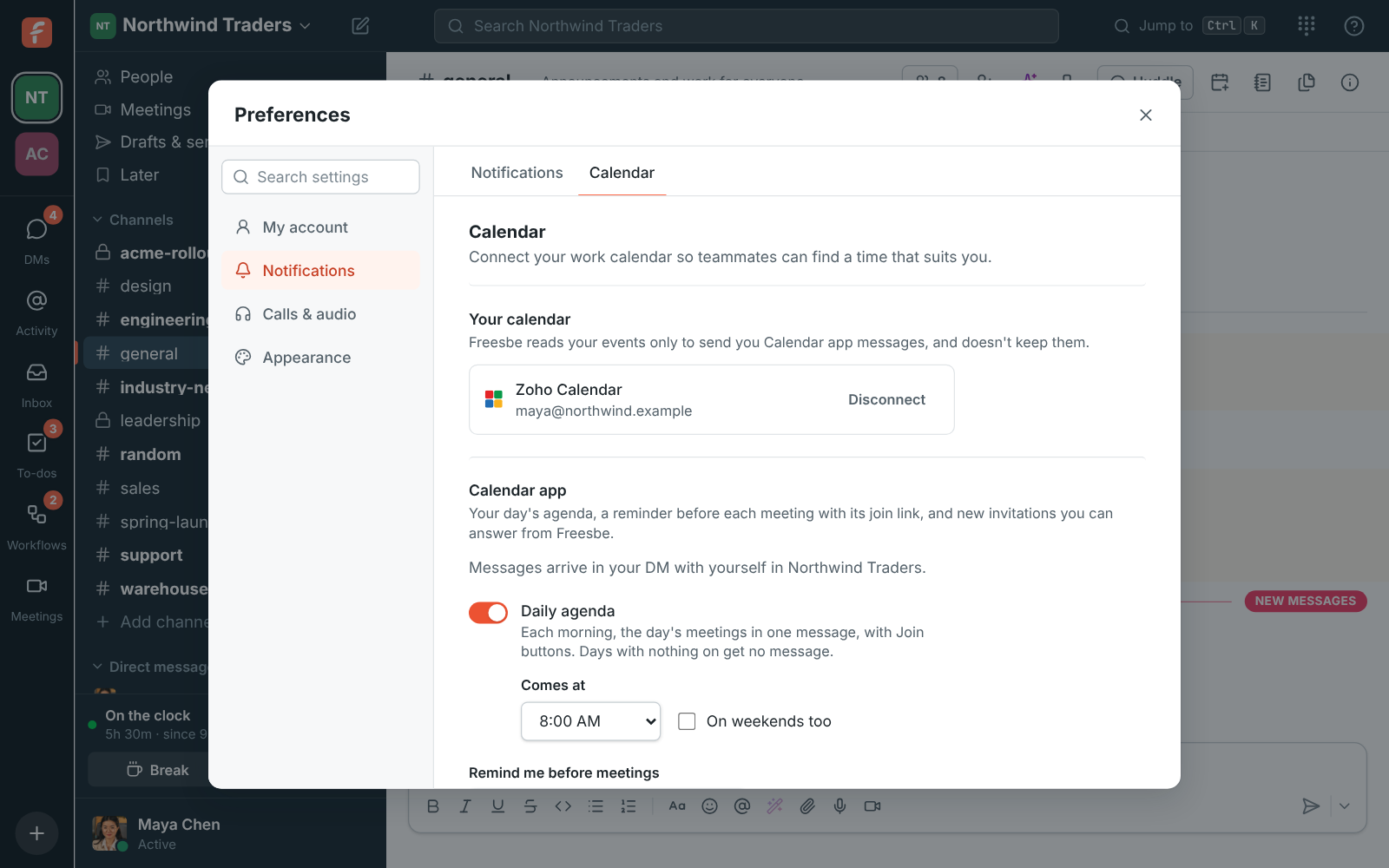
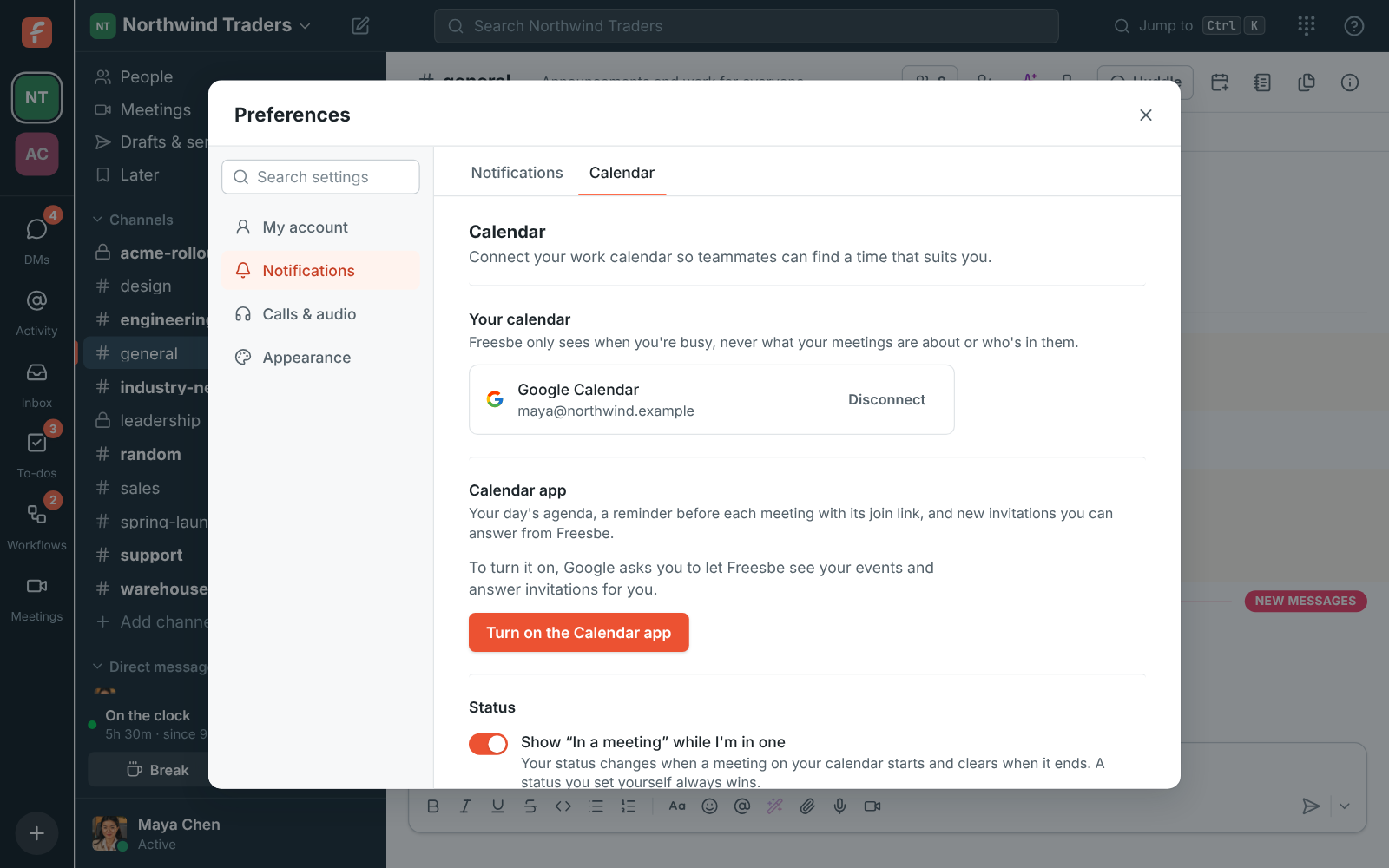
Open Preferences, choose Calendar, and click Connect Google Calendar, Connect Microsoft Calendar or Connect Zoho Calendar. Sign in to that account, which can be a different one from the account you sign in to Freesbe with, and allow Freesbe to see when you're busy. In the desktop app, Connect opens Freesbe in your browser; connect there and the app picks it up. Disconnect removes Freesbe's access.