Freesbe

Trust

All plans

Everything an admin runs, on one full screen.

The Admin Center at manage.freesbe.net is where owners and admins manage a workspace on a full screen in the browser. It has every setting the app has, plus room for the bigger jobs: the phone system, the members table, the audit and message logs, integrations and billing. It takes its own sign-in with a strong second step, every time.

  • Find any setting in two clicks, or type its name and press Enter.
  • Change many members at once, filter them and export a CSV.
  • See what the workspace spent today and this month, and what's charged next.
  • Keep day-to-day switches in the app, and anything that could lock people out or cost money behind a second step.
  • Give a finance lead or helpdesk only their part of it, with admin roles.

For Owners and admins, and the IT and finance people who run a workspace of a few hundred.

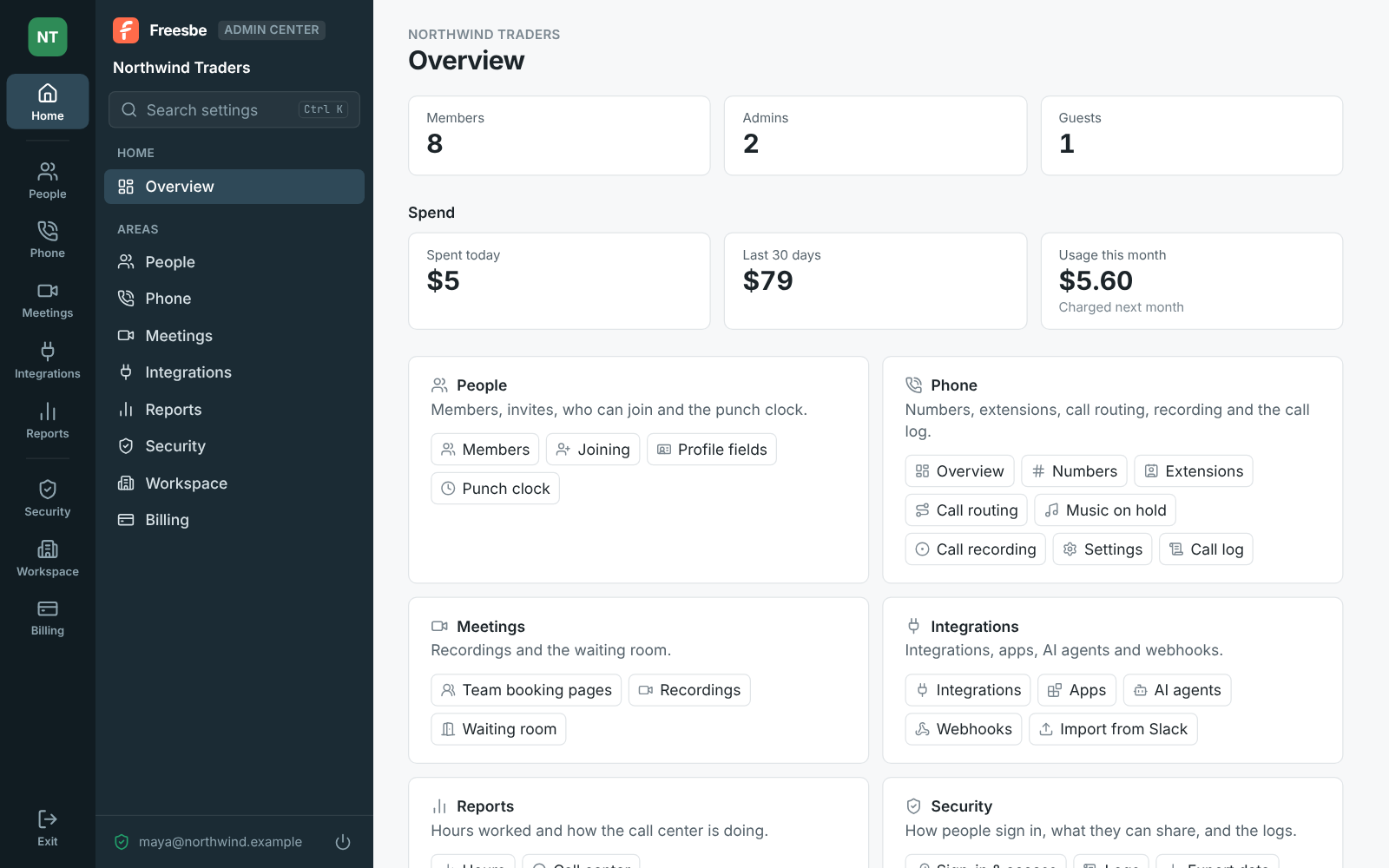
The Admin Center's Home for Northwind Traders: the rail of areas and the sidebar, member counts, spend, and every area with its pages

Laid out like the app, with room to work

A rail of areas on the left: Home, then People, Phone, Meetings, Integrations and Reports, and below a line Security, Workspace and Billing. Pick one and its pages list in the sidebar; a page with parts has tabs. Home shows who's in the workspace and what it spent today, in the last 30 days, and past the plan this month. Phone opens on an overview of numbers, today's calls and missed calls, and what's left to set up.
The Admin Center's Home with the rail, the sidebar and member counts

The bigger jobs, done as tables and logs

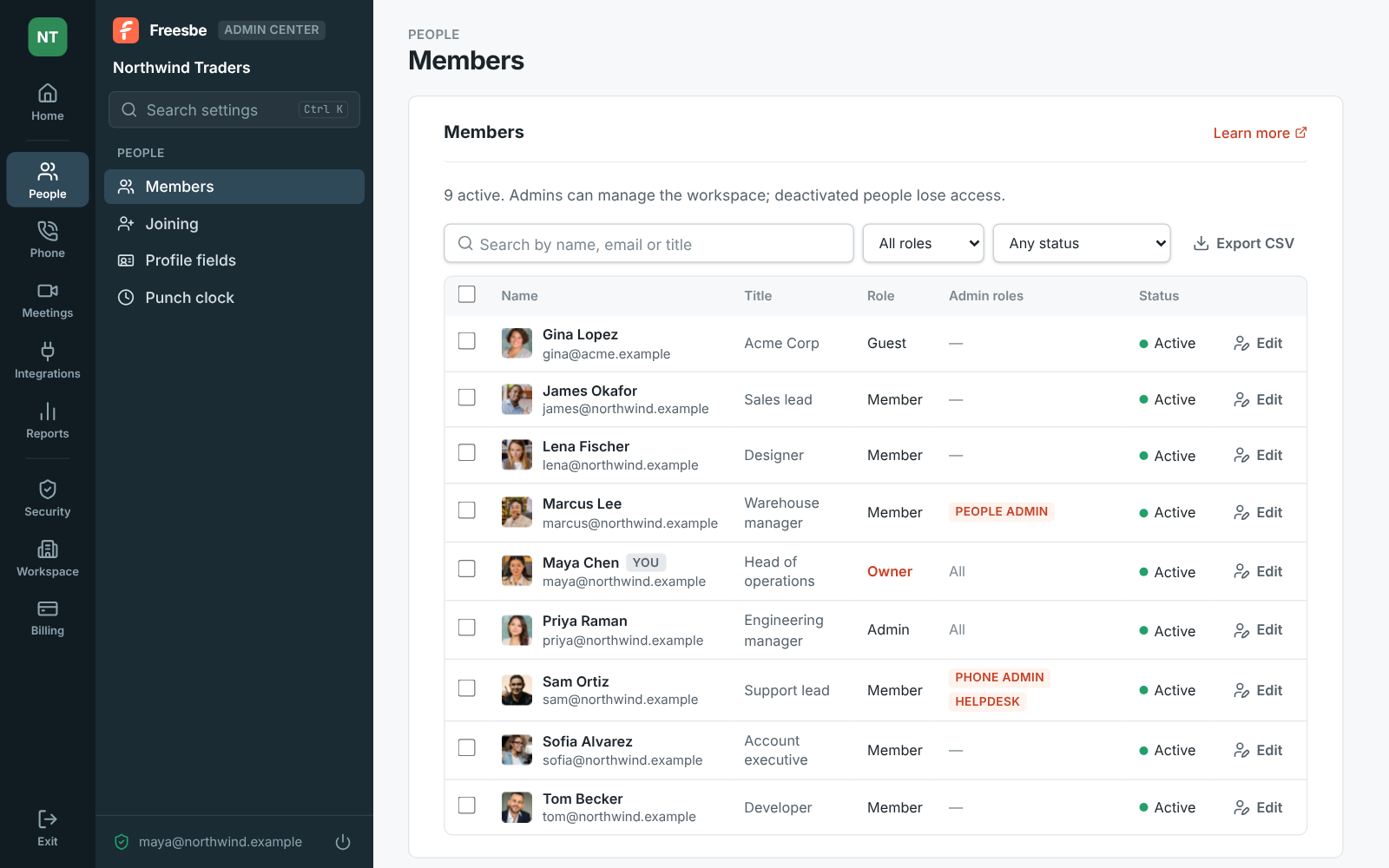
People, Members is a table with title, role and status: filter by role or status, tick people and make them admins or members, deactivate or reactivate them, copy sign-in links, and export everyone shown as a CSV. Each name opens a page with everything an admin can change about that person, saved together. The audit log, the security activity and the message log of every customer message sit under Security, Logs, each with filters and an export.

The Admin Center's Members table with filters, roles and statuses

See it on your own team's data.

Start free with up to 10 people and try it today, or book a 20-minute demo with the people who make Freesbe.

Its own sign-in, always with a strong step

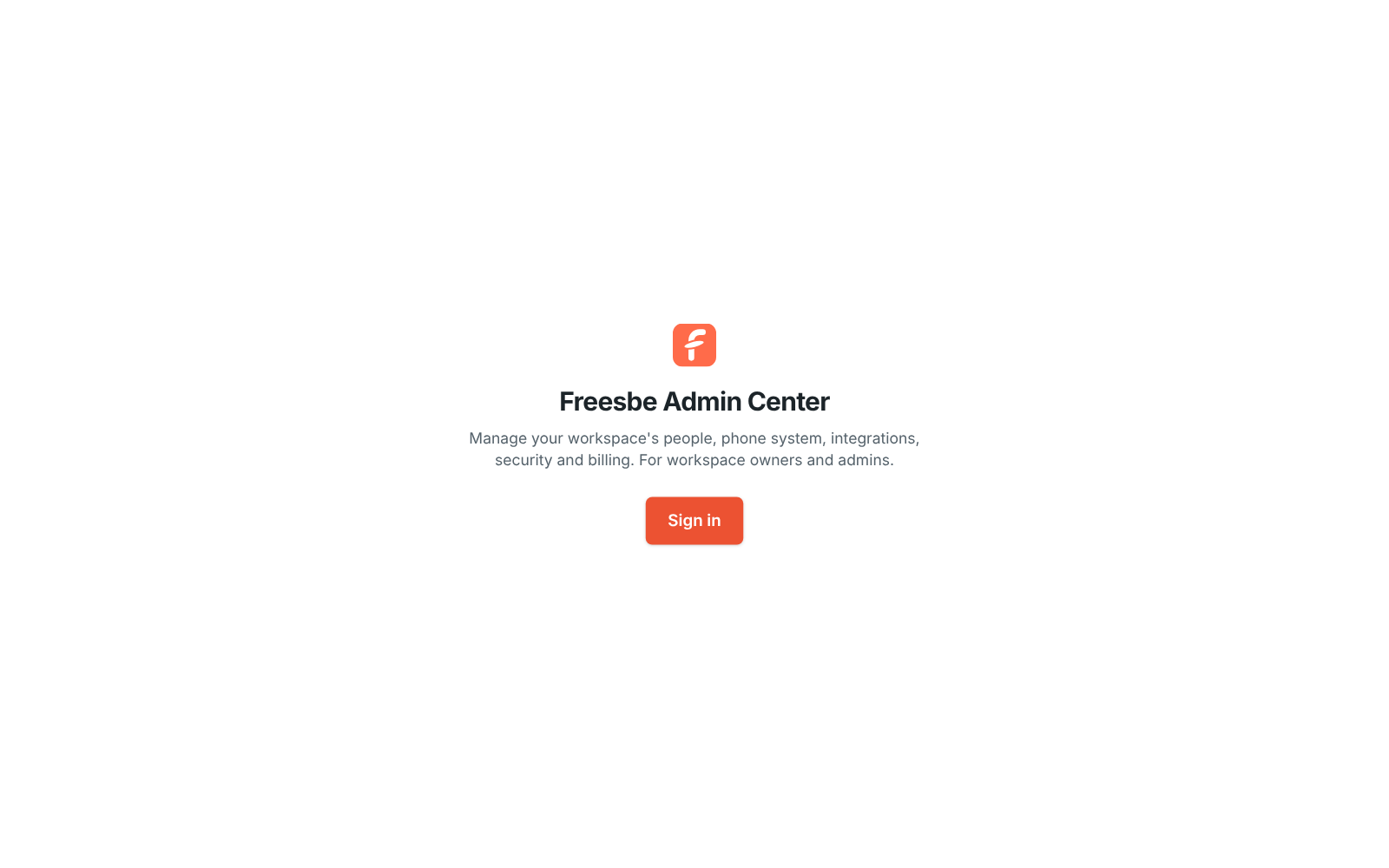
The Admin Center has its own sign-in, separate from the app's, so someone using your computer with Freesbe open still has to sign in to change workspace settings. Each time it asks for a passkey, a phone approval or a code from your authenticator app, even when the workspace doesn't require MFA; an emailed code isn't enough unless you allow it. A sign-in lasts 12 hours, and every one shows in Security activity. Apps, AI agents and API tokens can't use it.

The Admin Center's sign-in screen with a Sign in button

Search it, bookmark it, switch workspaces

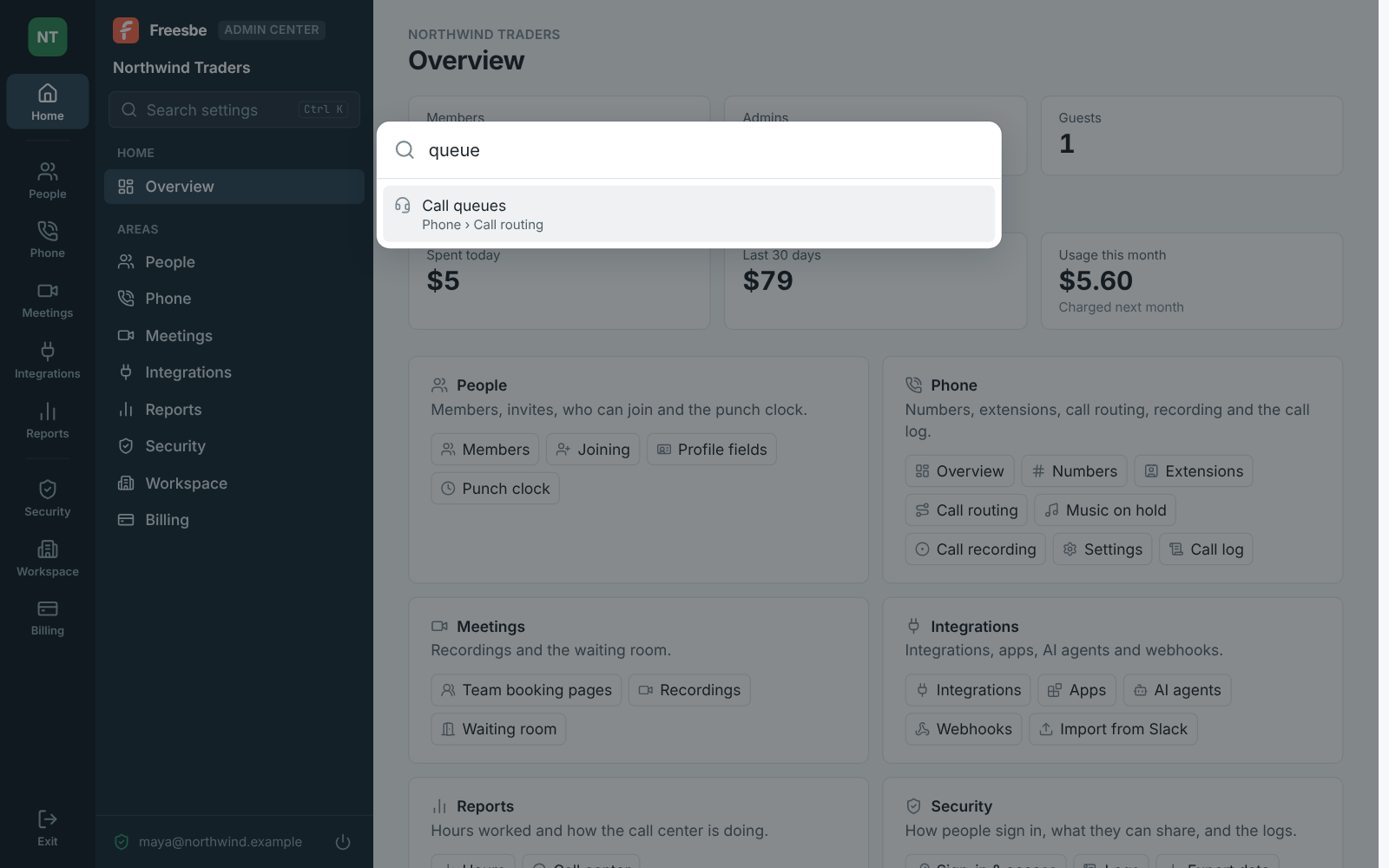
The search box at the top of the sidebar finds any page, tab or setting in every area, like queue or SSO; Ctrl K opens it from anywhere. Every page and tab has its own address, so you can bookmark it or send it to another admin. Click your workspace's icon to switch to another one you administer and stay on the same page. On a phone, the rail runs across the top. Exit returns to the app without ending the app's sign-in.

Search in the Admin Center finding Call queues

Quick settings stay in the app

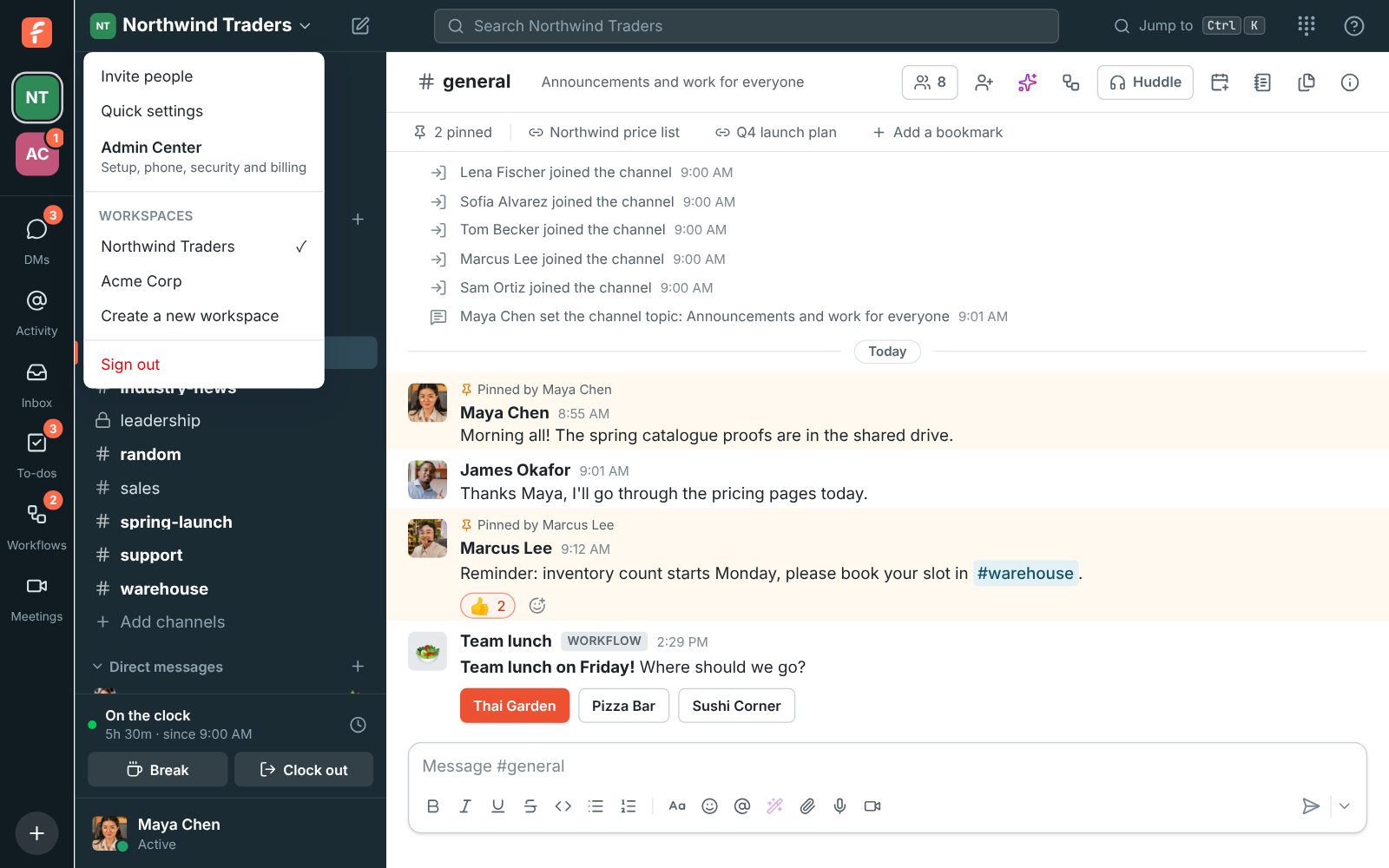
The app keeps Quick settings in the workspace menu: one switch or field each for how chat, meetings and AI work today, like who can edit messages, recordings on or off, the waiting room, invites and member roles. Change those in either place and the other shows it. A setting goes in the Admin Center when it could lock someone out, delete data or cost money, or needs a table, a builder, a log, a DNS record or another company's account.

The workspace menu with Invite people, Quick settings, and Admin Center for setup, phone, security and billing

Plans and pricing

The Admin Center is included in every plan, including Free.

  • FreeUp to 10 people
  • BusinessUp to 500 people
  • CorporateUp to 2,500 people
  • EnterpriseOver 2,500 people

Questions

Which plan includes this?
Every plan, including Free. Admin roles that open only part of it to a member come with Corporate and Enterprise.
Who can open it?
Owners and admins use the whole Admin Center. On Corporate and Enterprise, a member with an admin role signs in the same way and sees only their pages. Other members and guests are told to ask an admin.
Is it the same as Workspace settings?
It has everything Workspace settings has, including the Quick settings the app keeps, so you can do everything in one place. Bigger jobs like extensions, phone menus, call queues, the call log and the members table are in the Admin Center only.
Where is it?
Choose Admin Center in the workspace menu and it opens in your browser on the workspace you were in, or go to manage.freesbe.net and sign in. admin.freesbe.net is for Freesbe's own staff, not for workspaces.

Try all of it free with up to 10 people.

No card, no time limit. Invite your team and see what sticks.