
Freesbe is out of date
Someone else has a button or a feature you don’t, or What’s new mentions something you can’t find.
How Freesbe updates
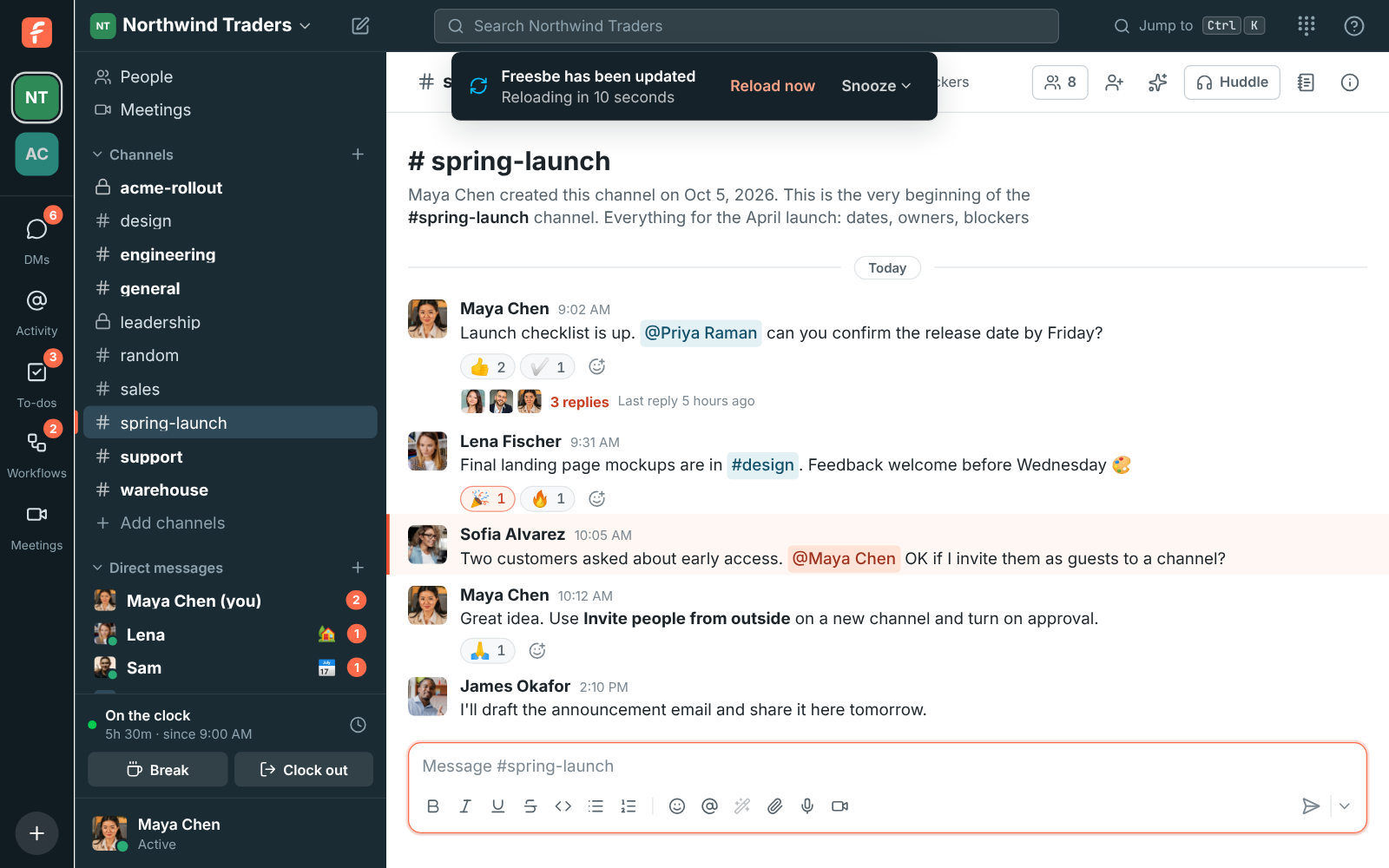
Section titled “How Freesbe updates”Freesbe reloads itself a few minutes after a new version goes live: you see Freesbe has been updated and the window reloads after ten seconds. It waits while you’re in a call, while a file uploads or a recording saves, and while you’re typing. If you clicked Snooze, it waits 15 minutes, an hour or four hours.
Get it right away
Section titled “Get it right away”Reload the page: Ctrl+R (Cmd+R on a Mac).
Update the desktop app itself
Section titled “Update the desktop app itself”The desktop app’s window, tray and menus update separately from what’s inside the window.
- Windows and Linux: it checks when it starts and every four hours. Choose Check for Updates… in the tray menu to check now.
- Mac: download the latest version from freesbe.net/download and replace the old app in Applications.
See Updates.
Answers come from the Freesbe guides and are written by AI, so check the linked guide before relying on one. Please don't include personal details such as emails or passwords.